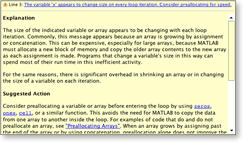
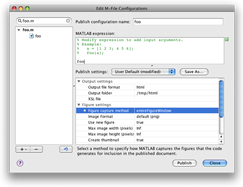
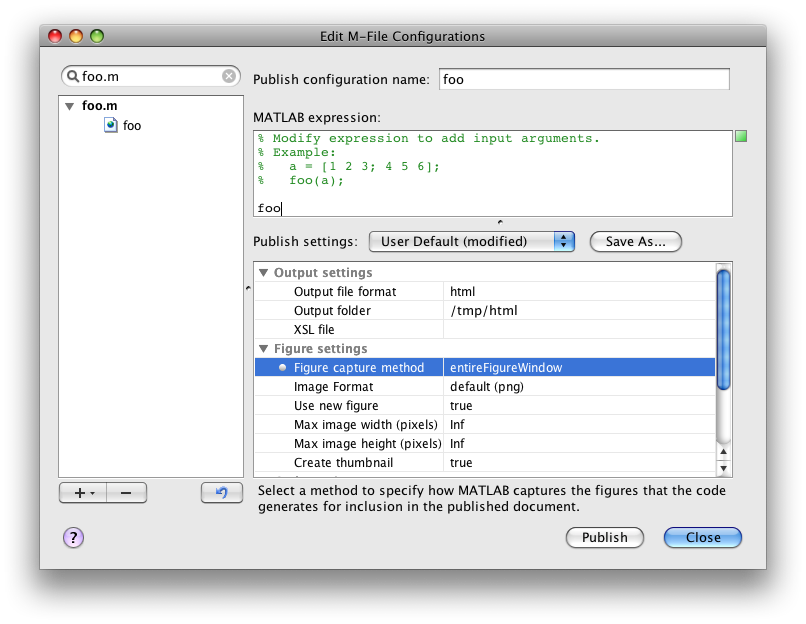
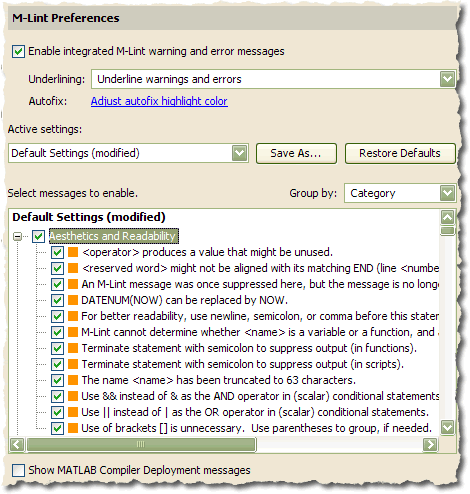
R2009a (version 7.8) is here! These releases sure do come quickly. You’ll find the full release notes here. You can also find a video of the new Desktop features here. Below, I’ve called out some of my favorite new and updated Desktop features.
By
Ken Orr
Ken is a developer on the MATLAB Desktop team. He loves the art of graphic design as well as developing visually pleasing user interfaces - he's one of those 'crazy' Mac guys!
Amen to “Publishing Figure Capture Methods!”
Thanks Daniel. I hope it will make writing your blog easier.
As a potential feature request…
I was mentioning over at Loren’s blog that it would be nice if there were some way to reopen a specific set of files in the editor. That would allow one to easily switch between “Projects” in the editor. i.e. something like “Save Editor State” and Load Editor State. Perhaps this already exists and I don’t know about it.
Hi Jody,
Your request is a good one. In fact, your not the first to ask for this feature (see comments here and here).
Thanks for the feedback.
-Ken
On Loren’s blog, Daniel had a suggested implementation of this using Java….
Jody,
That bit of code will stop working in a future release of MATLAB.
Publish to PDF has been a long-time request of mine. I am looking forward to finally getting rid of the clunky HTML with a whole tail of image files tagging along.
As for the file exchange, if you did it right, I think it will be one of the great features. If not, it will quickly end up on the rather large pile of “ideas that were good as such, but ultimately weren’t helpful”.
–DA
I’ve seen some people mentioning a requirement of having 2 desktop windows. Main purpose is to work on 2 screens and have some windows docked into the one container (desktop window) and others on the other screen.
All responses were that it is not possible. Could it become possible?
New release 2009b to me is frustrating compared to 2008. I have no emacs interface anymore in command window or editor. Even tab completions are not allowed.
Now my MAC machine using matlab looks like a PC using windows. I wish I did not delete my R2008.
Now I open an outside emacs editor for matlab files but I am stuck with the command window.
fayez,
We’ll be talking about Emacs integration next week — stay tuned. What do you mean by “tab completions are not allowed”?
I’m not sure what you mean by “Now my Mac machine using MATLAB looks like a PC using Windows” — the look of MATLAB hasn’t changed *that* much between R2008a/b and R2009b, and it certainly doesn’t look any more like Windows than it did.
-Ken
Rudolph - You can indeed dock windows into separate docking groups (containers), including new user-defined groups. You can then move any of your containers to the secondary screen.
See my setFigDocGroup utility on the Matlab File Exchange: http://www.mathworks.com/matlabcentral/fileexchange/16650
Note that this relies on undocumented and unsupported Matlab features which may possibly fail in some Matlab releases.
Yair