R2009b (version 7.9) is here! You’d think that I’d be used to the six month release cycle by now, but there is always something to do with mad rushes interspersed with calm lulls. We’re preparing blog posts about the new features in R2009b and doing retrospectives. At the same time we’re wrapping up the development of new features in R2010a and starting to plan what we’ll do for R2010b and R2011a. It’s a long road ahead for us, but we’re working hard to incorporate all the great suggestions and feedback you’ve left us on the blog. Some of the stuff we’ll highlight over the next few weeks are things you’ve been asking for, and we’re happy to take feedback for the next iteration.
Below, I’ve called out some of my favorite new and updated Desktop features.
Be sure to let us know what you think of these new features!
 |
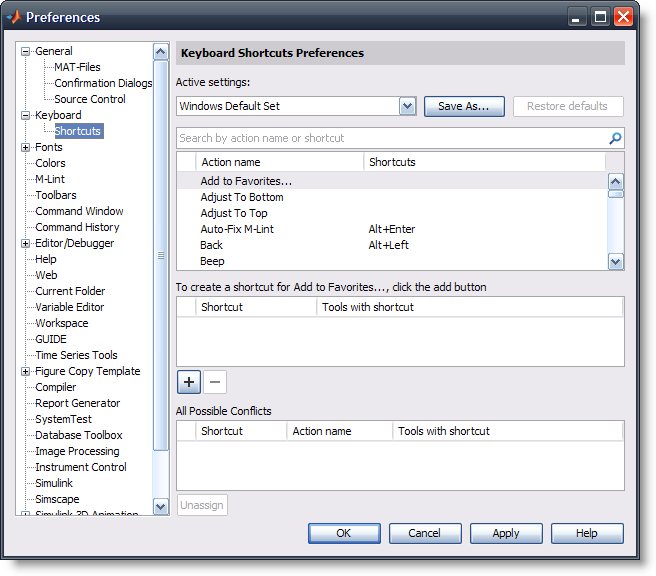
With R2009b you can customize the keystrokes associated with different actions across the desktop. As part of this we’ve had to change some of the defaults, and we’ve provided a few different sets that you might be familiar with. We’ll be explaining a lot more of this feature in future posts. |
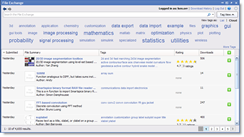 |
As part of the changes that happened to the File Exchange community a few months ago (mainly BSD licensing), you are now able to search and download/upload files directly to the MATLAB file exchange. |
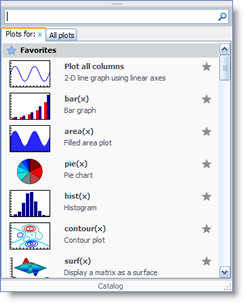 |
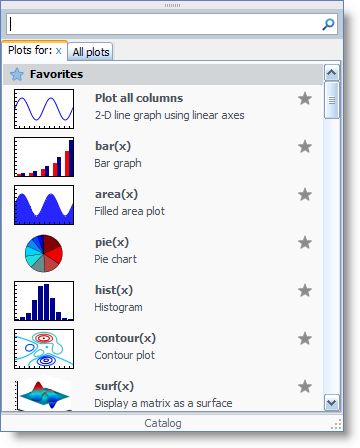
The Plot Selector has been enhanced to make it easier to select the plot type that you want. Bigger icons make it easier to see what kind of plot you’re selecting. You can also rearrange the order that the plots are shown based on which plots are most important to you. |
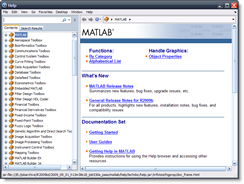 |
The help browser has had a significant overhaul, allowing for better listing of search results, navigation through a bread crumb bar, improved layout when the help is docked in the desktop, and an overall freshening up of the user interface. We think all of these changes will make finding and reading the documentation easier. |
 |
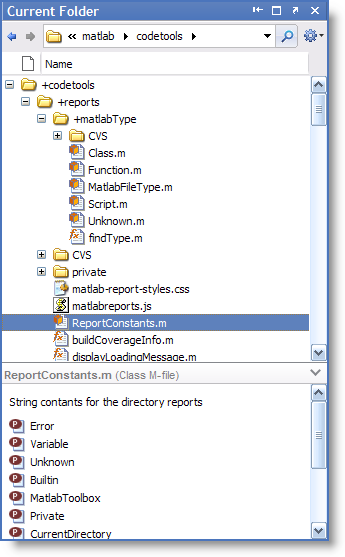
The Current Directory Browser has been renamed the Current Folder Browser, and has received a number of updates. The biggest change is that you can now see the hierarchy of files rather than only the files in the current folder. You’ll also notice fresh new icons for the class, function and script file types. Another powerful feature is the ability to search within the current folder (including its subfolders) by pressing the magnifying glass icon next to the address bar. |
 |
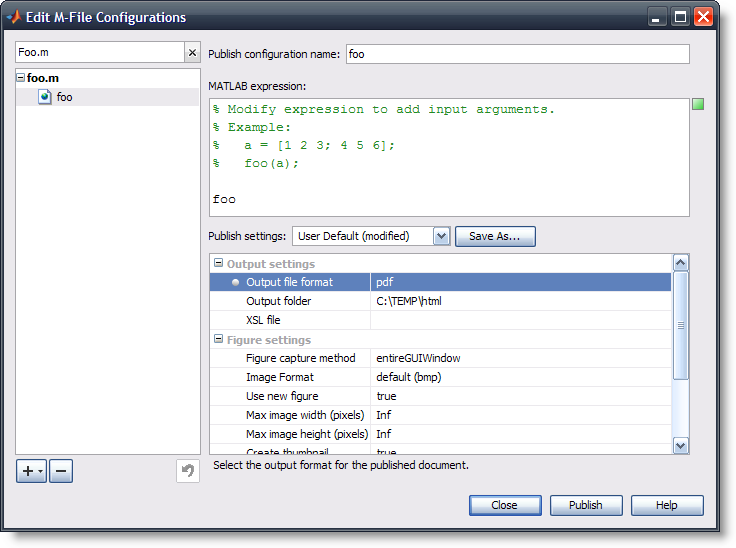
The MATLAB publish function now supports PDF output. |
What’s your favorite new feature or update?








Comments
To leave a comment, please click here to sign in to your MathWorks Account or create a new one.