
Upgrading Simulink Libraries with Forwarding Tables and Transformation Functions
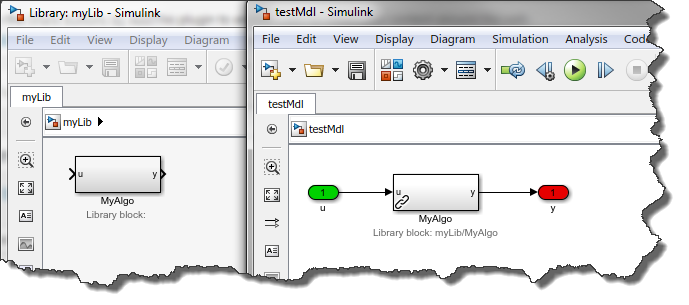
If you create and maintain Simulink libraries used in many models, or by many people, I think you will like this R2012a new feature: Interactive Library Forwarding Tables for Updating Links.
Note: Library Forwarding Tables have been around for a long time, but they used to be available through the command line only. This new feature in R2012a adds an enhanced interface to this old capability: set_param('Lib1', 'ForwardingTable', {{'Lib1/A', 'Lib2/A'} {'Lib1/B', 'Lib1/C'}});.
The Challenge
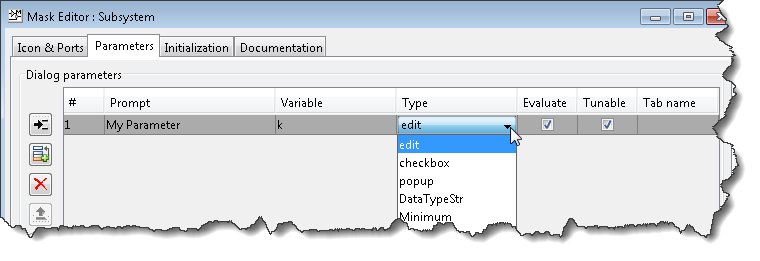
Let's say I create a library block with 2 mask parameters, a and b

A few weeks or months later, I decide to modify the library and combine a and b into only one, equivalent parameter c:

The next time a user will open his model using this library block, he will receive a warning like the following:

and the value for the new parameter c will be the default coming from the library. a and b will be lost.
The Solution
To avoid loosing values for a and b stored in the model, you can write a transformation function.
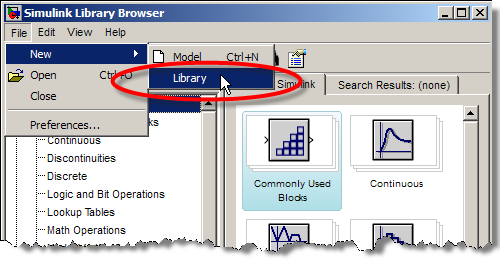
First, go to the File menu of the library. In the Library Properties dialog, go to the Forwarding Table tab and add an entry for your block:

Create a transformation function to process the value of a and b stored in the model and create the new value for c.

I recommend going through the documentation section Making Backward-Compatible Changes to Libraries for more details and examples of the syntax to use in this function.
With this transformation applied, your users will be happy to see that the values they had previously set for a and b are kept:

Now it's your turn
Of course, the example above is very simple, to highlight the concept. Give a look at the documentation section Making Backward-Compatible Changes to Libraries and let us know if this functionality is useful for you by leaving a comment here
- Category:
- Libraries,
- Parameters,
- What's new?




Comments
To leave a comment, please click here to sign in to your MathWorks Account or create a new one.