
Congratulations to the Winners of the 2012 Simulink Student Challenge!
The 2012 Simulink Student Challenge is complete and we have our winners!
Thanks to everyone who participated. All of the entries were amazing.
3rd place
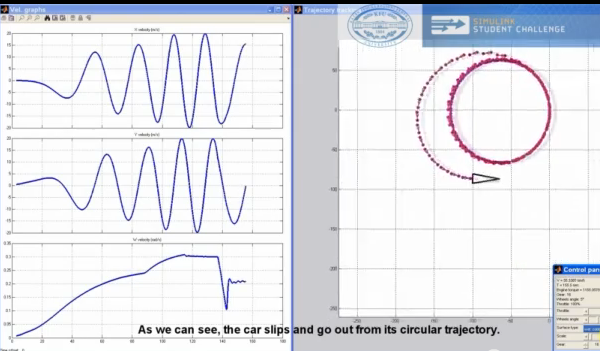
Artemiy Smekhov for his model of horizontal movement of four-wheeled vehicle. This video really showcases how to build a Simulink model and how easy it can be to control from a simple front end simulation GUI.
http://www.youtube.com/watch?v=UxKNmHuOZ3E
2nd place
Egoitz Martinez for his modeling, simulation and 3D animation of a quadrotor helicopter. This is a great example of a Model-Based Design process and shows great Simulink use. The block diagrams were well-organized and they used images on masks to illustrate what each subsystem was doing. I really liked the polished Simulink 3D Animation of the quadcopter!
http://www.youtube.com/watch?v=C3tKtP4qV2o
1st place
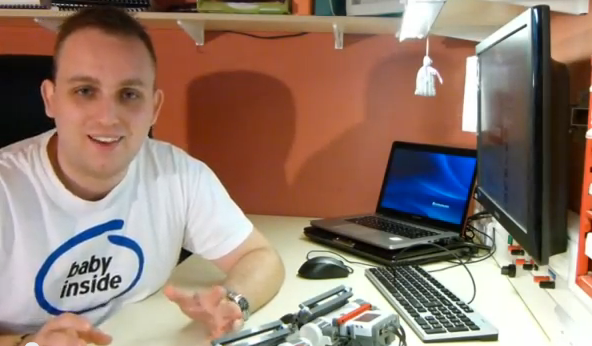
Matej Kubicka for his extension to ECRobot toolbox that allows wireless communication between 2+ NXT robots. He created his own Simulink library for Xbee communication for the NXT robot brick. He used several techniques in Simulink and Simulink Coder including Simulink S-functions, custom TLC code and even implemented the modeled behavior for simulation as a proof of concept. What a cool project!
http://www.youtube.com/watch?v=ZLB5A3vHSe4
Thanks to everyone who entered! Stay-tuned for more Student Challenges in 2013!
- Category:
- Challenge






Comments
To leave a comment, please click here to sign in to your MathWorks Account or create a new one.