This week we will take a look at how you can capture the mouse movement through callbacks. As the mouse moves, we will update the xdata of a line so that you are moving the line with the mouse. if… 더 읽어보기 >>

This week we will take a look at how you can capture the mouse movement through callbacks. As the mouse moves, we will update the xdata of a line so that you are moving the line with the mouse. if… 더 읽어보기 >>
Last time, I showed how to add the newly documented UITABLE to a GUI. [click here] There were a few questions [click here] about how to access the data in the UITABLE from the callback of another… 더 읽어보기 >>
MATLAB GUI developers often want to have a mini-spreadsheet in their GUI. This can be done with a new widget added to the set of controls available in GUIDE. Now with UITABLE you can add that… 더 읽어보기 >>
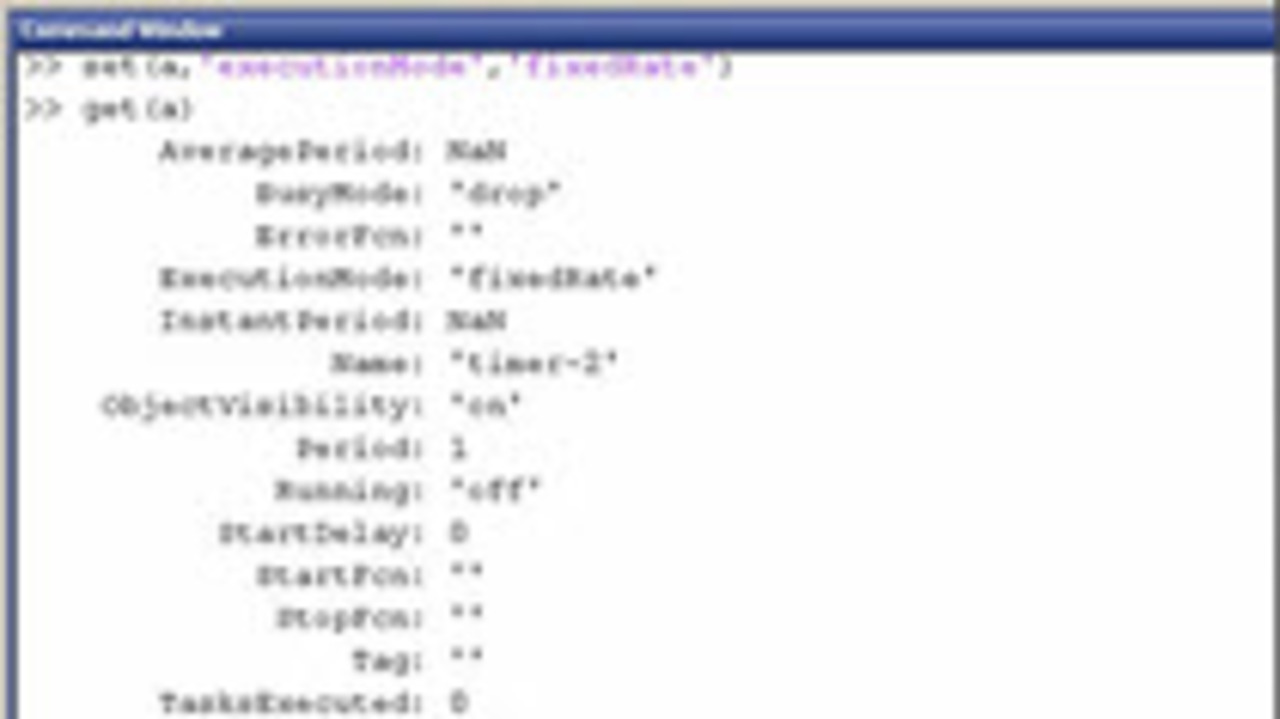
Sometimes you want something to update in MATLAB on a regular schedule. Timer objects can do that for you. We first introduced this for test and measurement applications, but it has since been moved… 더 읽어보기 >>
