
Giving Local AI Agents the ability to use MATLAB with MCP
 |
Guest writer: Abhijit Bhattacharjee Abhijit is an application engineer at MathWorks and an expert in AI. He supports customers with the latest and greatest technologies in the space, specifically Agentic AI in the past couple of months. |
Building on my colleague Mike's fabulous article on running LLMs on the NVIDIA DGX Spark and connecting to them in MATLAB, I wanted to see if I could flip the workflow; instead of MATLAB calling an LLM (Large Language Model), what if I could have a local LLM agent call MATLAB? That way, the entire MATLAB itself becomes a tool at the agent's disposal, ready to perform, execute, and verify code that the LLM writes.
And the best part? Nothing leaves my network and it's all handled locally.
Fortunately for me, I was also able to get my hands on a beautiful NVIDIA DGX Spark unit to play around with.
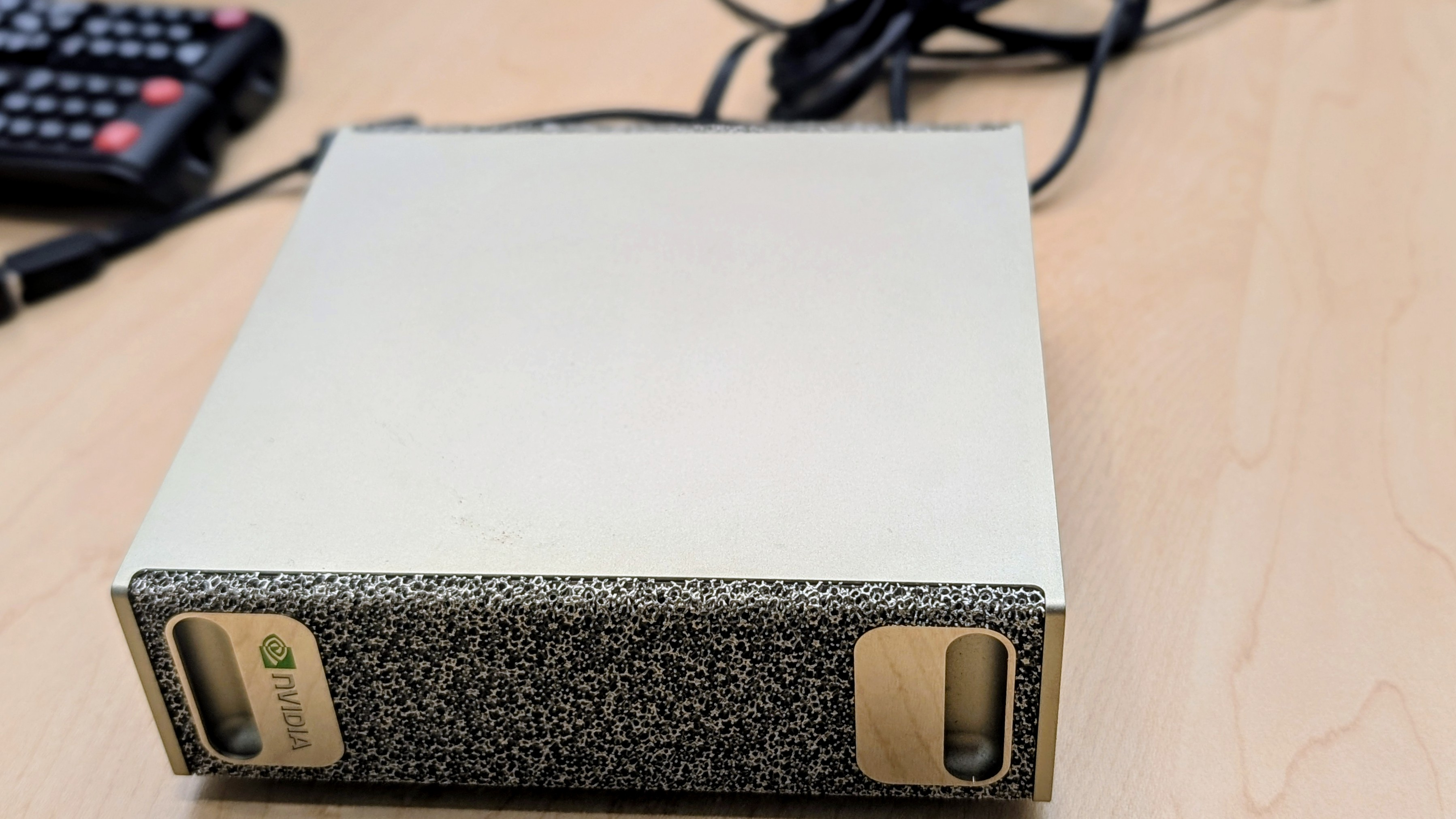
You can learn more about the DGX Spark's specs HERE, but the key thing here is that it has enough VRAM (128GB) to handle local LLMs of significant enough size that they can do real engineering work. And that's what I'd like to share with you today.
Setting up the local LLM
Like Mike, I chose to use the fantastic gpt-oss-120b model for its reliable tool-calling abilities and its high performance as a mixture-of-experts (MoE), which means it only uses a fraction of 120 billion parameters actively, reducing the computational load. However, I chose a slightly more complex route than he did, and decided to compile llama.cpp from source to run the model, to try and eke out even more tokens-per-second (tps) than Ollama, which also uses llama.cpp as its backend. While this sounds intimidating, it's actually not so bad, especially with the comprehensive instructions in the repository.
To make use of the local model, you need to launch llama-server with the right parameters. Here is my optimized launch command for the DGX Spark to run gpt-oss-120b:
llama-server \
-m models/gpt-oss-120b/Q4_K_M/gpt-oss-120b-Q4_K_M-00001-of-00002.gguf \
--host 0.0.0.0 --port 8080 \
-ngl 999 \
-fa on \
-t 10 \
-c 0 \
-b 2048 -ub 2048 \
-ctk q8_0 -ctv q8_0 \
--no-mmap \
--jinja \
--reasoning-format auto \
--chat-template-kwargs "{\"reasoning_effort\": \"medium\"}" \
--temp 1.0 \
--top-p 1.0 \
--top-k 0
Running it in this way allowed me to specify some optimizations, such as --no-mmap, which disables memory-mapped file I/O (not needed for unified memory architectures such as the DGX Spark) and -fa on, which enables flash attention kernels, speeding up processing of long sequences of tokens.
Agentic AI coding with the local model
Now before we get to using MATLAB as a callable tool, I needed a way to interact with this local model outside of MATLAB. Fortunately, we can use the very popular agentic AI terminal application OpenCode as a harness. OpenCode allows you to configure a local model in a number of ways. One easy way is to use the opencode.json configuration file.
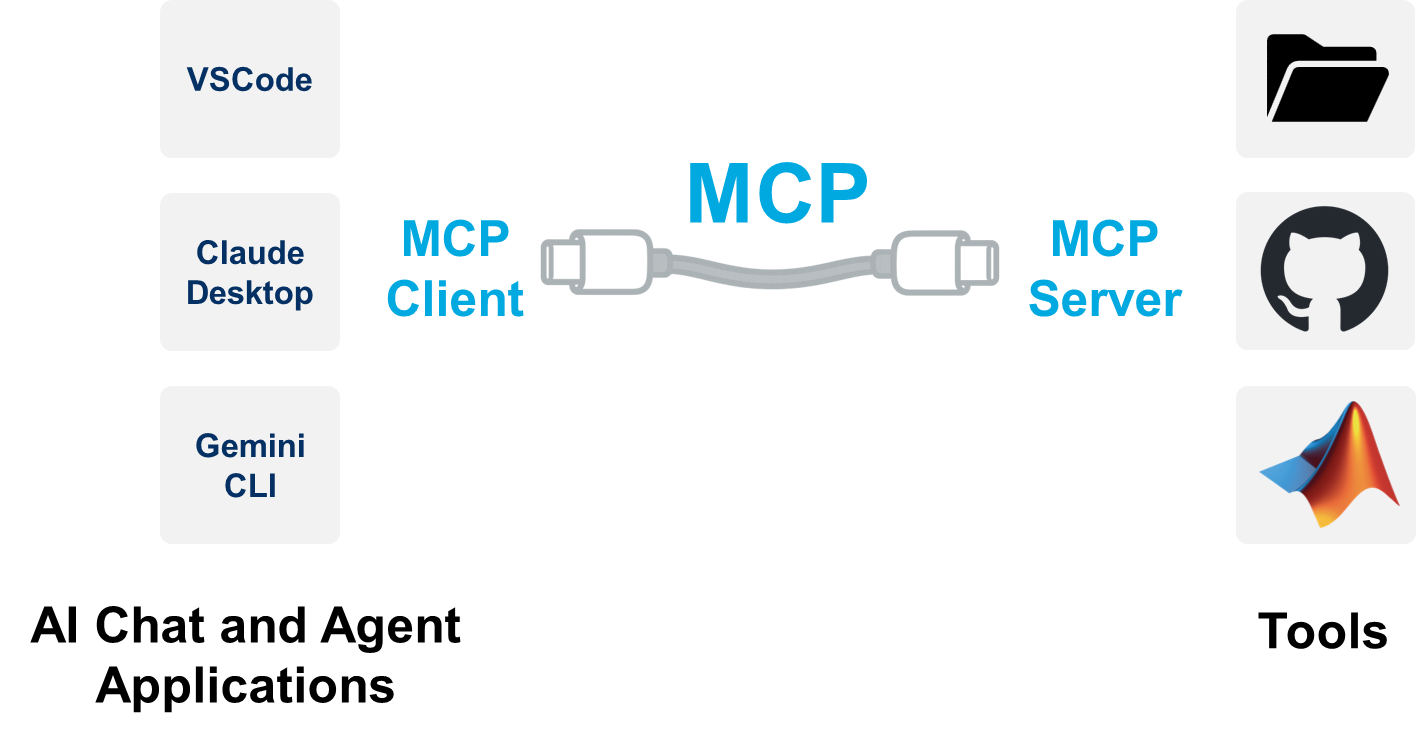
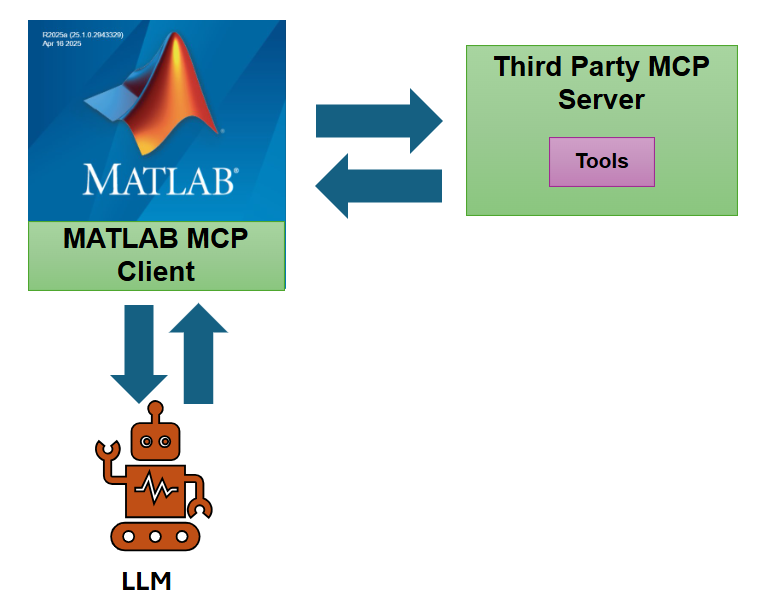
The other thing I want to do is point OpenCode at the local MATLAB MCP Core Server instance on my machine. To catch up on Model Context Protocol (MCP) and how it works, definitely check out one of our recent blog posts on the topic, like THIS ONE.
A bit more JSON finagling, and our full opencode.json file to configure both the local LLM (with an endpoint address of 192.168.108.170) and the local MATLAB MCP connection looks as follows.
{
"$schema": "https://opencode.ai/config.json",
"provider": {
"llama.cpp": {
"npm": "@ai-sdk/openai-compatible",
"name": "llama.cpp (abhijit-spark)",
"options": {
"baseURL": "http://192.168.108.170:8080/v1"
},
"models": {
"gpt-oss-120b-GGUF": {
"name": "gpt-oss-120b"
}
}
}
},
"mcp": {
"MATLAB MCP": {
"type": "local",
"command": [
"C:\\Users\\abhijit\\Local Content\\Apps\\matlab-mcp-core-server-win64.exe",
"--matlab-root=C:\\Program Files\\MATLAB\\R2025b"
],
"enabled": true,
}
}
}
After configuring everything as above, when I launch OpenCode, I'm greeted with a screen showing me that both the local model is selected and available, and that the MATLAB MCP is connected and running:
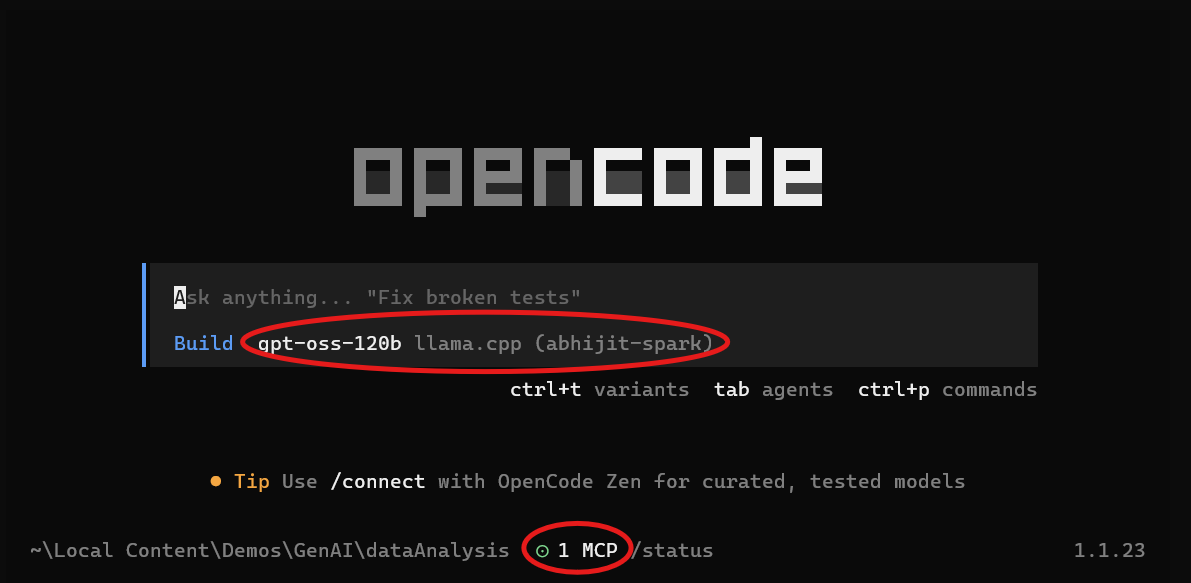
Let's start vibe coding!
To show off how well this works with the MATLAB MCP Core Server enabled, I'm going to enter the following prompt, which will do some data analysis on a built-in dataset that comes installed with MATLAB:
Create a MATLAB script that loads carbig dataset and creates 3 plots showcasing how different car properties affect MPG. Use default positions for any figures you create.
Train an ensemble regression model using this data to predict MPG from weight, horsepower, displacement, and acceleration. Show me the model statistics and diagnostic plots.
Use the MATLAB MCP to execute and test your code.
Now normally, with frontier models such as Claude Opus or GPT-5.2, you don't need to specify that the MCP needs to be invoked. Those LLMs will figure it out automatically. But for gpt-oss-120b, I decided it to give that extra bit of guidance, just so it wouldn't spin its wheels for too long. Here's a video demonstration of my coding session.
So that's the magic: a local LLM agent driving MATLAB like a pro, with everything running on your own hardware and none of your data drifting off into the cloud. The DGX Spark has more than enough muscle to make models like gpt-oss-120b genuinely useful, and once you plug it into the MATLAB MCP Core Server, the whole setup feels surprisingly natural, almost like MATLAB just became another tool in your AI's toolbox.
Is it perfect? Not yet. But it's already good, and with a little prompt tuning (or a beefier model like Devstral 2), it gets even better.
This workflow shows what's coming: real engineering work powered by local AI agents, fully private, fully under your control, and honestly...pretty fun to use.
- 범주:
- Agentic AI,
- Local AI




댓글
댓글을 남기려면 링크 를 클릭하여 MathWorks 계정에 로그인하거나 계정을 새로 만드십시오.