
Upgrading MATLAB: What You Gain and How to Get There
Every MATLAB release opens the door to new capabilities, better performance, and tighter integration with the platforms your team already uses. With two major releases a year and over 800 customer-requested enhancements in each one, staying current is one of the simplest ways to get more from the tools you already have.
We recently published two companion guides that explore this topic in depth. Here is a look at the key ideas.
What Staying Current Gives You
New capabilities that replace custom work
Over time, MathWorks builds in functionality that teams previously had to create and maintain themselves—custom utilities, wrappers, and workarounds. Each release is an opportunity to simplify your codebase and shift maintenance back to built-in, documented, supported functions.
As one long-time user put it:
“I have been using MATLAB since the 80s. Every line of code that I have written has eventually been replaced by a built-in function.”
That is time and effort your team can redirect to higher-value work.
Performance that compounds
Each release delivers optimizations—faster execution, reduced memory footprint, improved parallel scaling. These gains build on each other, so teams on a current release benefit from the cumulative effect of multiple improvement cycles.
Modern development workflows, built in
Recent releases have added capabilities that align MATLAB with enterprise development practices:
- CI/CD integration with GitHub Actions, GitLab, Jenkins, and Azure DevOps
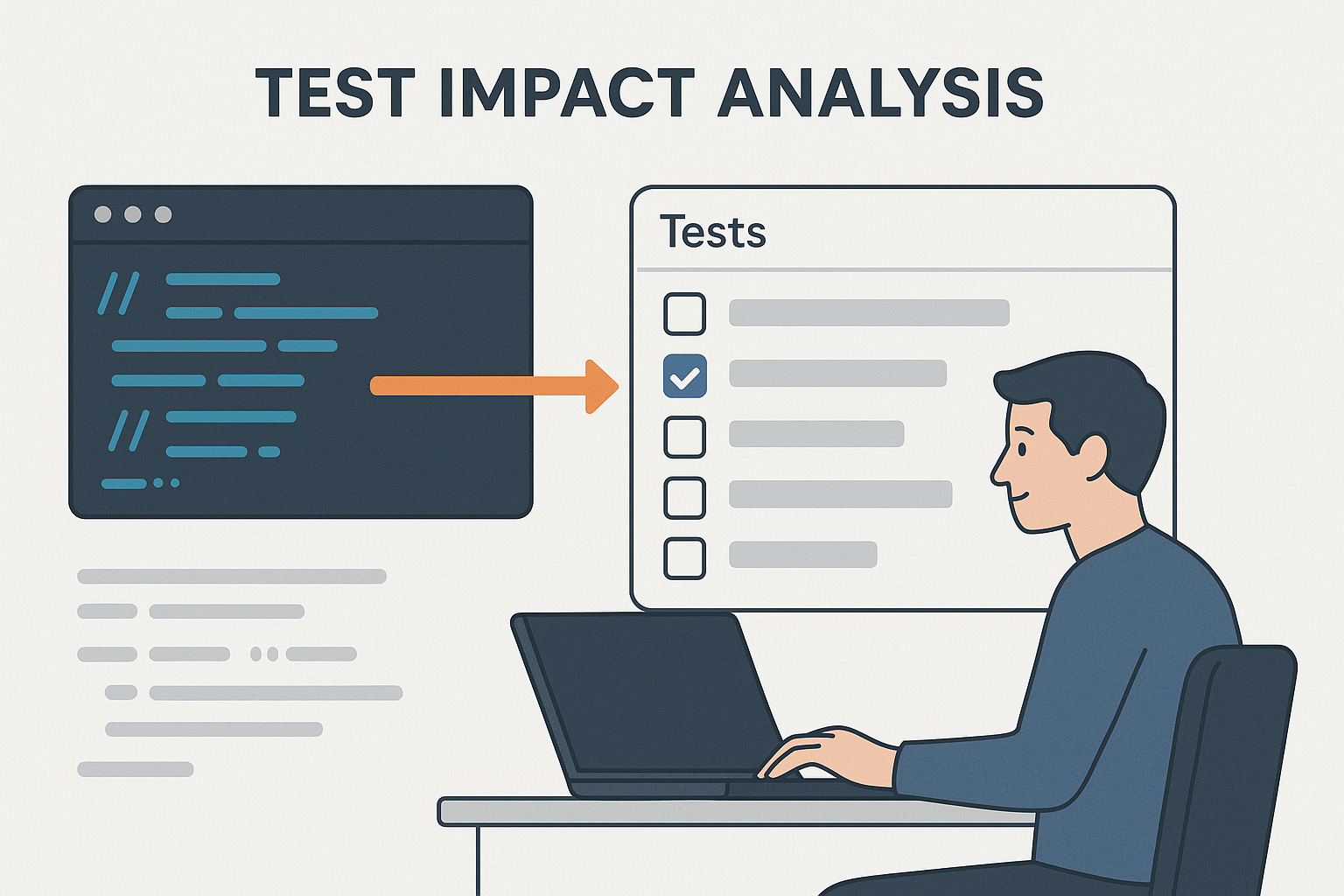
- Testing frameworks for automated regression and equivalence testing
- Packaging and deployment tooling aligned with platform engineering patterns
These are ready to use out of the box—no custom build required.
Seamless cloud and data platform integration
Current releases extend support for the infrastructure teams use today: container images and reference architectures for AWS, Azure, and Kubernetes; Databricks and Spark connectivity for large-scale data workflows; and updated database drivers and authentication methods. Staying current means these integrations work when you need them.
For the complete picture—including cadence strategies, ecosystem compatibility, and what upgrades unlock for your team—see MATLAB: The Case for Staying Current.
A clear path forward
Upgrading does not have to be a big-bang project. The companion guide, Upgrading MATLAB in Financial Services, lays out a structured, repeatable workflow in six phases:

- Assess—Understand your starting point with built-in tools like the Code Compatibility Analyzer.
- Plan—Define scope, roles, and evidence needs before changing any code.
- Migrate—Apply targeted changes, starting with shared libraries.
- Test—Validate results with layered testing, from unit tests to numerical equivalence baselines.
- Release—Pilot with a small group, then scale across the organization.
- Support—Capture lessons learned and set up for the next cycle.
The guide includes MATLAB code examples for compatibility analysis, dependency checking, and equivalence testing—ready to adapt to your codebase. It also covers financial-services-specific topics like model validation evidence, third-party compatibility checks, and MATLAB Production Server deployments.
Get started
The best first step is a small one:
- Run the Code Compatibility Analyzer to see exactly what is involved:
codeCompatibilityReport("src") - Align with an existing cycle—an IT refresh, infrastructure update, or project milestone.
- Start with a pilot—one team or project can validate the path before a broader rollout.
Download the companion guides for the full story
- MATLAB: The Case for Staying Current—the benefits and opportunities of regular version upgrades.
- Upgrading MATLAB in Financial Services—a step-by-step upgrade workflow with code examples and financial-services-specific guidance.
MathWorks also offers training, application engineering, and consulting services to support your upgrade. Contact your account manager or usual technical contact to discuss options.
- カテゴリ:
- ModelOps,
- New Features


コメント
コメントを残すには、ここ をクリックして MathWorks アカウントにサインインするか新しい MathWorks アカウントを作成します。