
Coding a MATLAB Valentine animation with agentic AI
Last year's Valentine post was an attempt to link a few Valentine's MATLAB animations with good practice in research software engineering. This year, I used Claude Code along with MATLAB's MCP server to develop this animation that morphs between the MATLAB membrane and a 3D heart

I am quite pleased with the result and it was another excuse to practice more with agentic coding tools in a low stakes situation. I used used some of the agentic AI development ideas discussed in the recent post MATLAB + Agentic AI: The Workflow That Actually Works.
Writing code like this was quite an interesting experience for me since it felt completely different to how I usually work. It definitely felt like a iterative collaboration between Claude and me. Initial versions did not look good at all! Once we had it looking the way I wanted it to, performance stank. I got around this by sending the results of the MATLAB profiler to Claude Code and figuring out together what to do about it.
The little floating hearts were Claude's idea. Once we had the basic animation working, I entered Claude Code's planning mode and asked it for ideas of embellishments. It suggested and implemented several, of which the floating hearts was my favorite so that's the one I kept.
Try using AI yourself to produce a Valentine animation in MATLAB
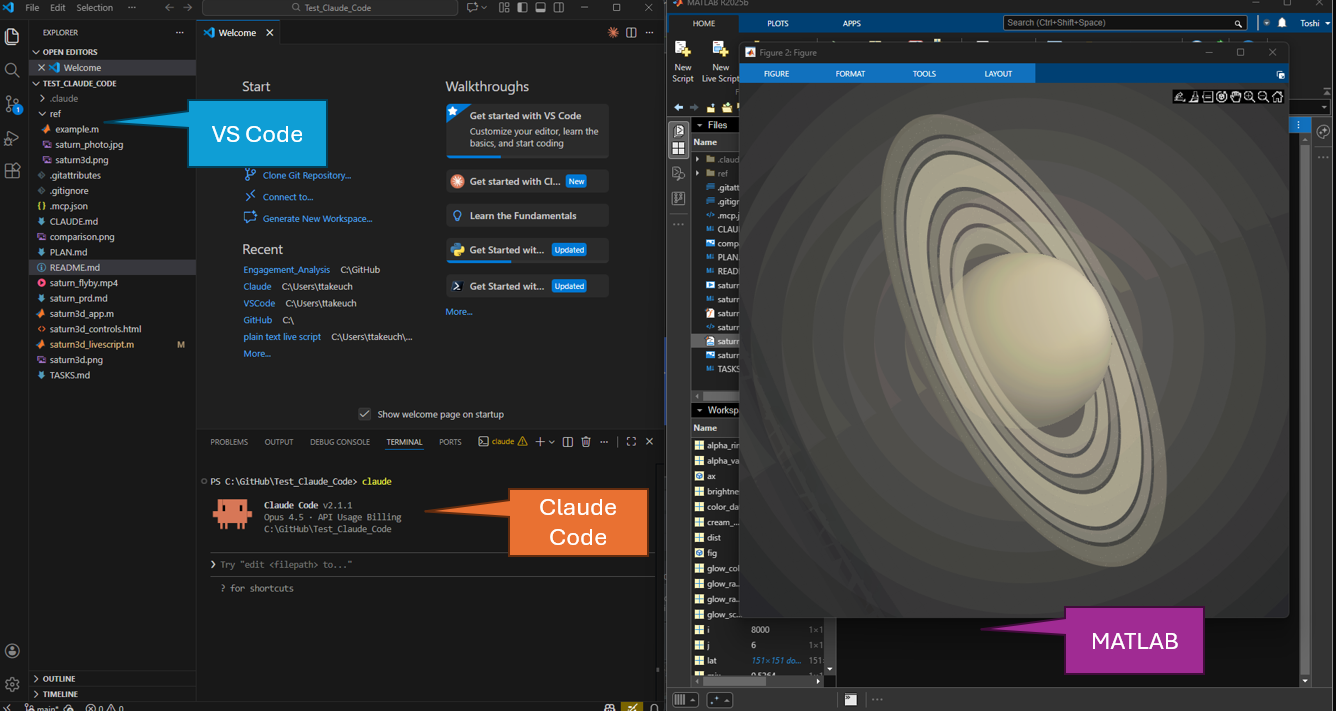
Usually, I'd share the code with you along with an 'Open in MATLAB Online' link and encourage you to play with it yourself. This time, however, the workflow that I'd like to encourage to you to use is MATLAB's MCP server. This allows you to connect your AI of choice to your desktop MATLAB. Essentially, it allows your AI to drive MATLAB directly on your machine. Use this to produce your own Valentine MATLAB code, either attempting to reproduce mine or coming up with something else entirely.
If you don't feel quite ready to use agentic AI, you can try some of our other AI tools such as MATLAB Copilot, The MATLAB AI Chat Playground or MATLAB GPT.
Where to post the results of your work
Once you have got some working code that you are happy with, try uploading it to GitHub and optionally add an Open In MATLAB Online button to your README.md file. This will make it as easy as possible for other people to run your code, even if they don't have a MATLAB license.
Next, tell the world about it. Post the link to the repo and any screenshots or animations to the MATLAB Central Generative AI discussion forum.
When we tried a similar exercise on Vibe-coded Christmas trees, we posted the code directly to a single discussion thread and quickly brought the forum software to its knees. Lesson learned; hence the workflow suggested above.
A quick note on Agentic AI safety:
If you choose to go the agentic route, remember that agentic tools are powerful! A few simple habits go a long way toward using them safely, securely, and responsibly:
- Scope access narrowly - allow the coding agent to see only the specific project folder it needs.
- Use Git for traceability - version control gives you transparency, history, and easy rollback.
- Review everything - generated code, terminal commands, file operations, and any external links.
- Approve only actions you understand - avoid letting the agent execute steps you are not familiar with.
- Protect sensitive data - do not use confidential or regulated data, content or code with coding agents.
- Use trusted components - stick to MCP servers, Claude Skills, and plugins from reliable sources.





コメント
コメントを残すには、ここ をクリックして MathWorks アカウントにサインインするか新しい MathWorks アカウントを作成します。