
More dialogs than you can shake a stick at
I’m going to continue my dialog discussion from two weeks ago with more of the MATLAB dialog gallery. I feel a bit like a car salesman, we’ve got so many dialogs to choose from. I’ve grouped them into two categories: dialogs for messages, and dialogs for setting/getting things.
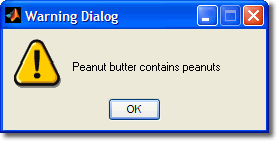
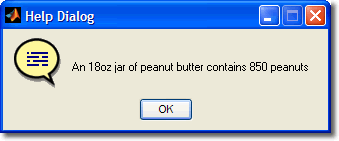
The first group is the msgbox and it’s specialized variants: warndlg, errordlg, and helpdlg. Msgbox is a basic dialog that presents a message to the user with an “OK” button. The warning, error, and help dialogs are all special cases of msgbox with the icon pre-chosen:

warndlg
helpdlg
The second group provides common dialogs that are either system, Java, or Handle Graphics based, depending on the dialog and platform. These are dialogs for dealing with files, printing, and picking fonts and colors.
File Picker(s)
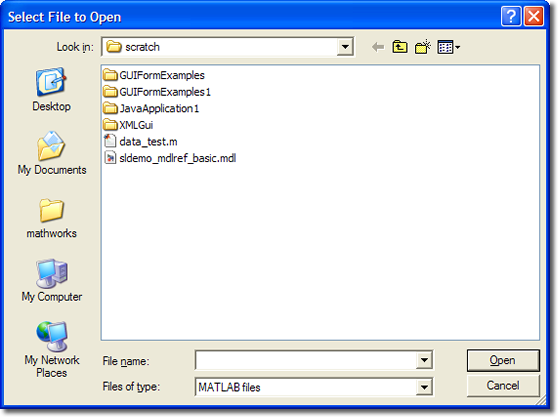
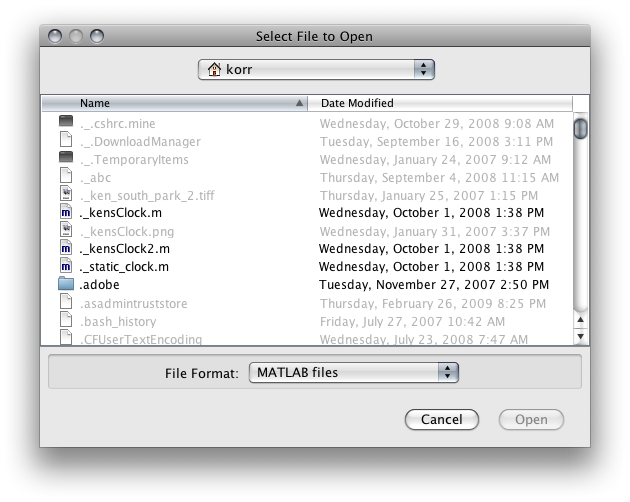
uigetfile, uiopen, and uigetdir are all file/folder browsers for selecting a file from the system and returning the result to MATLAB. The uiputfile and uisave are for selecting files for saving as determined by whatever your program wants (uiputfile) or for saving workspace variables (uisave).
Here’s what they look like on Windows and MAC
Setting Fonts and Colors
Sometimes you want to present the chooser with a dialog specialized for selecting a complex data type. We’ve provided two dialogs: one for selecting fonts uisetfont, and one for selecting a color uisetcolor.
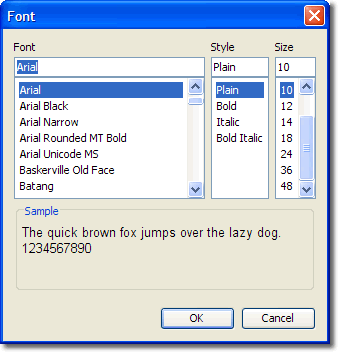
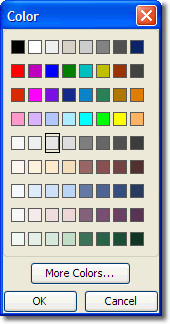
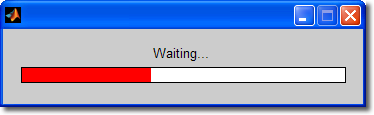
I didn’t cover printdlg and printpreview which are dialogs for printing MATLAB figure windows. I recommend checking them out on your own. There’s also a progressbar waitbar:
If all these predefined UI’s aren’t enough for you, check out the MATLAB file exchange. Last week’s pick of the week was STRUCTDLG, a dialog for editing the fields of a struct. This week they’ll highlight another submission in the same vein.
- Category:
- MATLAB GUI



Comments
To leave a comment, please click here to sign in to your MathWorks Account or create a new one.