
こんにちは Japan!
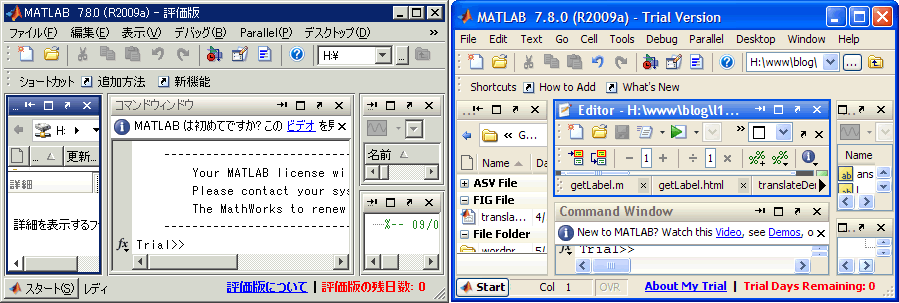
For a long time we’ve provided the Desktop localized in the Japanese language. In case you don’t remember my post on it from two years ago, here is a side-by-side comparison of English and Japanese MATLAB:
As of MATLAB Mobile 1.2, we have also translated the app’s interface into Japanese, as you can see from the screenshot below:
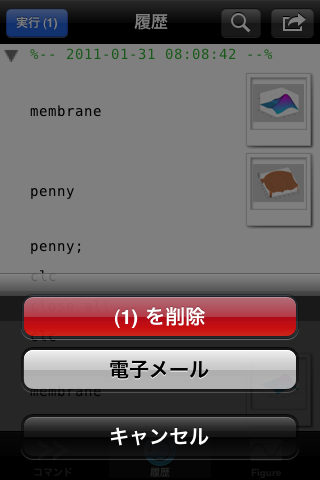
The iPhone et al. devices’ native support for internationalization makes it easy for anyone to try out, regardless of your country. From the Settings App, select the Japanese language from General -> International -> Language setting. This will put your device into Japanese mode. This changes all the system labels as well as any app that supports Japanese language, including MATLAB Mobile!
Getting this work right was an interesting challenge for me. When I worked on the desktop, I was able to use Java’s rather elegant internationalization utilities to make sure all the labels could be translated and laid out properly. Apple’s process is different, but thankfully well-documented. It was exciting for us when the localization team said they could help us out in short order. Thanks to the tireless work of our translators, people on the other side of the planet can use our app.
- Category:
- MATLAB Mobile




Comments
To leave a comment, please click here to sign in to your MathWorks Account or create a new one.