
More Sharing Options
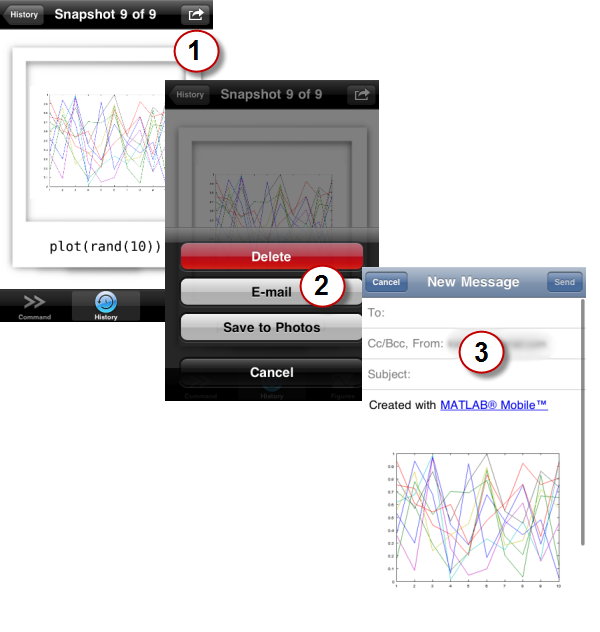
Last week I wrote how to email figure snapshots from MATLAB and MATLAB Mobile. I had such a good response from last week, I want to continue that thought and talk about some more options for sharing from MATLAB.
Before I get started, I’d like to mention that my co-worker Rich Quist had already packaged that sendmail trick with a submission on the File Exchange. If you’re interested in emailing your figures around, take a look at that function.
“Local Sharing”
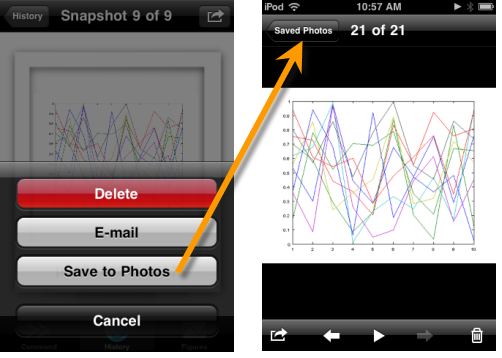
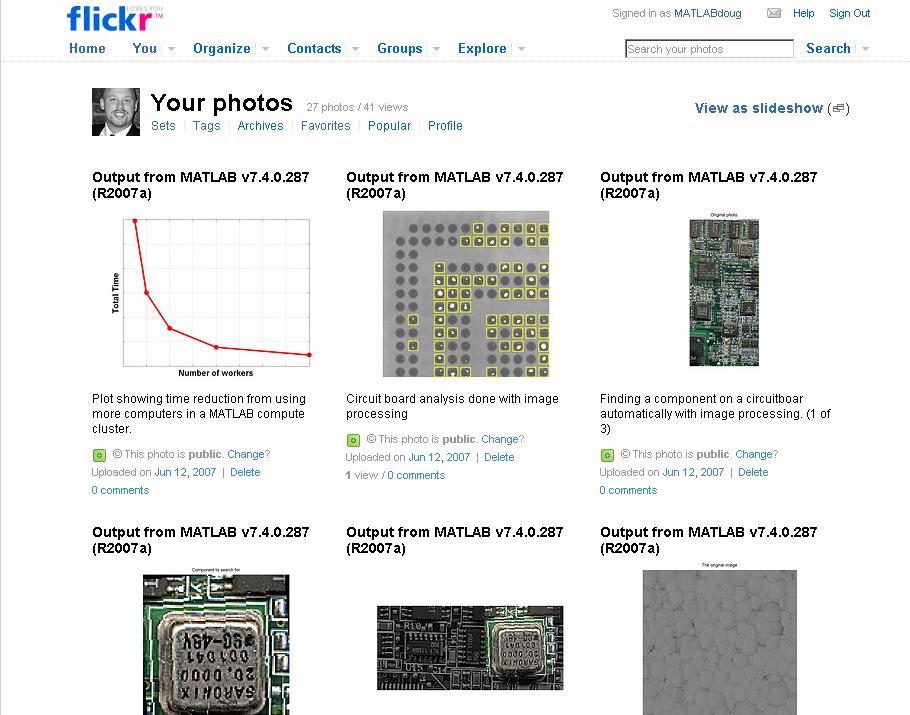
Besides e-mail, there are many other ways to distribute pictures. You may want to add a particularly pretty or informative plot to a gallery. In MATLAB Mobile, you can select “Save To Photos” to add a snapshot to your device’s Saved Photos album in the Photos app. On a Windows machine you can move a saved image file to your “My Pictures” (or a Library folder in Windows 7). On the Mac, you can move the file to your iPhoto directory.
SMS/MMS
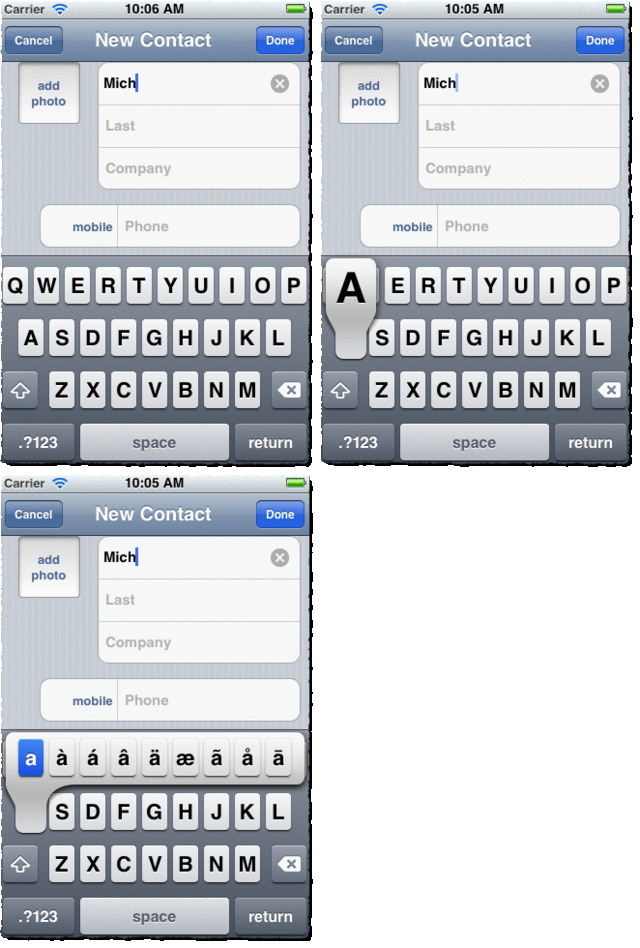
Many iPhone apps let you share text and pictures via SMS/MMS. When we were designing the action menu, we didn’t want to clutter the menu with an extra action without a strong use case. But, should you want to send a snapshot from your iPhone, you can first save it to the Photos app and then share it via SMS from there. However there is a pretty good use case for sending a text from the Desktop. It may be useful to send messages as part of a long-running script to notify you of its status, results, or errors. There is not a specific SMS function in MATLAB, but you can use sendmail to send an email to a phone number if your carrier allows. A quick Google search, turned up this page for the email addresses used by the major carriers.
Twitter
For those of you who think 140 characters is more than enough, you can send messages via Twitter from MATLAB too! I was tuned into this post describing a twitter function via the MATLAB… and more…blog. There’s also a similar function up on the File Exchange.
I’m laying down a challenge to you Twittering MATLAB users. I’d like to see a function that uses the TwitPic API to upload a figure image along with a tweet from MATLAB.
And while you’re on Twitter, be sure to follow @MATLAB for all sorts of MATLAB news and info.
- Category:
- MATLAB Mobile,
- Web




Comments
To leave a comment, please click here to sign in to your MathWorks Account or create a new one.