
We Want You To Help Us Make Our Software Better
We’re always improving MATLAB and our other products. Each release we not only fix bugs and add requested features, but we also incorporate your feedback to make our software easier to use. The easier MATLAB is to use, the more productive you’ll be.
To that end I invite you if you’re in the greater Boston area to come visit us and participate in a Usability study. You’ll get to see and use upcoming MathWorks products. It’s a great chance to meet the developers and share your MATLAB joys and pains directly with us.
In particular, if you’re a smartphone user, you can help us shape future versions of MATLAB Mobile. You don’t have to be an existing MATLAB Mobile user, but that is preferred. To participate in our study send an email to  and put “MATLAB Mobile Usability” in the subject line.
If you are desktop MATLAB, Simulink, or other MathWorks product user you can participate in one of many other studies. Just go to https://www.mathworks.com/products/usability/index.html and fill out the very short form. For those studies, you don’t even have to be local to us; some of the studies are done online.
I hope to meet you in our fancy usability lab.
Due to a small snafu last week, I sent out two posts on this blog. In case you missed one or both of them, here they area again:


See Also
-
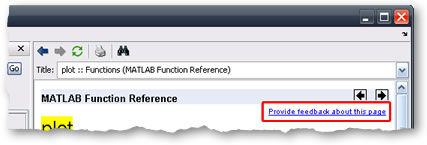
Help us help you
Blogs
-
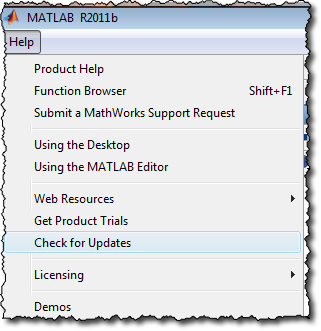
Check For Updates
Blogs



Comments
To leave a comment, please click here to sign in to your MathWorks Account or create a new one.