
MATLAB Mobile 1.3: Snapshot Preview
In MATLAB Mobile 1.3, we introduced snapshot preview. If you are not aware of this new feature, check it out in the video below!
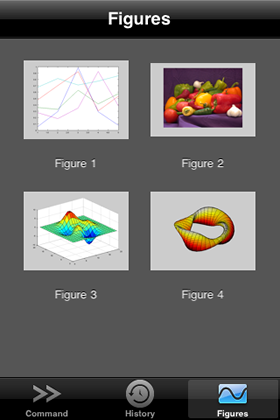
The snapshot preview enables you to look at your figures while you are in the Command Window. This can be handy if you have several incremental steps in creating your figures. Snapshot preview also supports multiple figures. In previous versions, results only contained the final figure even if multiple figures are created. In MATLAB Mobile 1.3, you can quickly access all the created figures from the snapshot preview. To view figures in higher resolution or obtain datatips, you can still go to the Figures tab to access these live figures.
What do you think about snapshot preview or snapshots in general? Let us know!
- Category:
- MATLAB Mobile




Comments
To leave a comment, please click here to sign in to your MathWorks Account or create a new one.