 Cleve’s Corner: Cleve Moler on Mathematics and Computing
 The MATLAB Blog
 Guy on Simulink
 MATLAB Community
 Artificial Intelligence
 Developer Zone
 Stuart’s MATLAB Videos
 Behind the Headlines
 File Exchange Pick of the Week
 Hans on IoT
 Student Lounge
 MATLAB ユーザーコミュニティー
 Startups, Accelerators, & Entrepreneurs
 Autonomous Systems
 Quantitative Finance
 MATLAB Graphics and App Building
R2010b – More Image Processing Toolbox changes
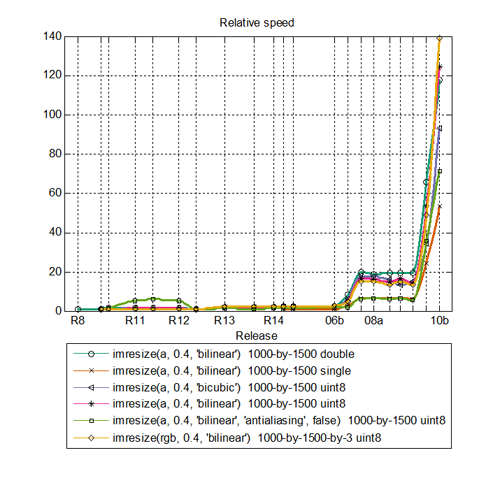
In my October 15 post I mentioned some Image Processing Toolbox performance improvements in the R2010b release. Today I want to mention other improvements in the release.
There is a new corner function to supplement the existing cornermetric function. The corner function applies a peak-detection method to the output of cornermetric.
There are several improvements related to processing very large image files. The blockproc function now supports writing to JPEG2000 files, and it also has new options for controlling padding behavior at the image edges. You can also now extend both blockproc and rsetwrite to support custom image file formats by writing your own ImageAdapter class.
The toolbox function dicomread now reads multiframe imagery faster, and it now supports files containing images compressed using JPEG2000.
Next week I plan to do one or two more posts on R2010b. In particular, there's big news for the Image Acquisition Toolbox. I'll also mention MATLAB features that especially caught my eye.





Comments
To leave a comment, please click here to sign in to your MathWorks Account or create a new one.