
Simulate in MATLAB, Animate in Blender
Here's your challenge. You're controlling a sliding gantry crane that is supporting a heavy swinging load. You need to pilot that load safely over a fragile wall. Can you do it? How?
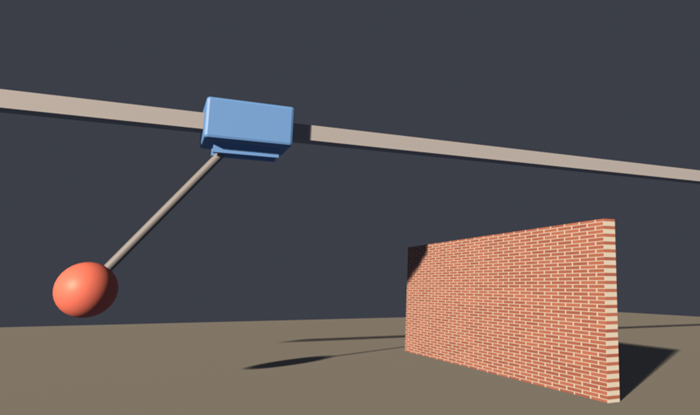
I find this problem interesting because it's so dynamic and nonlinear. I can imagine how I would do it manually if I was driving the crane with a joystick. But I'm not sure how I would attack it as a MATLAB controls problem. In this post I work with a Large Language Model (LLM) to create the scenario, solve the related controls problem, and then animate it using Blender. It was all remarkably straightforward.
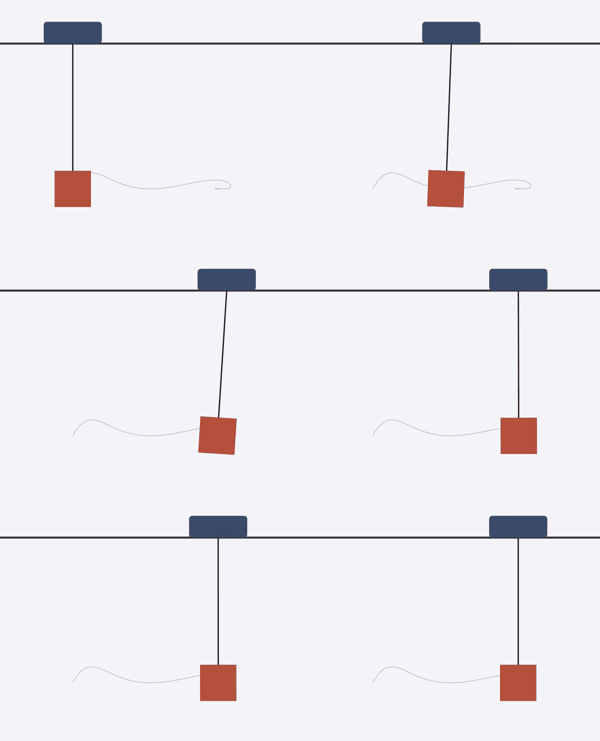
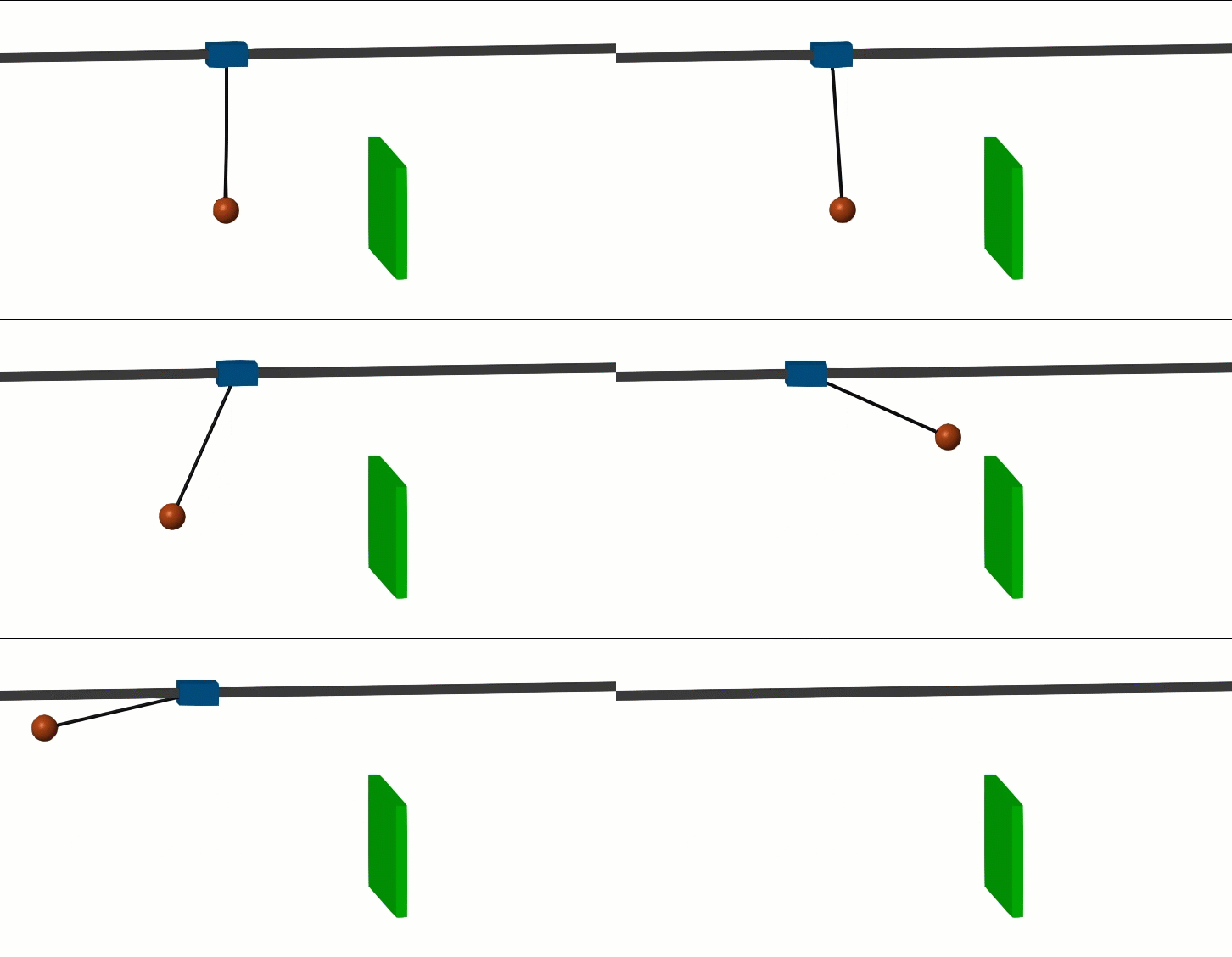
First I described the plant: gantry crane and pendulum. This is a four-state system where the input is the force driving the crane and the output is the x position of the pendulum bob. The initial challenge was to move the pendulum quickly from one position to another. The LLM chose an LQR (Linear Quadratic Regulator) controller. I was happy with the result shown here.
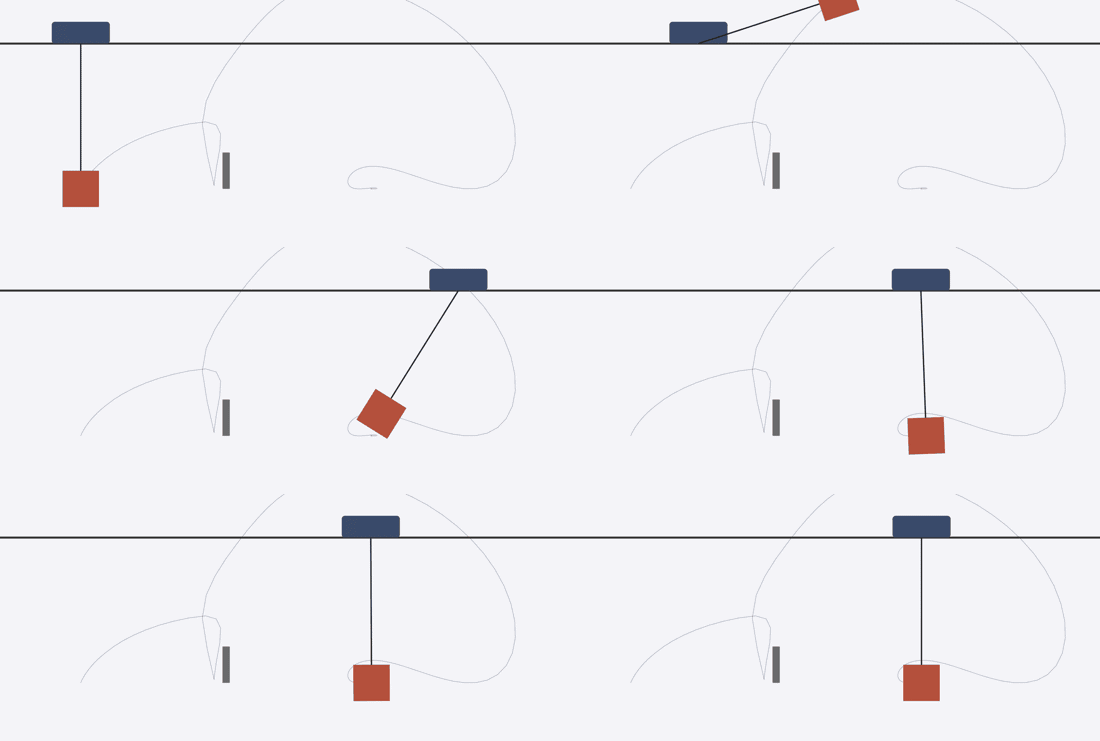
Let's add the constraint: the pendulum has to get over a high wall. The LLM solved the problem in two steps. There's an aggressive thrust-brake maneuver to get the pendulum high enough to clear the wall, followed by a "catch" phase that can safely fall back to the linear assumptions of the LQR controller, bringing things to a graceful conclusion. This overall plan works in theory, but it resulted in a system that looked unrealistic. In the real world, the gantry crane would never be able to move that fast.
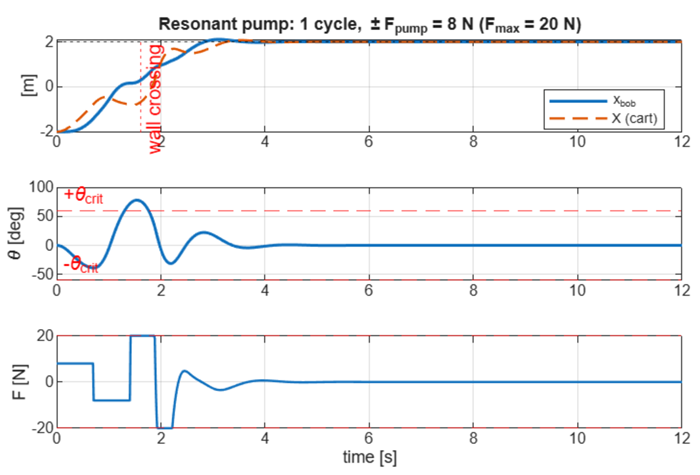
Now we move on to the next constraint: what's the least control input we can get away with? I asked the LLM to use a resonant pump to boost the pendulum with as little control effort as possible. It then ran a tuning loop until the maximum actuator force was reduced by a factor of 20. Once over the wall, the LQR would catch the pendulum as before. Here is the result. First the data.
Now for the animation.
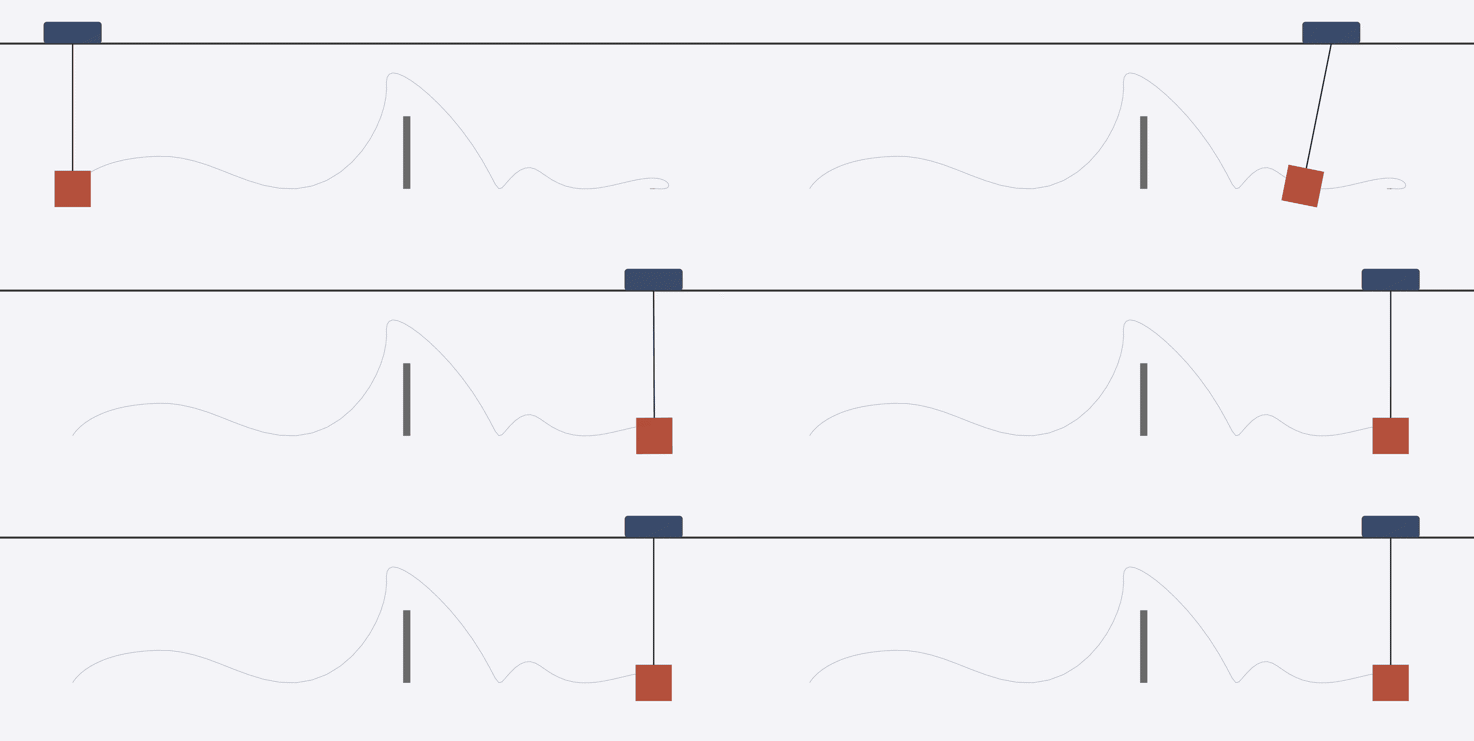
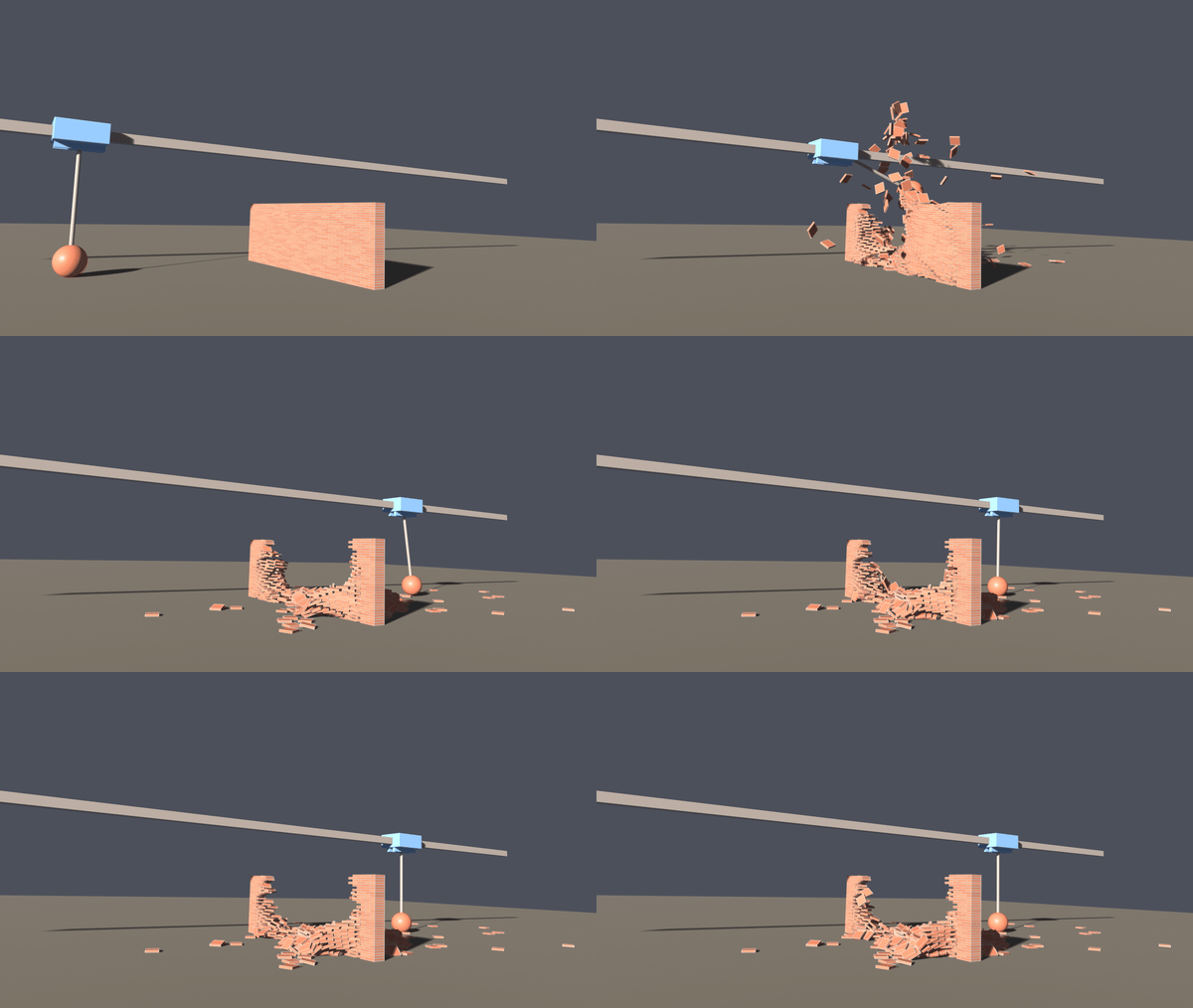
At this point, the technical problem has been solved. But if we really want to sell this idea, we need a better story. I wanted to try multi-modal storytelling with the LLM driving both MATLAB and Blender. It worked really well! Using the Blender's MCP connection, I could just say to the LLM "Take this simulation from MATLAB and use it to create a scene in Blender." It really was about that simple.
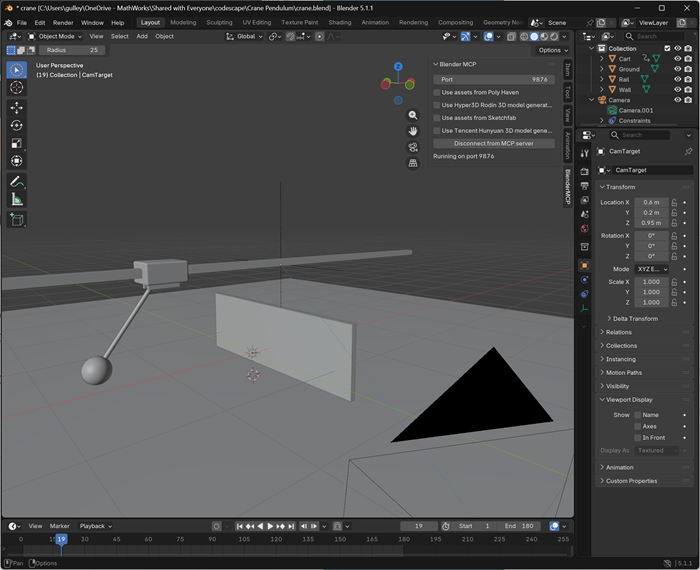
I made some improvements to the wall (make it a brick wall) and the gantry (add more detail). But it took very little work to get to this satisfying animation.
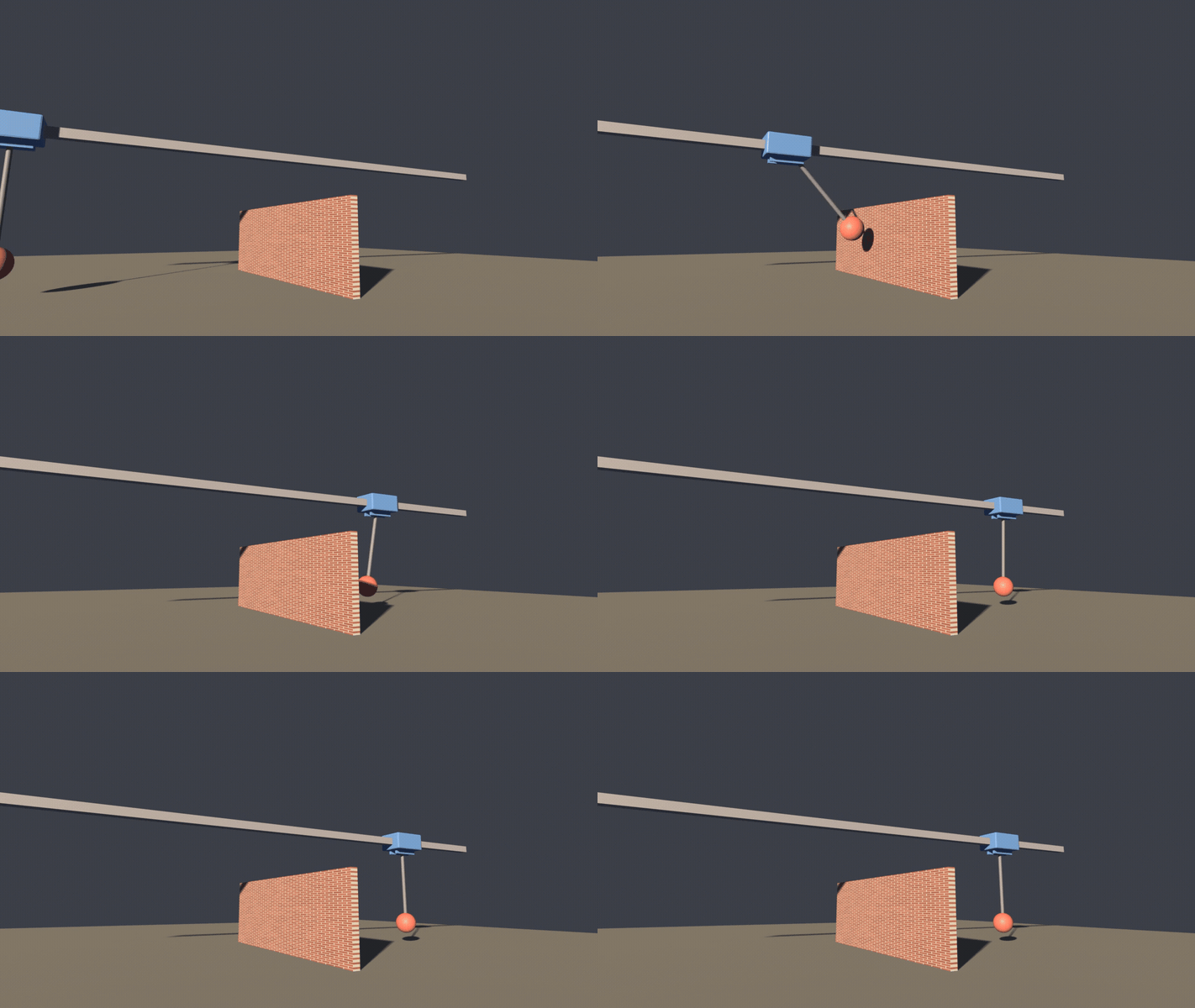
The simulation is exactly the same, but we are able to heighten the drama of scenario. Before AI, it wouldn't have been worth my time to build a visualization like this. But it's so easy now that I couldn't resist. The combination of MATLAB's accuracy and control design with Blender's scene rendering is hard to beat.



Comments
To leave a comment, please click here to sign in to your MathWorks Account or create a new one.