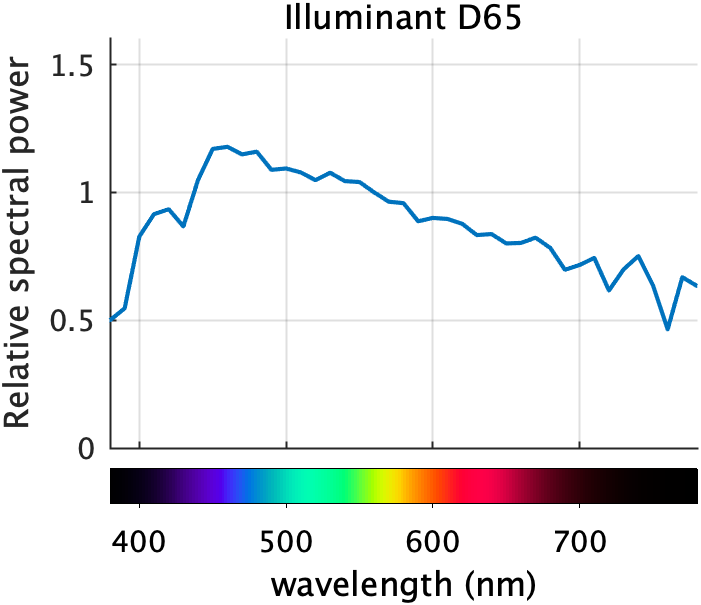
Recently, I've been explaining how I made this plot, which is from DIPUM3E (Digital Image Processing Using MATLAB, 3rd ed.): In my July 20 post, I showed one way to compute the spectral colors to... read more >>

Note
Steve on Image Processing with MATLAB has been archived and will not be updated.
Recently, I've been explaining how I made this plot, which is from DIPUM3E (Digital Image Processing Using MATLAB, 3rd ed.): In my July 20 post, I showed one way to compute the spectral colors to... read more >>


It was a while ago now, but on April 27 I started explaining how I made this plot, which is from DIPUM3E (Digital Image Processing Using MATLAB, 3rd ed.):... read more >>
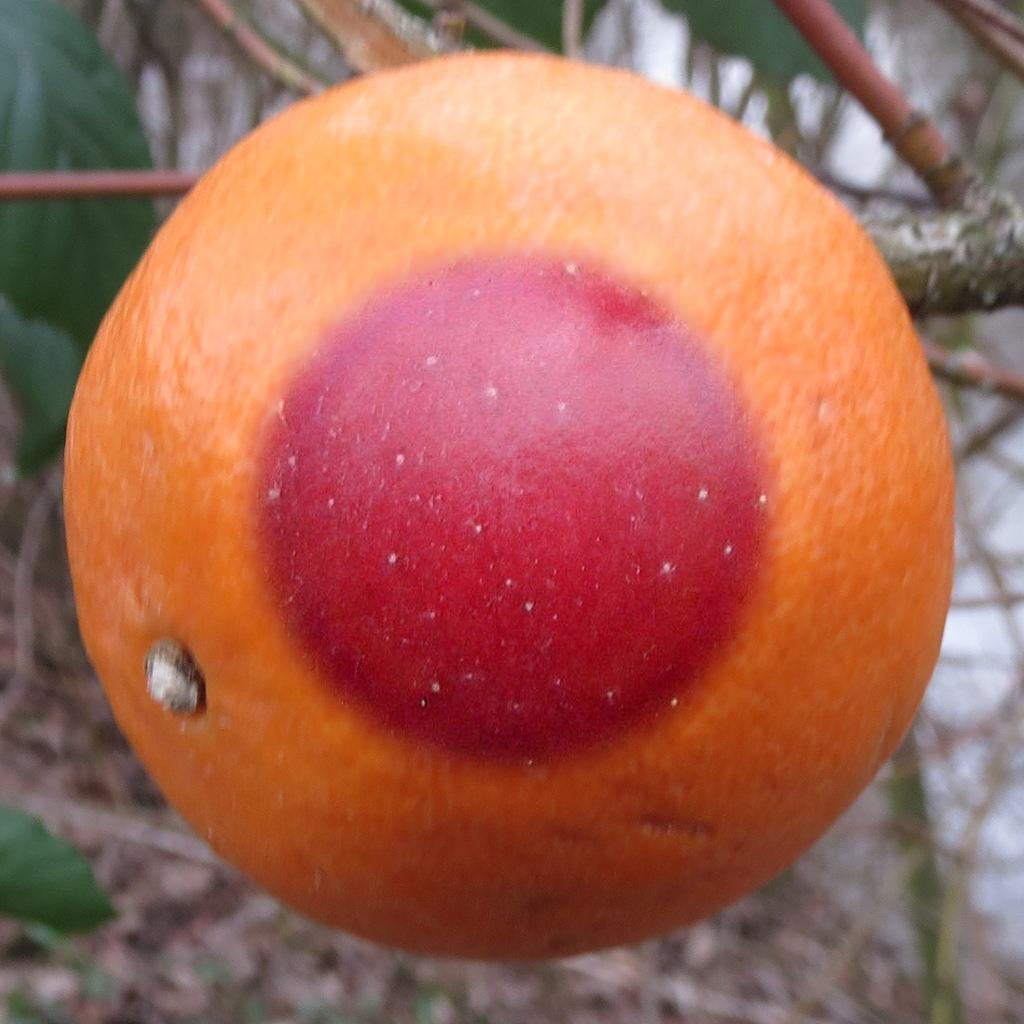
Today I want to wrap up (for now) my series on multiresolution pyramids by showing you how to make this strange-looking fruit: This a slightly nontraditional demonstration of a technique... read more >>
Does this line of code make you raise your eyebrows in puzzlement?c = sum(A,[1 2]) If so, you are likely an experienced MATLAB user who does not make a habit of carefully studying the release notes,... read more >>
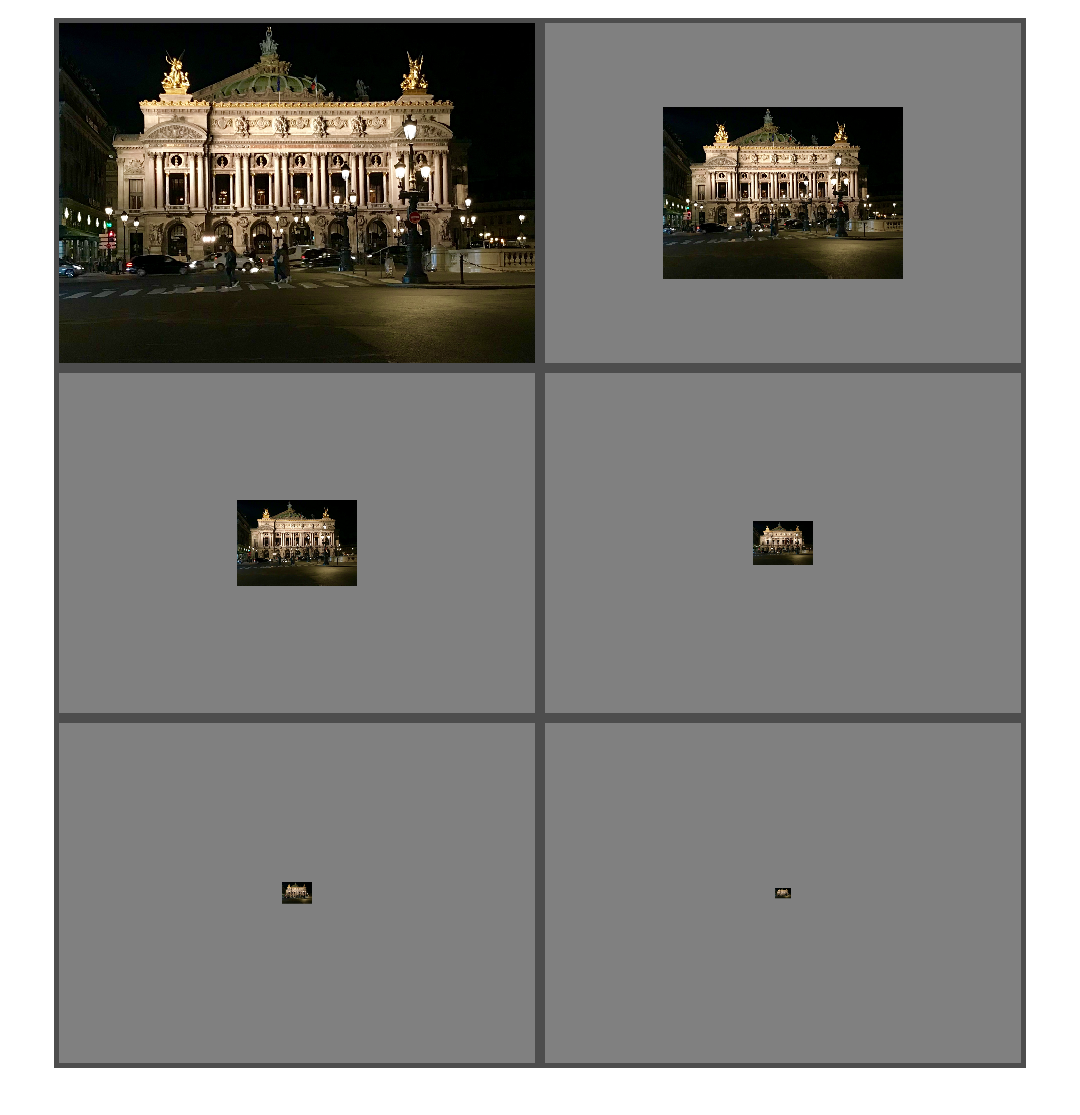
Last time, I talked about the function impyramid and how I have been dissatisfied with it. (Confession: I designed it.) Today I want to present an alternative approach to creating a multiresolution... read more >>

Today I want to finish up my long-running discussion of Feret diameters. (Previous posts: 29-Sep-2017, 24-Oct-2017, 20-Feb-2018, and 16-Mar-2018.) Recall that the Feret diameter measures the... read more >>

Last time, I wrote about finding the maximum Feret diameter for an object in a binary image, ending up with this figure: I had computed the convex hull of all the pixel corners, and then I computed... read more >>
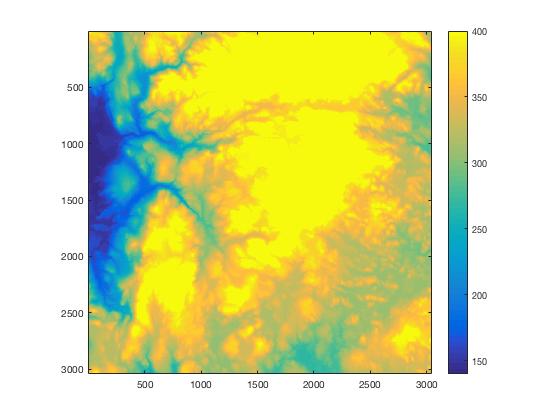
In response to "MATLAB image display - autoscaling values with imshow," MATLAB Answerer Extraordinaire ImageAnalyst posted this comment:A discussion of the relationship and interplay of caxis(),... read more >>
Last week I talked about displaying gray-scale and binary images. In that post, I showed how to control the grayscale range. For example, the call imshow(I,[0.4 0.6]) displays the matrix I as a... read more >>

I'd like to welcome guest blogger and ace MATLAB training content developer Matt Tearle for today's post. Thanks, Matt!... read more >>