
Demo’ing Scripts With ECHODEMO
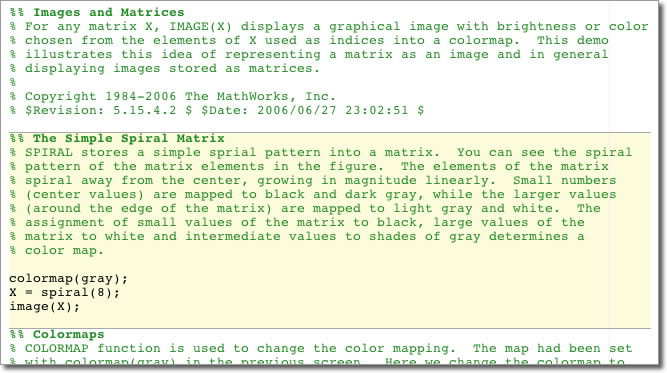
Scripting files in Cell Mode has plenty of benefits. In addition to code organization, rapid iteration, and publishing, cell mode can also be used to present cell-by-cell interactive demonstrations.
Many of the demo files that come with MATLAB are written as cell mode scripts. This allows us to publish them into the doc, but did you know there is also an interactive way to view cell mode demos? Take a look at demos such as penny, integerMath, or nddemo. To browse our script demos, use the demos command. You can open a demo in the editor with edit or in the help browser with showdemo.
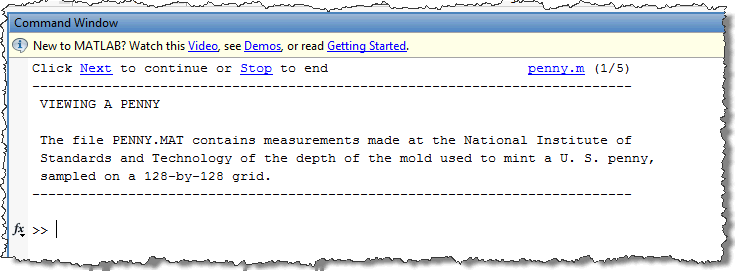
However you can run through a demo one cell at a time in the Command Window with echodemo. Each cell is displayed in turn with the cell’s text printed out and the code executed. The cell’s paragraph text is displayed with hyperlinks for moving to the next cell or stopping the demo. One advantage to showing demos in this is fashion is that since you are at the Command Window, you can run additional code or query variables at each step.






Comments
To leave a comment, please click here to sign in to your MathWorks Account or create a new one.