
Run a Hackathon with MATLAB and Simulink!
Today, we have Grace Woolson from the Student Programs team with us to talk about hackathons and how you can get started. Over to you, Grace…
Some of the most innovative student projects start with a simple challenge: What can we build in a weekend? Hackathons bring students together to tackle real problems, learn new skills, and turn ideas into something tangible, often in just a matter of hours.
If you aren’t familiar, hackathons are events where participants (usually students) compete against each other in small teams over the course of a day or weekend to develop a project that solves a particular challenge or fits within a given theme. Organizing a hackathon is a great way to engage with students on campus and help them develop their skills in a fun, competitive environment, but they can take a lot of work and planning to organize.
The Hackathon in a Box makes it easy to run a hackathon with MATLAB and Simulink, providing engaging challenges, detailed instructions, and templates for logistics and promotion to enable anyone to organize and promote a 4-6 hour hackathon in a matter of weeks. At a high level, these are the steps for running your own hackathon:

Decide When, Where, What, and for Who
The first step can sometimes seem the most daunting, but it all starts with answering just a few questions:
1. Who will it be for?
Are you interested in reaching a certain department? It could also be more specific than that, like for a class or club on campus. Or maybe you want it to be open for anyone who is interested! It’s entirely up to you, but it’s important to pick this first, as the size and background of the audience will inform the rest of the process.
The more attendees you have, the more resources you’ll need. Target 20-50 attendees, especially if it is your first time organizing a hackathon, unless you know you have plenty of other people to help.
2. When will it be?
Pick a time that’s good for your audience. Make sure it doesn’t conflict with exams, holidays, vacations, or other important times of year for them.
3. Where will it be?
Consider classrooms or other spaces on campus that can be booked and are easy for your intended audience to get to. It should have enough tables, chairs, and outlets for your expected number of participants.
4. What problem statement will you use?
The Hackathon in a Box comes with several problem statements, which are specific challenges that you can choose from for participants to tackle during your hackathon. They each come with a set of instructions and either a template or starter code for participants to start from.
Here’s some information about the different problem statements to help you decide which one to use for your hackathon:
Beginner Friendly: Require little to no background knowledge to get started and are well suited for first and second year students, or events that are open to everyone.
- The Fitness Tracker: Collect mobile sensor data and turn it into informative fitness results
- Predicting Diabetes: Train a machine learning model to predict if an ICU patient has diabetes
- Predicting Building Energy Consumption: Train a machine learning model to predict how much energy a building will consume
- DataStorm Challenge: A “mini-hack” (1-3 hours) that tasks participants to solve 10 data extraction and analysis problems on a weather dataset
Intermediate: More suited to audiences that have a background in or are interested in learning about a specific topic, typically second or third year students.
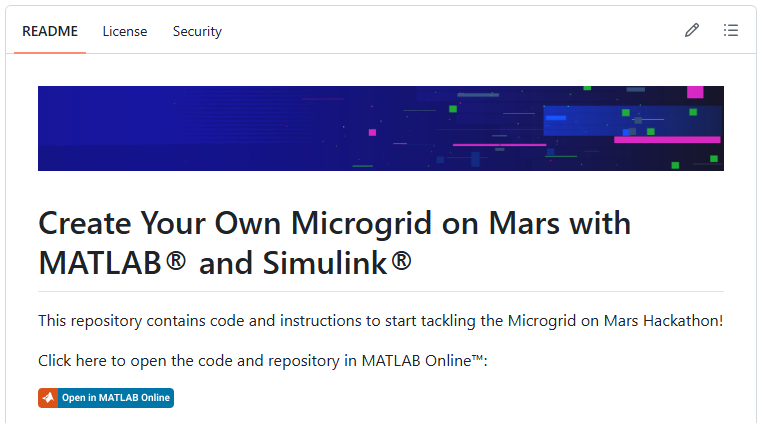
- Microgrid on Mars: Use Simulink and Simscape to design a microgrid for your new colony on Mars
- Signal Decryption: Analyze audio signals to decode passwords and hidden messages
Advanced: Better for third or fourth year students or groups/clubs that are specifically focused on this area
- Drone Simulation: Develop an autonomous path-planning algorithm for a simulated drone
We are always adding new problem statements, so check the Hackathon in a Box for the most up-to-date information. You can also “watch” the repository to get notified of changes or “star” it for easy access later.

Handle the Logistics
Once you’ve made some decisions, it’s time to start making your hackathon a reality!
The details for this part are explained in the Hackathon in a Box Playbook, but it includes things like setting up a hackathon webpage, booking the room, and recruiting judges and mentors to help out on the day of the event.
Promotion
Create a list of ways you will promote the hackathon to your audience. Will you use social media? Email? Posters? Is there a club with a recurring meeting you can join?
The problem statement should be a secret to participants until the day of the event! Use broad themes or talk about skills participants will use and learn during promotion.
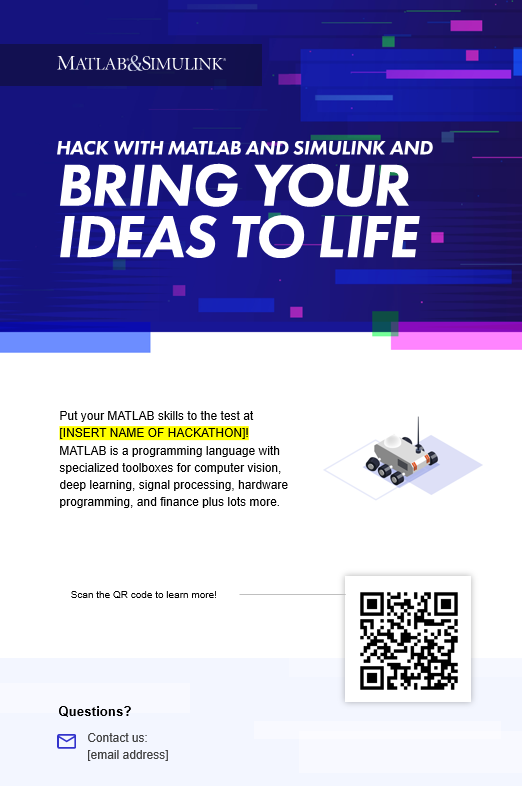
The Hackathon in a Box comes with promotional templates that you can use, including posters and social media graphics. Just don’t forget to include a link or QR Code to your registration page!

Event Day
At this point, you’ve done most of the work to create a successful event. Coordinate with any volunteers, kick off the event, and let the hacking begin!
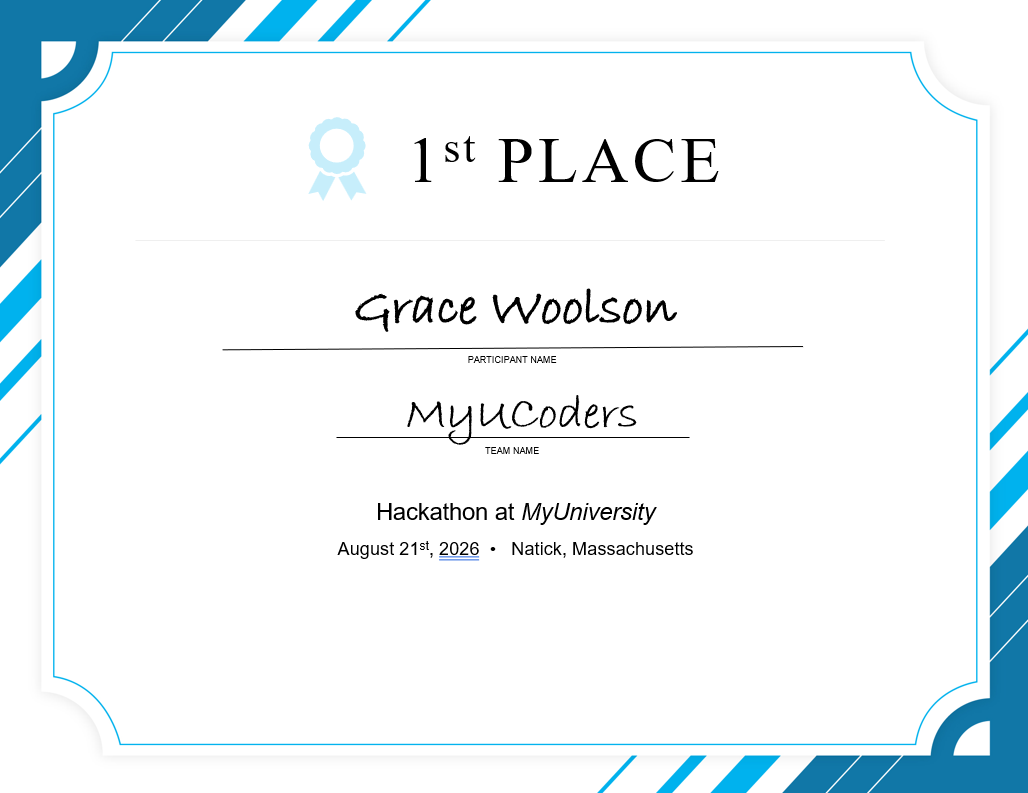
After participants have all submitted their projects and judges have scored them all, it’s time to announce first, second, and third place winners and distribute prizes and certificates. And just like that, it’s the end of your first hackathon.
After it’s over, reach out to us at hackathon@mathworks.com or on Instagram (@matlab_students) to let us know how the event went! We love featuring cool projects and events like this on our channel and this blog.
You can also add this event to your resume to showcase your organizational and project management skills to potential future employers.
Ready to bring your hackathon to life?
All of these instructions and more can be found in the Hackathon in a Box Playbook.
Reach out to us at hackathon@mathworks.com to let us know what you’re thinking and we can make sure you have the right resources to run a successful event!
- Category:
- Hackathons


Comments
To leave a comment, please click here to sign in to your MathWorks Account or create a new one.