File Exchange Pick of the Week

March 20th, 2009

Camera Manipulation

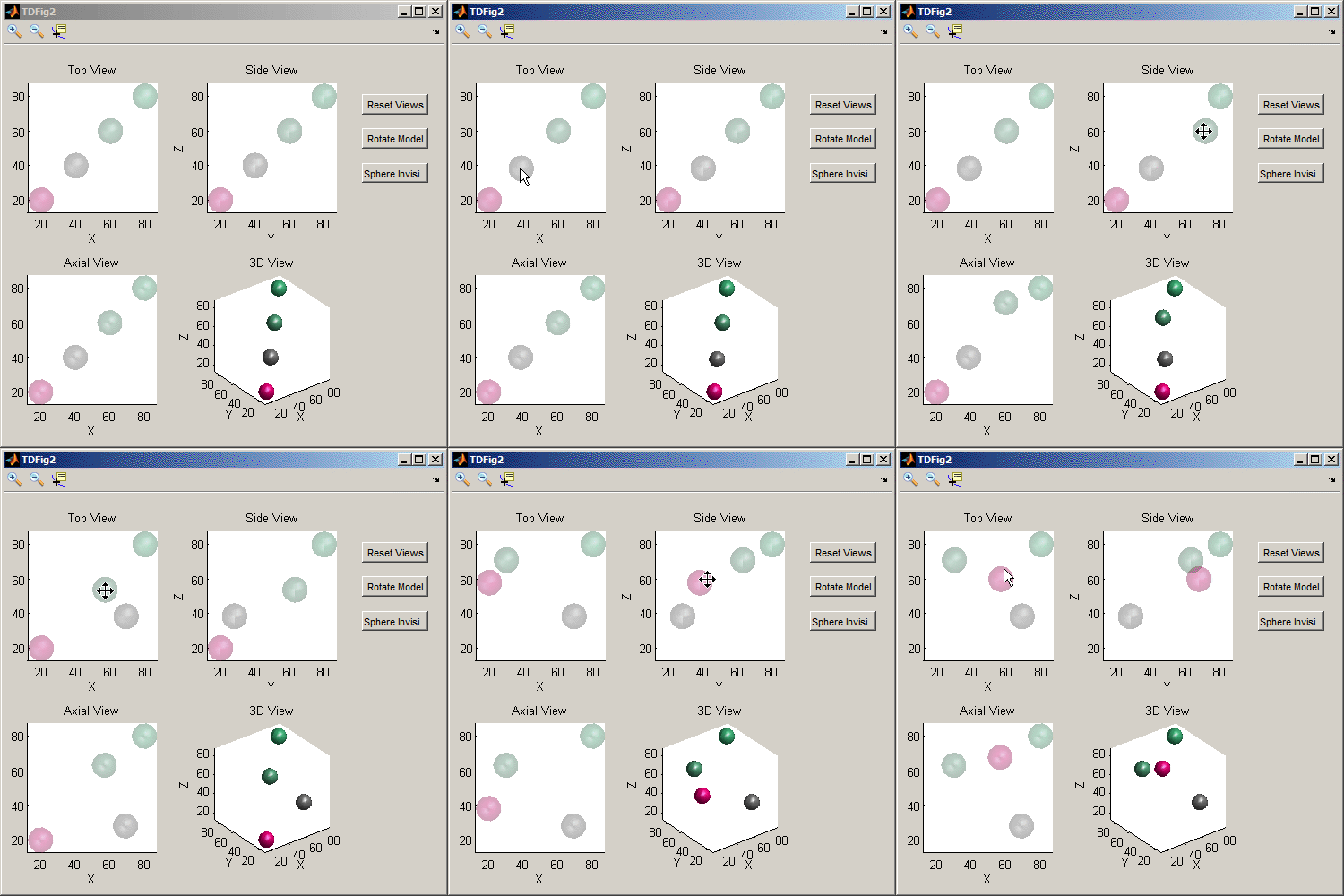
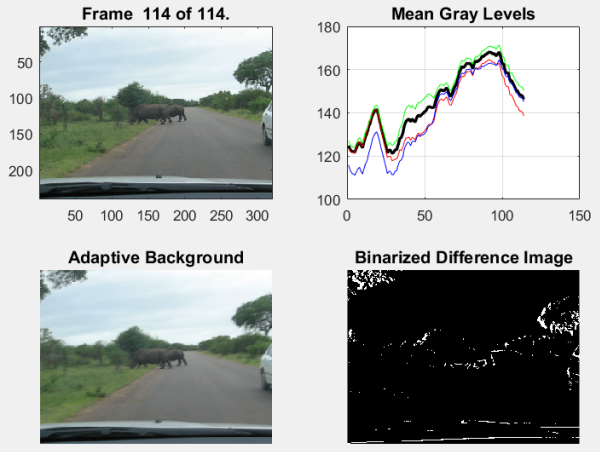
Need a good tutorial on how to manipulate the view of your graphics in MATLAB? Or just want to see a very cool animation of a "camera" flying around over a MATLAB surface plot? Brett's pick this week provides both.

With a pretty cool visualization, Joel Feenstra puts us in the cockpit, so to speak, with his submission on "camera manipulation." Not only is this cool to look at, but Joel shows us how to control roll, pitch, and yaw as we fly around our graphic.
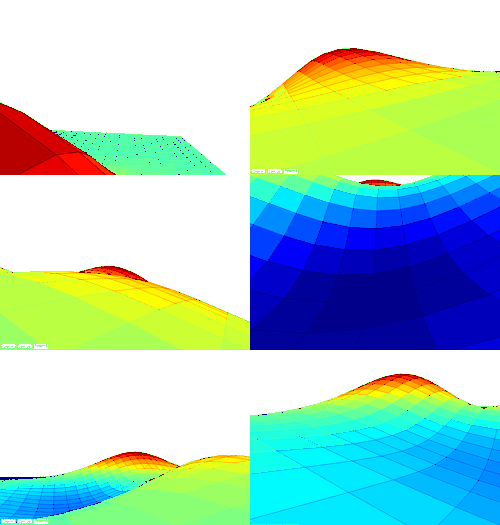
Actually, my animation doesn't compare to seeing this for yourself. Fun stuff...thanks for sharing this, Joel!

Comments? We're always interested.


Get the MATLAB code

Published with MATLAB® 7.8

One Response to “Camera Manipulation”

  1. farasha replied on :

    it is very cool animations!! any advance work in the subject will be very interested to see.
    THANKS

Leave a Reply

Wrap code fragments inside <pre> tags, like this:

<pre class="code">
a = magic(3);
sum(a)
</pre>

If you have a "<" character in your code, either follow it with a space or replace it with "&lt;" (including the semicolon).


Bob, Brett & Jiro share their favorite user-contributed submissions from the File Exchange.

  • Zach: Hi Doug and Les, I didn’t have a lot of time to mess with this, but I did find a work-around. I plotted...
  • hamed: k
  • Les: @Zach This isn’t exactly what you are looking for but at least it puts all three parameters on the same...
  • Zach: Thanks for your suggestions Doug. I’ll give that a shot and see what happens. I’ve seen many of...
  • Doug: @Zach, I would say to use plotYYY, because that is close to what you want, but using depth as Y makes sense....
  • Doug: @Teja, I think this will work: http://www.mathworks .com/access/helpdesk /help/techdoc/ref...
  • Gify: merry christmas :) nice christmas tree! Regards, Janet Gify
  • Teja: Dear Doug Is there anyway to plot a surface from nonuniform data without meshgrid and griddata? Basically i...
  • Zach: I’m working with geophysical data, so I’d like to produce a depth profile. The y-axis would be...
  • Doug: @Ashok First, please do not use variable names that are MATLAB commands (std and mean). Second, p(j) should be...

These postings are the author's and don't necessarily represent the opinions of The MathWorks.