
Tracking the mouse pointer
In MATLAB, with tooltips, you can know what the value of a line is at a given point:

But if you want to know the value of an arbitrary point in a figure, you will want gtrack:
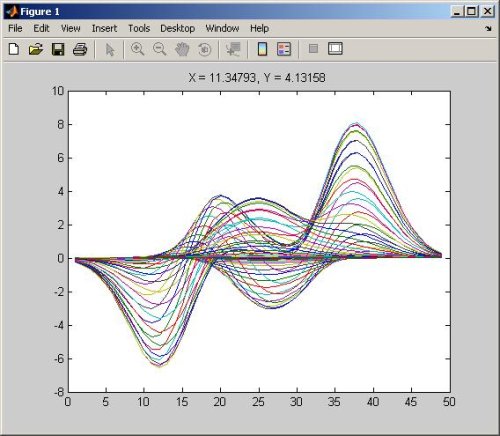
This is a nice little utility function that can be put on your MATLAB path, and then invoked with a few keystrokes at the command line. I like how the title keeps the X,Y formatted such that as you move the mouse the values do not jump around the title as significant figures in the location change.





Comments
To leave a comment, please click here to sign in to your MathWorks Account or create a new one.