
De do do do, de dah dah dah…
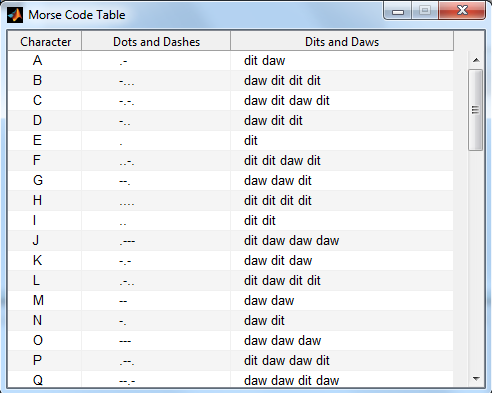
Brett's Pick this week is Morse, by Fahad Al Mahmood.
Last week I blogged about how to make MATLAB talk. This week, we can look at how to make it speak Morse code!
I recall fondly being an undergrad engineering student, and being required to learn Morse code as a prerequisite to throwing
my name into contention to drive a solar-powered car in a long-distance race. I never got very good at it (Morse code, that
is), and have forgotten everything I once knew. (Except for S's and O's...we all seem to know them!)
Fahad's MORSE is pretty cool; it renders a string of characters as an audible series of dots and dashes, making translating
words into Morse code trivially easy. Now if someone would just write a MATLAB program that listens to a series of dots and
dashes and translates it back to text. Any takers?
Oh, and there's a t-shirt in it for the first person to post in the comments to this blog the (exact!) message encoded in
the video above!
- Category:
- Picks






Comments
To leave a comment, please click here to sign in to your MathWorks Account or create a new one.