File Exchange Pick of the Week

December 25th, 2008

Holiday Cheer!

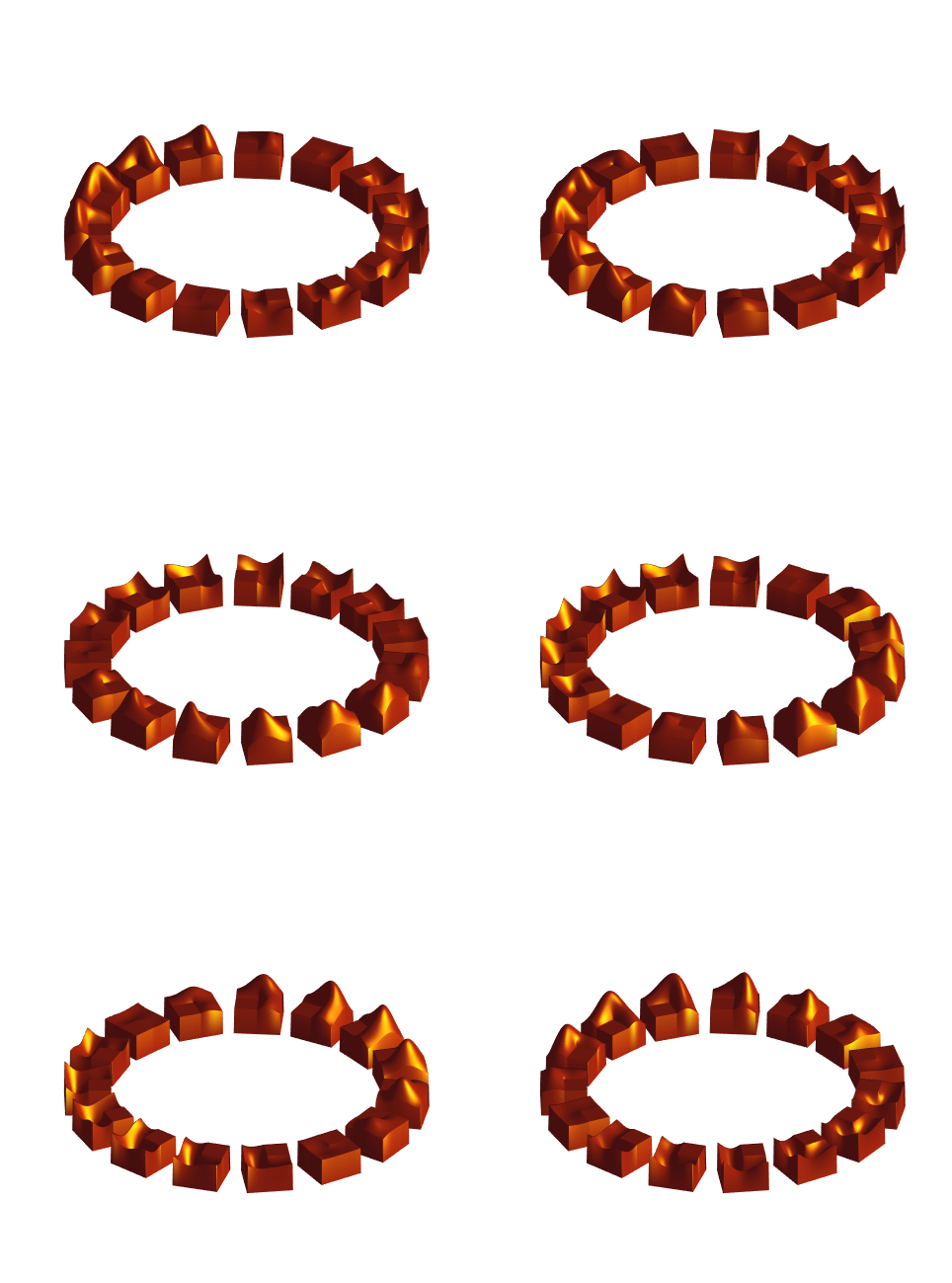
Just a quick note from the Pick-of-the-Week gang, brought to you by Anselm's Christmas Tree Plot.

christmas

Season's greetings, everyone!


Get the MATLAB code

Published with MATLAB® 7.7

2 Responses to “Holiday Cheer!”

  1. Bob replied on :

    I like how the tree and boxes underneath were drawn in 3D space. Here are some quick steps to spin the scene around the tree trunk for example using camera tools:

    1. Run christmas
    2. From the figure menu bar select View -> Camera Toolbar
    3. Click the left most icon: Orbit Camera. The principal axis should be Z.
    4. Click and drag (left-right) to rotate the tree.
    5. To make it keep spinning hold down the mouse button, start moving the mouse and release the button while still moving.

    Enjoy!

  2. Gify replied on :

    merry christmas :)
    nice christmas tree!
    Regards,
    Janet Gify

Leave a Reply

Wrap code fragments inside <pre> tags, like this:

<pre class="code">
a = magic(3);
sum(a)
</pre>

If you have a "<" character in your code, either follow it with a space or replace it with "&lt;" (including the semicolon).


MathWorks

Brett & Jiro share their favorite user-contributed submissions from the File Exchange.

These postings are the author's and don't necessarily represent the opinions of The MathWorks.