When you have a bug that occurs in a script of function that takes a long time to run, you can use this technique to get to the bug faster in MATLAB. if (typeof(playerLoaded) === ‘undefined’) {var… 더 읽어보기 >>

When you have a bug that occurs in a script of function that takes a long time to run, you can use this technique to get to the bug faster in MATLAB. if (typeof(playerLoaded) === ‘undefined’) {var… 더 읽어보기 >>
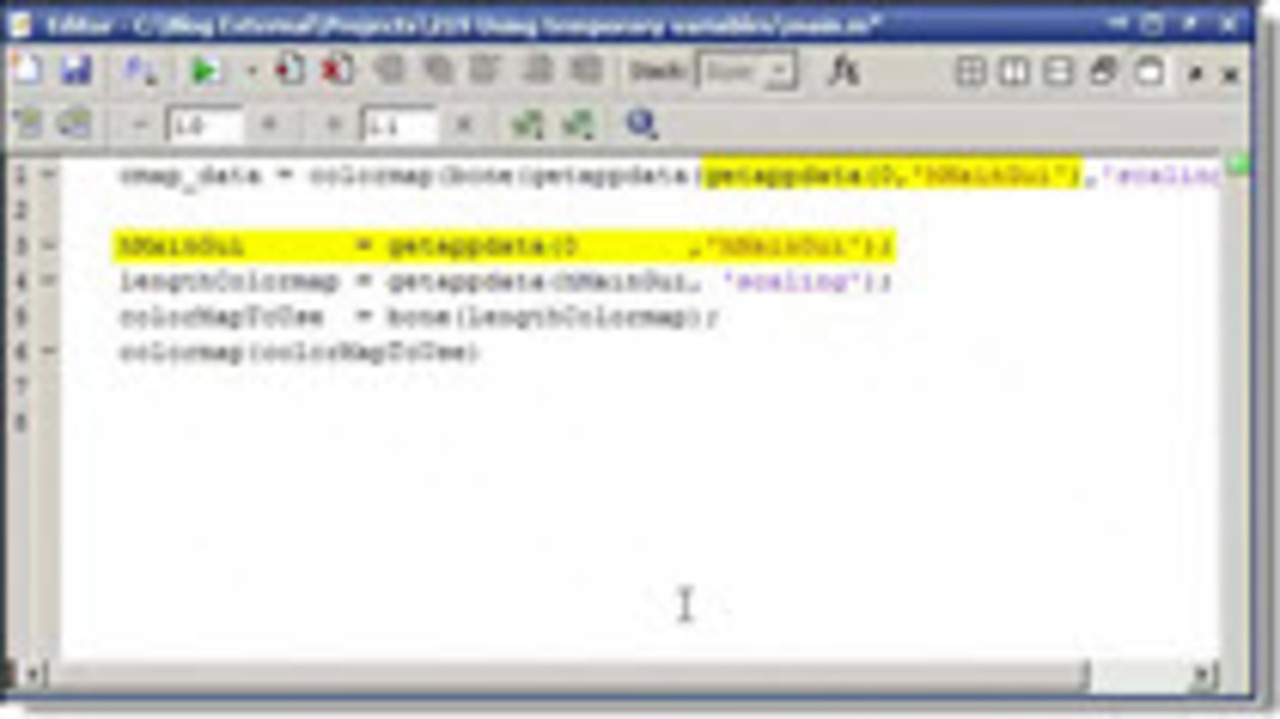
Even though you can have the output of one function act as the input to another directly, this can be confusing to read. Sometimes, using temporary variable will allow you to clarify your… 더 읽어보기 >>
In this MATLAB video we show how you can manipulate the clim property of an axis to determine the points that an image will saturate the colormap. This is often a better choice than making a strange… 더 읽어보기 >>
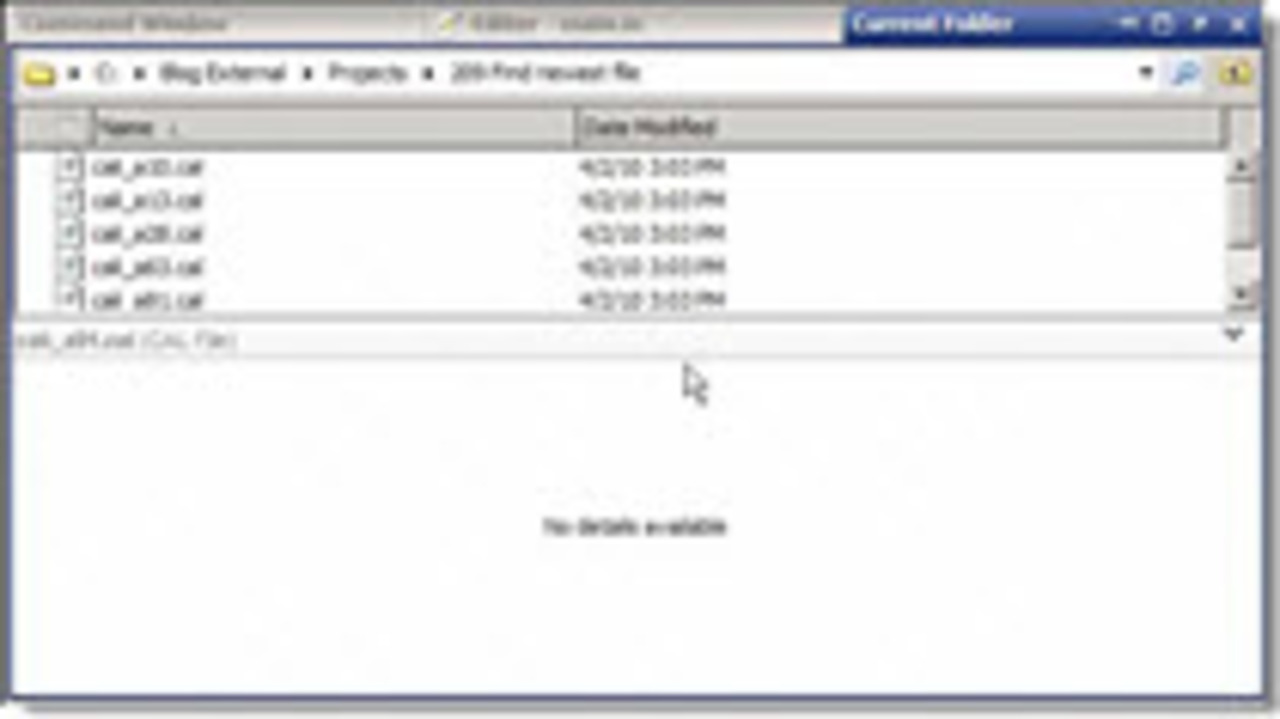
if (typeof(playerLoaded) === ‘undefined’) {var playerLoaded = false;}(function isVideojsDefined() {if (typeof(videojs) !== ‘undefined’) {videojs(“mathworks-brightcove-player”).on(‘loadedmetadata’,…
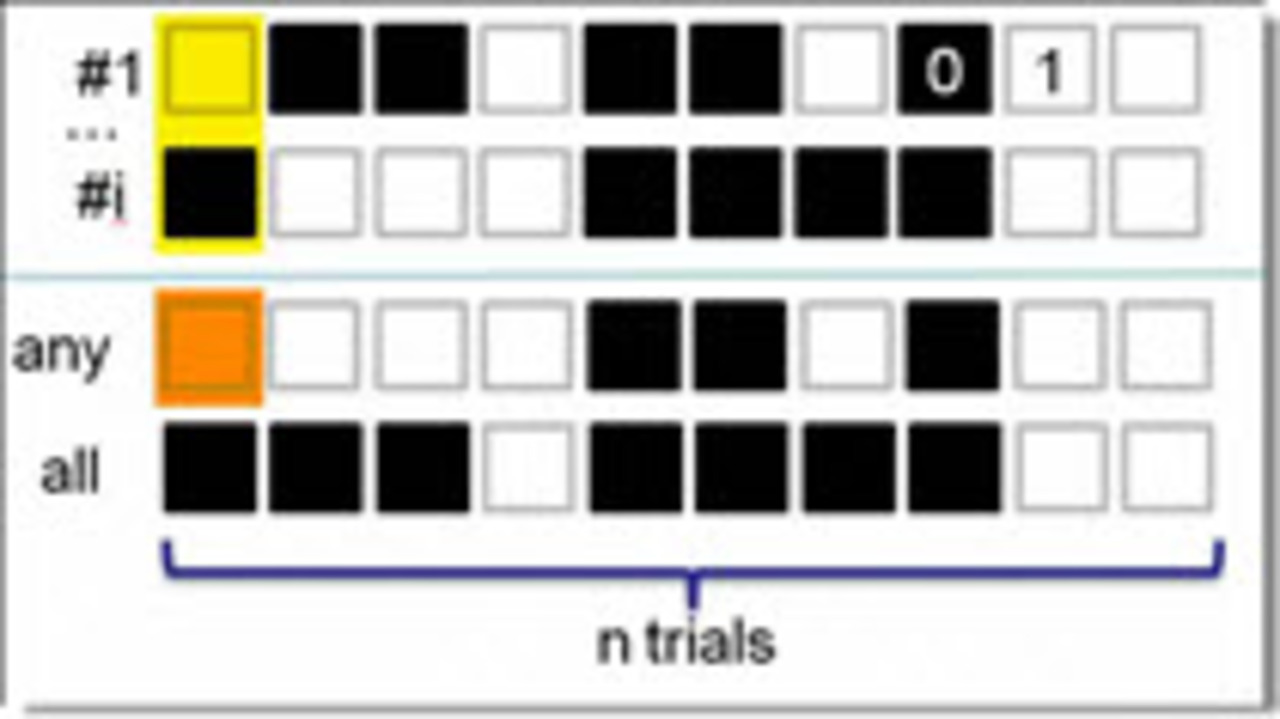
This short video shows an example of finding out if all or any of the values of a matrix are true in MATLAB. if (typeof(playerLoaded) === ‘undefined’) {var playerLoaded = false;}(function… 더 읽어보기 >>
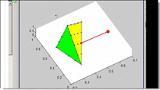
This video shows the implementation of the plan for how to find the closest point on a surface to a given point. This is a numerical approximation that avoids the inevitable complexities of solving… 더 읽어보기 >>

This video sets up the plan for how to find the closest point on a surface to a given point. This is a numerical approximation that avoids the inevitable complexities of solving the problem exactly… 더 읽어보기 >>
Very often the process of coding in MATLAB is to start from a requirement, like “implement this formula”, to a script that is easily tested to a function that is more general and adds to… 더 읽어보기 >>
Just a little trick that helps you get MATLAB figures easily into other programs by copying them to the clipboard. Could easily be made into a shortcut on the MATLAB toolbar. if… 더 읽어보기 >>
I recently had a situation where I needed to delete an entry from a cell array. When I tried A{3} = [ ], I did not delete the third element, I actual just set it to [ ]. What Loren… 더 읽어보기 >>
