
Clocks in MATLAB
Note
The file submission referenced in this post is no longer available on File Exchange.
I recently changed jobs and offices within the MathWorks and am now sitting within the Engineering Devlopment Group (the friendly people that answer your tech support questions on the phone or by e-mail). One of the first challenges the people joining this group have when coming to The MathWorks is to write a clock in MATLAB. This is a good chance for them to show-off and refine their MATLAB skills. I recently saw people “ooohing” and “aaahing” in one of the offices while looking at Brendan’s clock. I have to say that there is an ever increasing level of sophistication in these clocks since I made mine six years ago. Lets take a look at mine:
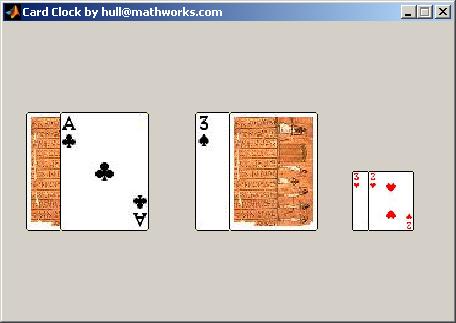
It is no match for Brendan’s. Mine just flipped the card images in place, but his flips them through the air!
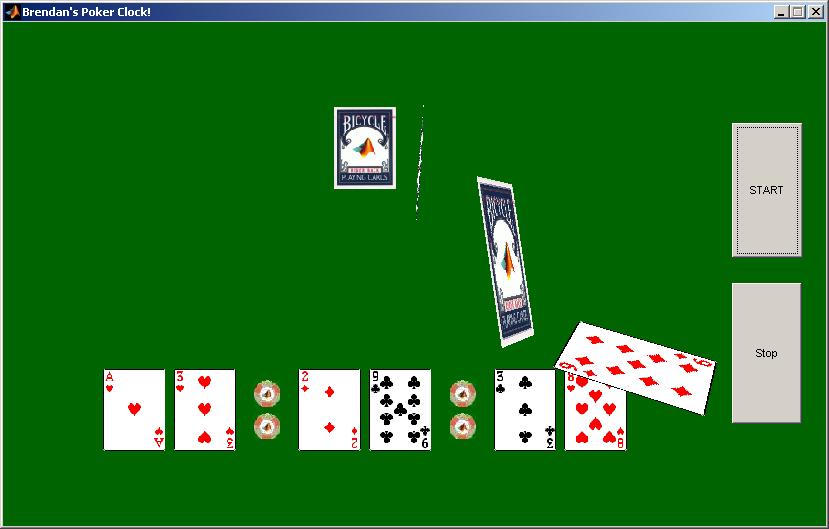
I take solace in the fact that he used HgTransform to do this fancy animation, and that functionality did not exist when I started. When I first came to work here, I had to walk two miles through the snow, uphill, both ways!


See Also
-

What time is it?
Blogs
-
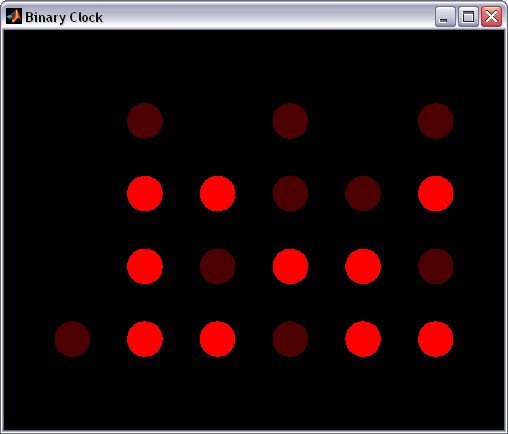
Interesting clock
Blogs


Comments
To leave a comment, please click here to sign in to your MathWorks Account or create a new one.