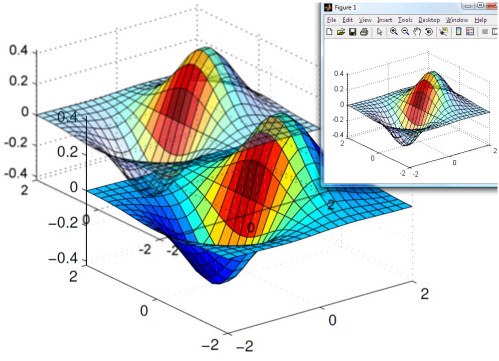
File Exchange Pick of the Week

June 8th, 2007

Scalable Vector Graphics

In my new role at the MathWorks I am the third tier of technical support for MATLAB related questions. From here I get to see a lot of questions that people ask on a day to day basis. One that came in the other day was how to get scalable vector graphics from MATLAB. I could not find the capability in MATLAB. My next step, of course, was the File Exchange. As expected, I found a high quality implementation of this in minutes. It was written by Juerg. It worked well for the few cases that I ran as test. If you are inclined to need this file format from MATLAB, I highly recommend this SVG exporting file.

Unfortunately, not all browsers support SVG, so this screen shot is *NOT* an example of the SVG output…
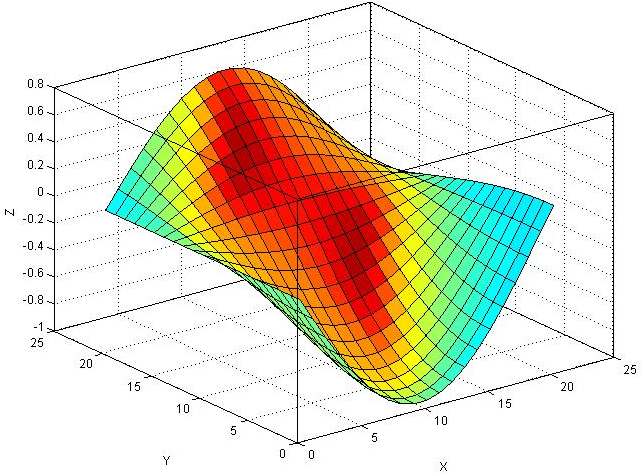
example3d.jpg

4 Responses to “Scalable Vector Graphics”

  1. Colin replied on :

    very nice!

  2. wald replied on :

    I can’t see why Matlab still does not do SVG export by itself. EPS and PDF export is supported and very handy, but do not allow the flexible editing afterwards like SVG does, or at least not without expensive tools like Acrobat.
    The Matlab + SVG + Inkscape combination is hard to beat, IMHO. If one person can provide basic SVG exporting, then surely The Mathworks should be able to provide full SVG support?

  3. andreas replied on :

    bump – agree SVG export should be standard!

  4. Jan Simon replied on :

    Bump – SVG export is still not included in release 2011b.

Leave a Reply

Wrap code fragments inside <pre> tags, like this:

<pre class="code">
a = magic(3);
sum(a)
</pre>

If you have a "<" character in your code, either follow it with a space or replace it with "&lt;" (including the semicolon).


MathWorks

Brett & Jiro share their favorite user-contributed submissions from the File Exchange.

These postings are the author's and don't necessarily represent the opinions of The MathWorks.