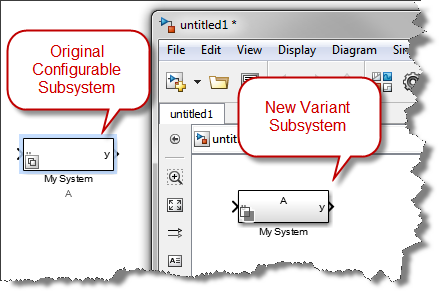
If you are a user of Configurable Subsystems, it is time to start thinking about making the switch to Variant Systems. Simulink Variants provide increased functionality over Configurable... 続きを読む >>

If you are a user of Configurable Subsystems, it is time to start thinking about making the switch to Variant Systems. Simulink Variants provide increased functionality over Configurable... 続きを読む >>

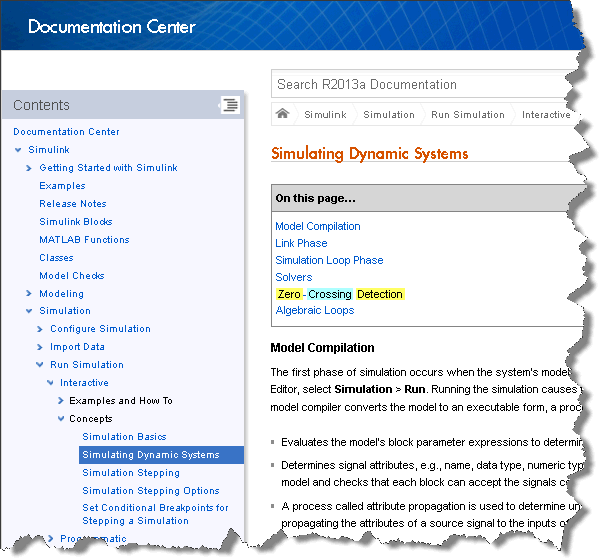
MATLAB R2013a is now available for download! At the end of this post, I reveal my favorite feature in R2013a… what will it be?
For an overview of the new features, you can watch this release… 続きを読む >>
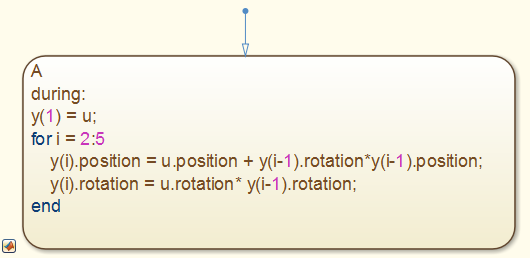
Have you noticed a new block in the Stateflow Library since R2012b? The MATLAB Chart block uses MATLAB as the action language for states and transitions in Stateflow. This means that you... 続きを読む >>
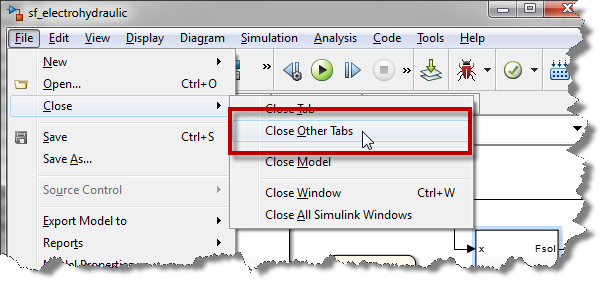
This week, after using Simulink R2012b for 6 months, I discovered a little something I find very useful. Closing Tabs I dig through models all day and I always end up with lots of open tabs. Up... 続きを読む >>

Did you ever receive a "data dependency violation" error message from a Simulink model? I will try to explain why this happens and what you need to do to avoid this error by introducing my... 続きを読む >>
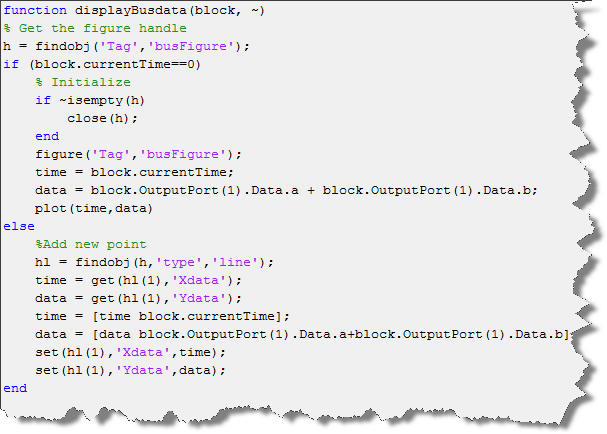
This week I discovered that event listeners also work with bus signals! You might be saying: "What is an event listener?" In this post, I will describe how to register an event listener for a bus... 続きを読む >>
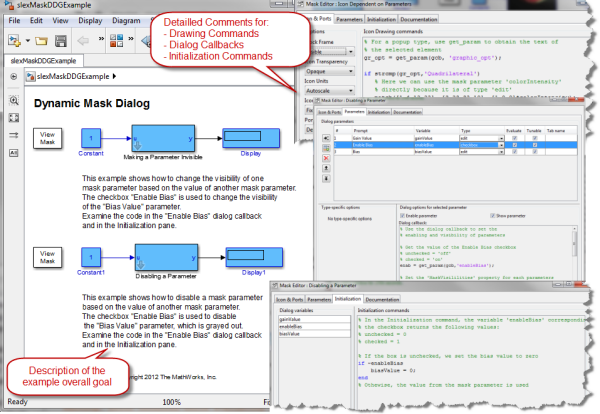
This week's post has been triggered by question recently posted on this blog regarding Masking and Variant Subsystems. If you look at this exchange I had with Xiaojun Yang, you will see that it... 続きを読む >>
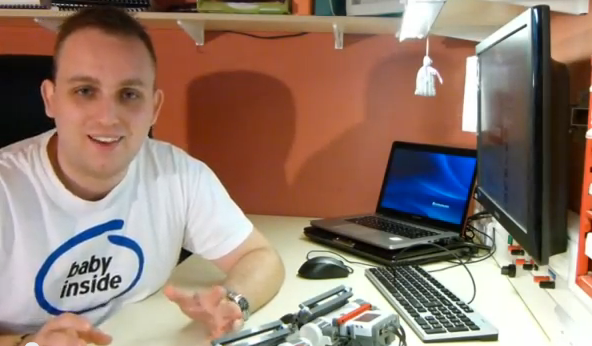
The 2012 Simulink Student Challenge is complete and we have our winners! Thanks to everyone who participated. All of the entries were amazing. 3rd place Artemiy Smekhov for his model of... 続きを読む >>
I recently noticed requests for a block implementing a behavior that might be called "Reverse Multiport Switch". You can find a few request like that on MATLAB Answers here and here. In my... 続きを読む >>
This week we are taking a break from Simulink features and capabilities to take a step back and look at the history of simulations. What Is Simulation? Sometimes it is good to take a step back... 続きを読む >>
これらの投稿は著者に属するものであり、必ずしも MathWorks の見解を示すものではありません。