
Monitoring Continuously Running MATLAB Scripts with Power Automate
I have many MATLAB scripts and systems that are scheduled by Windows Task Scheduler or they run continuously in loops. For some of them I need to ensure that they’re always running because they carry out tasks that others rely on. If they fail or the machine they are running on reboots, its a problem.
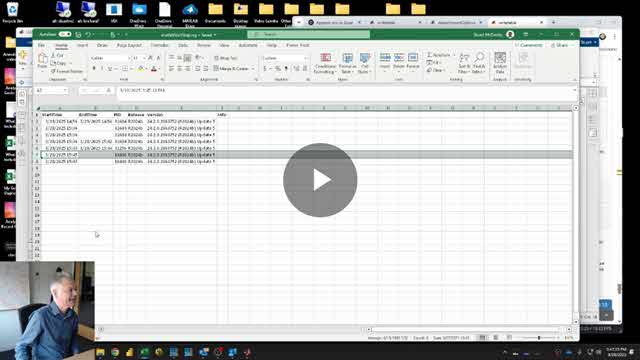
To handle this, I use a simple method where the script periodically writes to a file, then I have a Power Automate flow check to ensure the file has been updated recently.
Your organization needs to utilize OneDrive or SharePoint and Power Automate for this to work.
Features covered in this code-along style video include:
- dir
- readlines, writelines
Play the video in full screen mode for a better viewing experience.




댓글
댓글을 남기려면 링크 를 클릭하여 MathWorks 계정에 로그인하거나 계정을 새로 만드십시오.