 Cleve’s Corner: Cleve Moler on Mathematics and Computing
 The MATLAB Blog
 Guy on Simulink
 MATLAB Community
 Artificial Intelligence
 Developer Zone
 Stuart’s MATLAB Videos
 Behind the Headlines
 File Exchange Pick of the Week
 Hans on IoT
 Student Lounge
 MATLAB ユーザーコミュニティー
 Startups, Accelerators, & Entrepreneurs
 Autonomous Systems
 Quantitative Finance
 MATLAB Graphics and App Building
Automatically size and connect blocks
Doug's pick this week is AutoSizeOnConnect by Mike Anthony.
I love the fact that Simulink provides a graphical view of the system being modeled, but being a stickler for clean looking models, I sometimes find myself spending time cleaning up lines, resizing blocks, and other graphical tweaks that aren't related to actually solving the problem I'm working on.
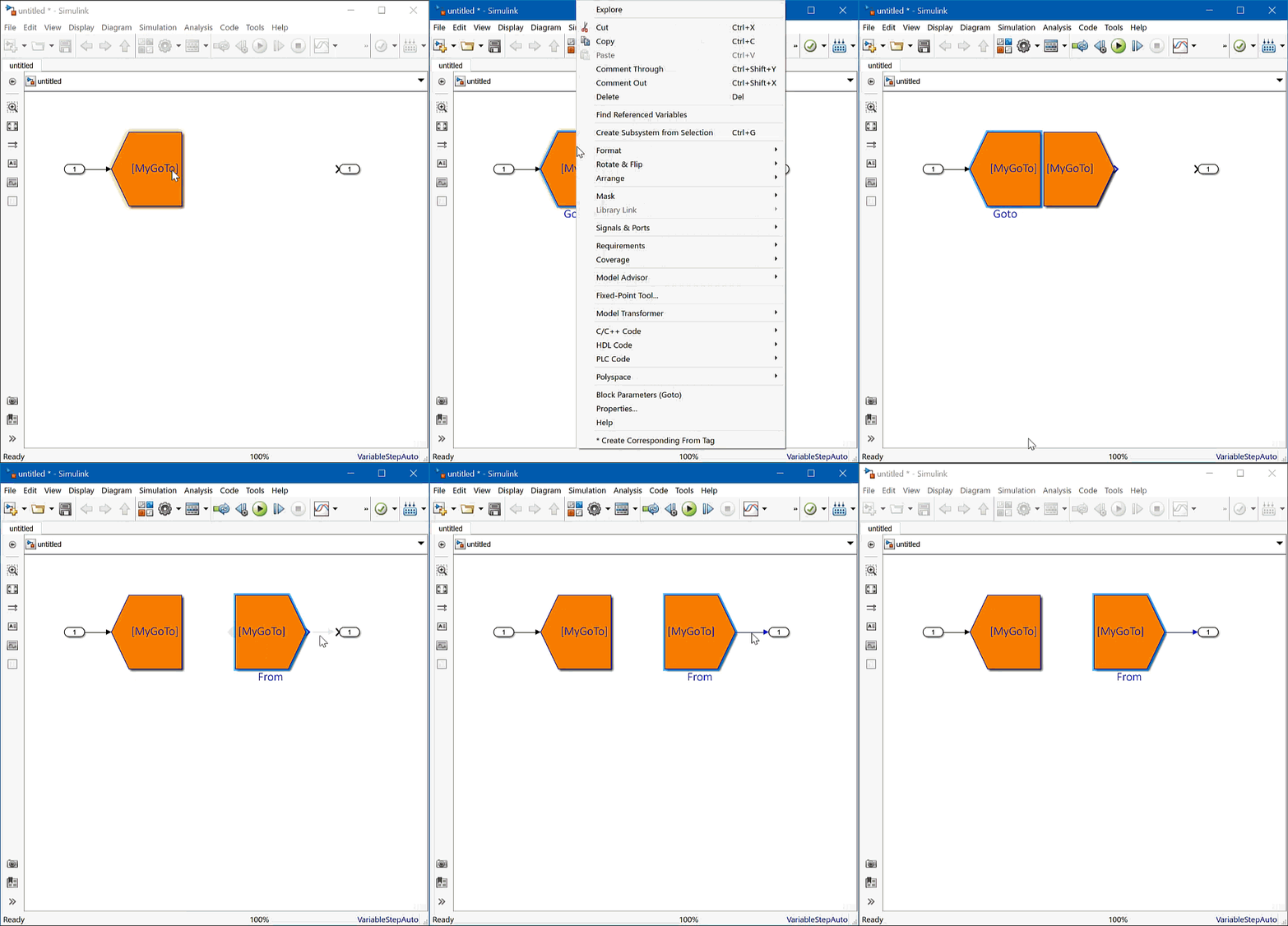
That's why I like my colleague Mike's simple tool that saves some time by automatically updating the number of ports and resizing blocks like mux and demux to quickly provide a clean connection to upstream or downstream blocks. After downloading and installing the code, you simply select the the blocks you want to connect to, right-click and choose AutoSizeOnConnect from the context menu, then click the mux or demux block. The result is a nice clean connection:
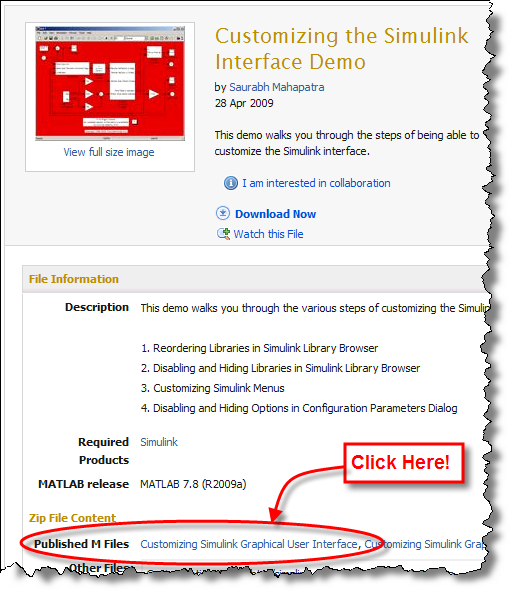
I also picked this entry because I think it's a great example of how you can customize the Simulink user interface to help streamline your workflow. Thanks Mike!
Give it a try and let us know what you think here or leave a comment for Mike.
- Category:
- Picks




Comments
To leave a comment, please click here to sign in to your MathWorks Account or create a new one.