In a recent post, I mentioned LazyWeb It worked better than I expected. Matt posted some code that I requested that will highlight a line when you click on it. This works exactly as hoped. Thanks… 더 읽어보기 >>

In a recent post, I mentioned LazyWeb It worked better than I expected. Matt posted some code that I requested that will highlight a line when you click on it. This works exactly as hoped. Thanks… 더 읽어보기 >>
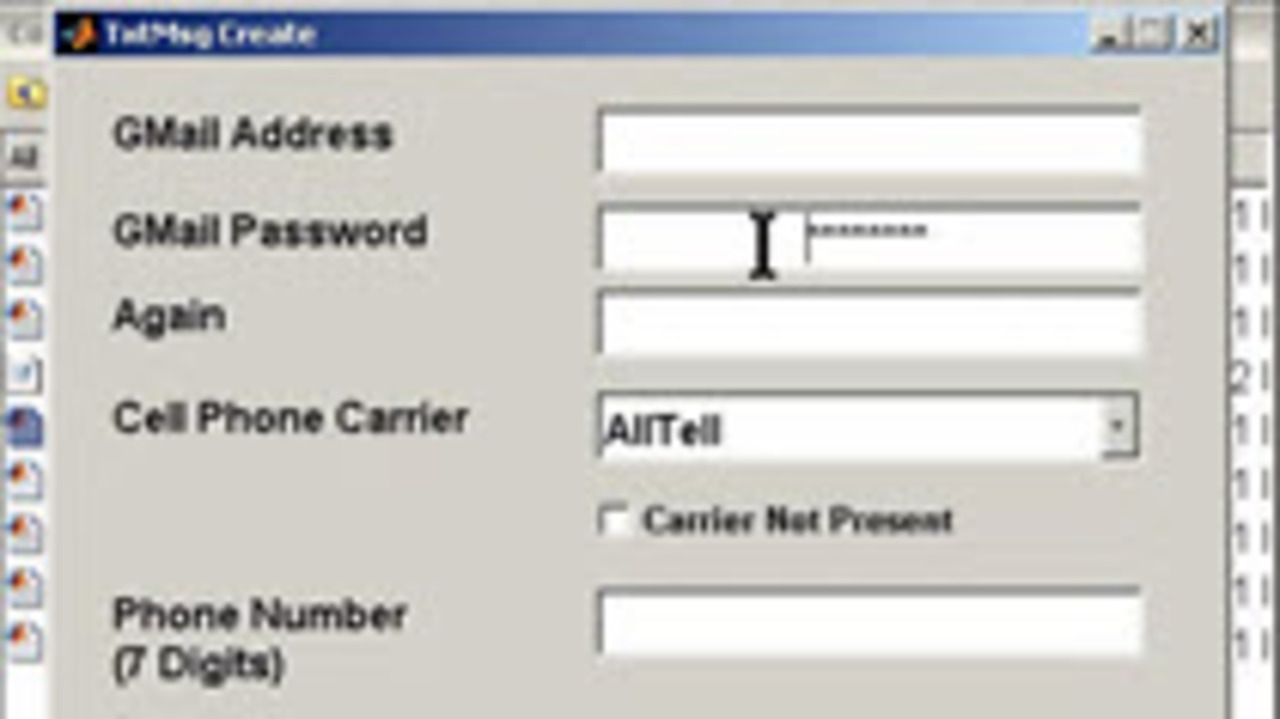
One of the purposes of MATLAB Central is to encourage collaboration and code sharing in the MATLAB community. I was overjoyed when I was alerted to this new file on the Exchange. Basically, Robert… 더 읽어보기 >>
Two minute video shows how to fit a surface to nonuniform data. Real data is not always on a nice X,Y grid, but the MATLAB commands SURF and MESH expect them to be. GRIDDATA and MESHGRID help to… 더 읽어보기 >>
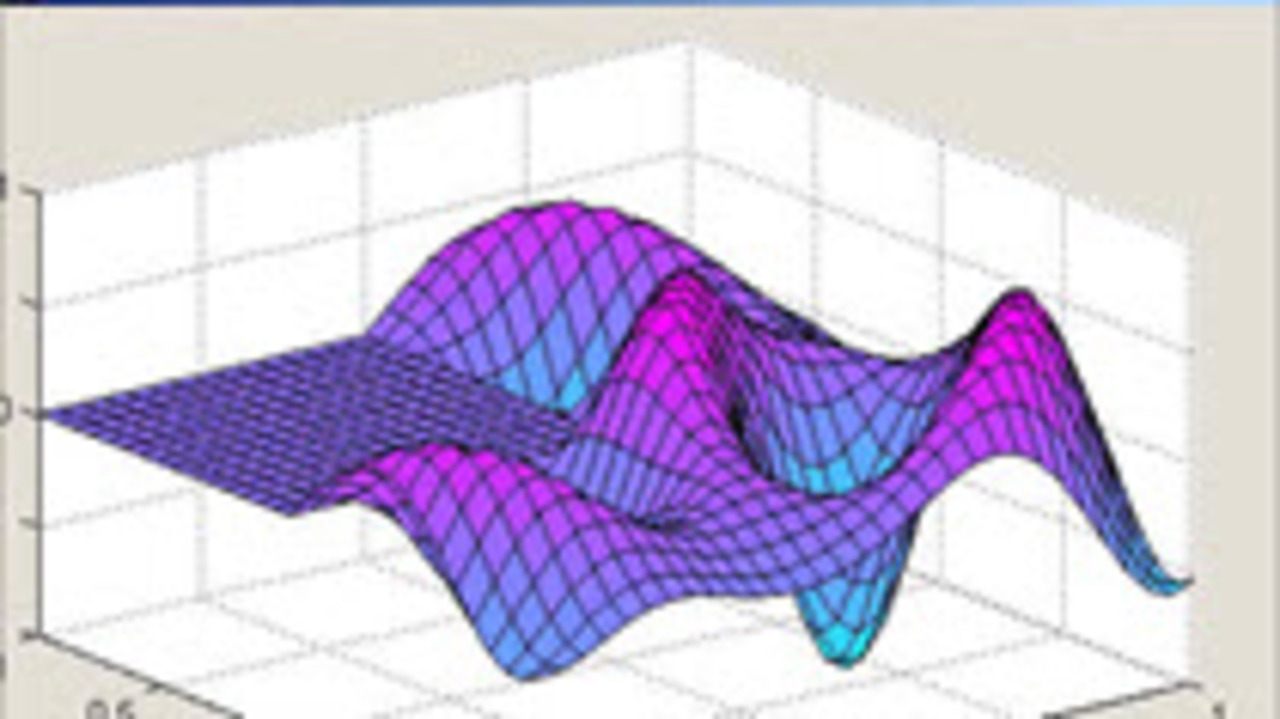
Two minute video shows how to validate GUI input. This makes sure that user input will not break your code. This example makes sure that the edit box value is not greater than twelve. This technique… 더 읽어보기 >>
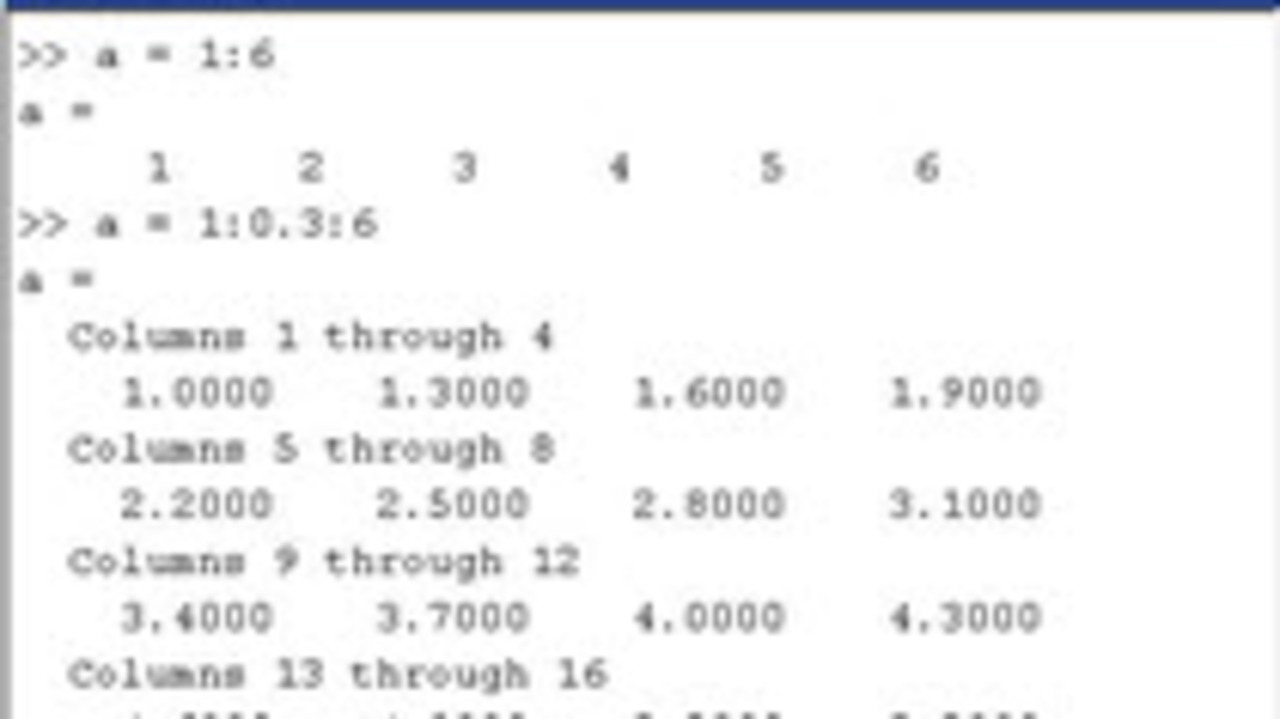
When I look at code written by new users, sometimes, I will see code like this: a = [1 2 3 4 5 6 7 8 9 10 11 12 13 14 15]; There is an easier way: a = 1:13; This three minute video shows… 더 읽어보기 >>
This is one of a series of videos covering MATLAB basics. It is meant for the new MATLAB user. This video covers how to use the import wizard to bring in files, and then use the plot tools to… 더 읽어보기 >>
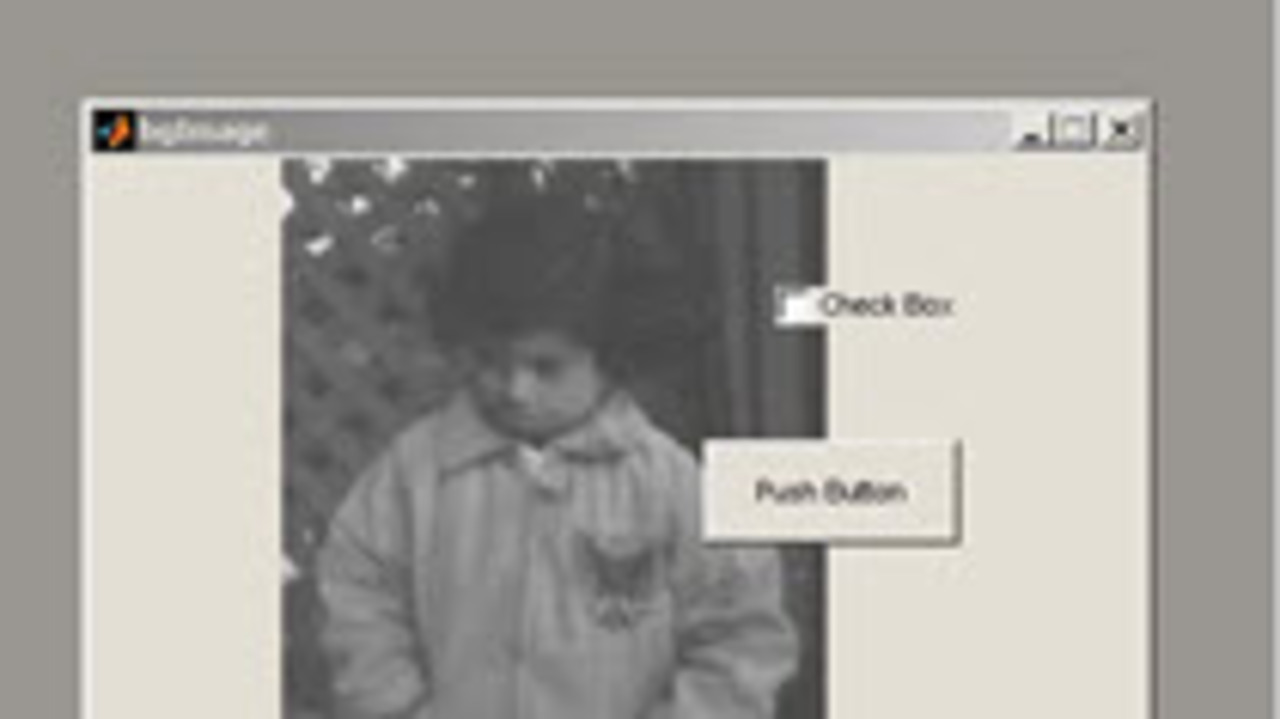
I recently got a question in my inbox asking how to set the background image for a GUI. This is done by creating an axes in the GUI and putting an image in it. Any UICONTROLs that you put on the GUI… 더 읽어보기 >>
Many of you have surely noticed that this blog took a sharp turn towards video content since I moved to the Advanced Support Group at the MathWorks in May. With all these videos, I have had to get… 더 읽어보기 >>
This is one in a series of videos covering MATLAB basics. It is meant for the new MATLAB user. This video covers how a variety of visualizations that are available in MATLAB for surfaces. Video… 더 읽어보기 >>
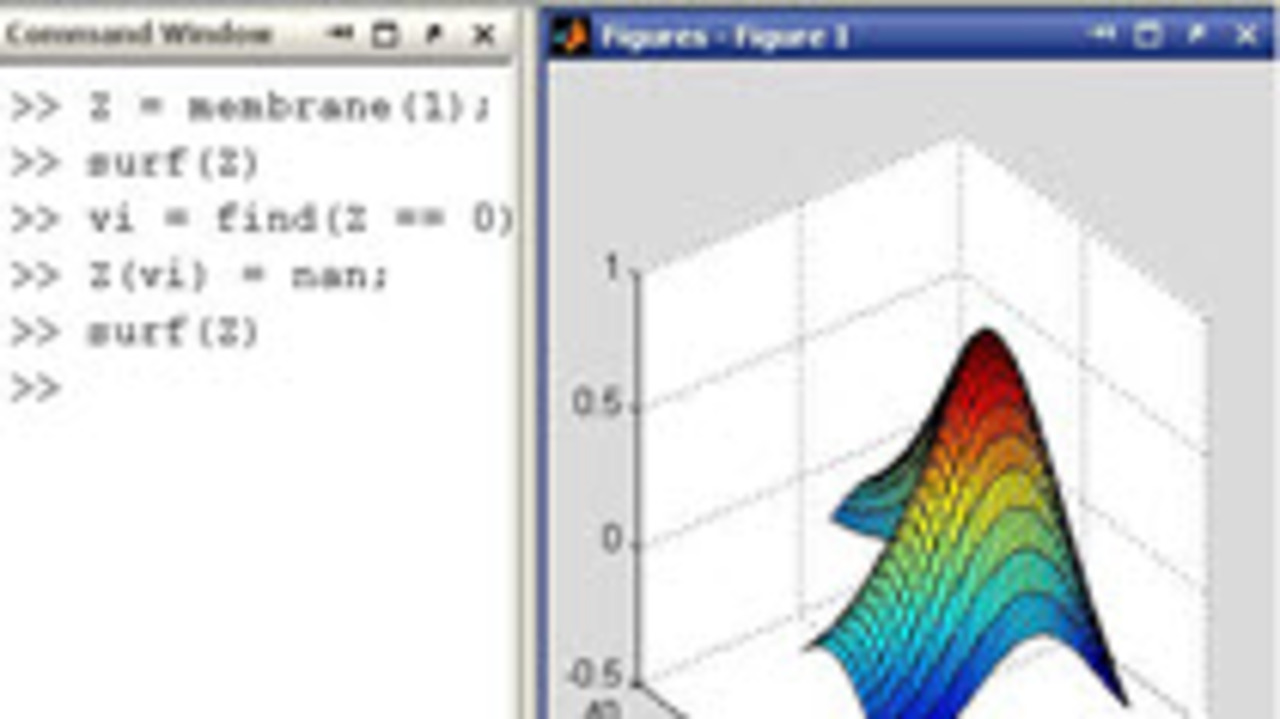
This is one in a series of videos covering MATLAB basics. It is meant for the new MATLAB user. This video covers how to uses NaN as placeholder data when plotting data so you can leave a gap where… 더 읽어보기 >>
