I often need to break up a URL string into components such as protocol, hostname, file path, query parameters, etc. Here, I create a function to do this, similar to the fileparts function in… 더 읽어보기 >>

I often need to break up a URL string into components such as protocol, hostname, file path, query parameters, etc. Here, I create a function to do this, similar to the fileparts function in… 더 읽어보기 >>
On an existing post, a MATLAB user asked how to vertically concatenate a number of matrices taken from MAT-files. Here is a code-along of me working through a couple of options for this.
if… 더 읽어보기 >>
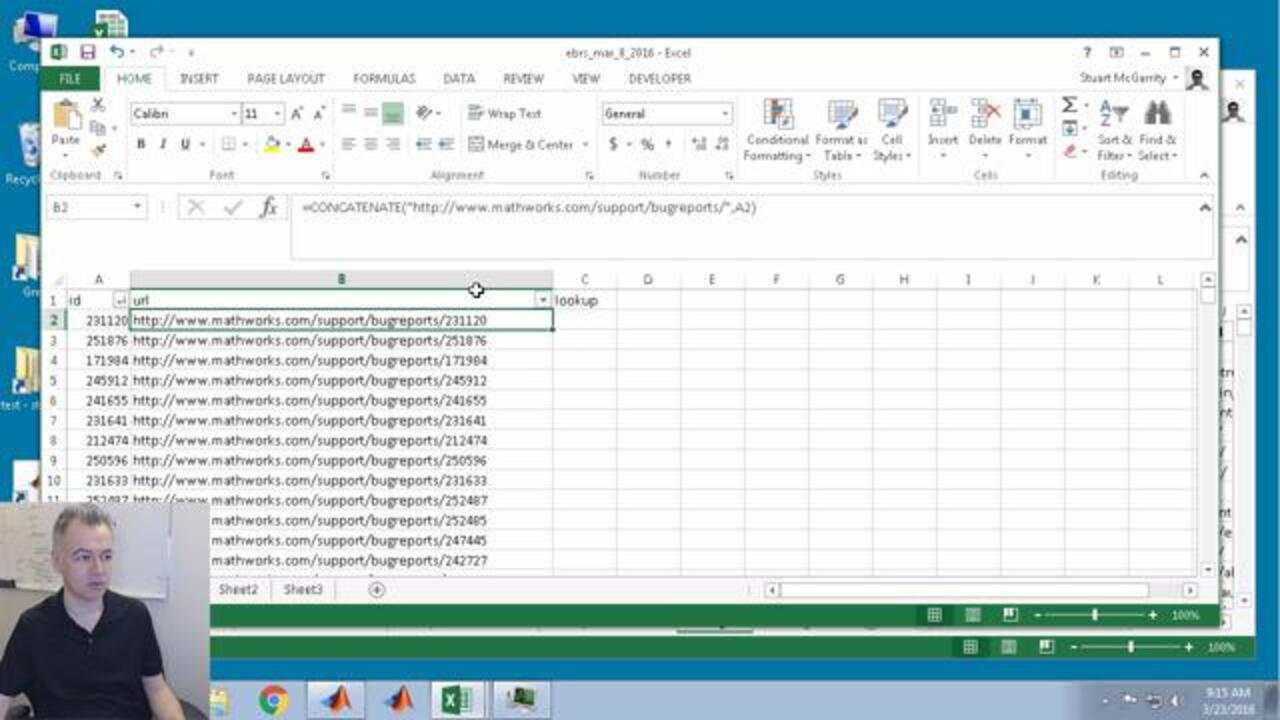
I often need to compare long lists of strings, usually URLs. If I have less than a few thousand, and the data is already in Excel, I will use the MATCH and INDEX functions in Excel to do this…. 더 읽어보기 >>
When your MATLAB code encounters an error and you have “dbstop if error” enabled, the file in which the error occurs is opened in the editor (together with its calling files). When the… 더 읽어보기 >>
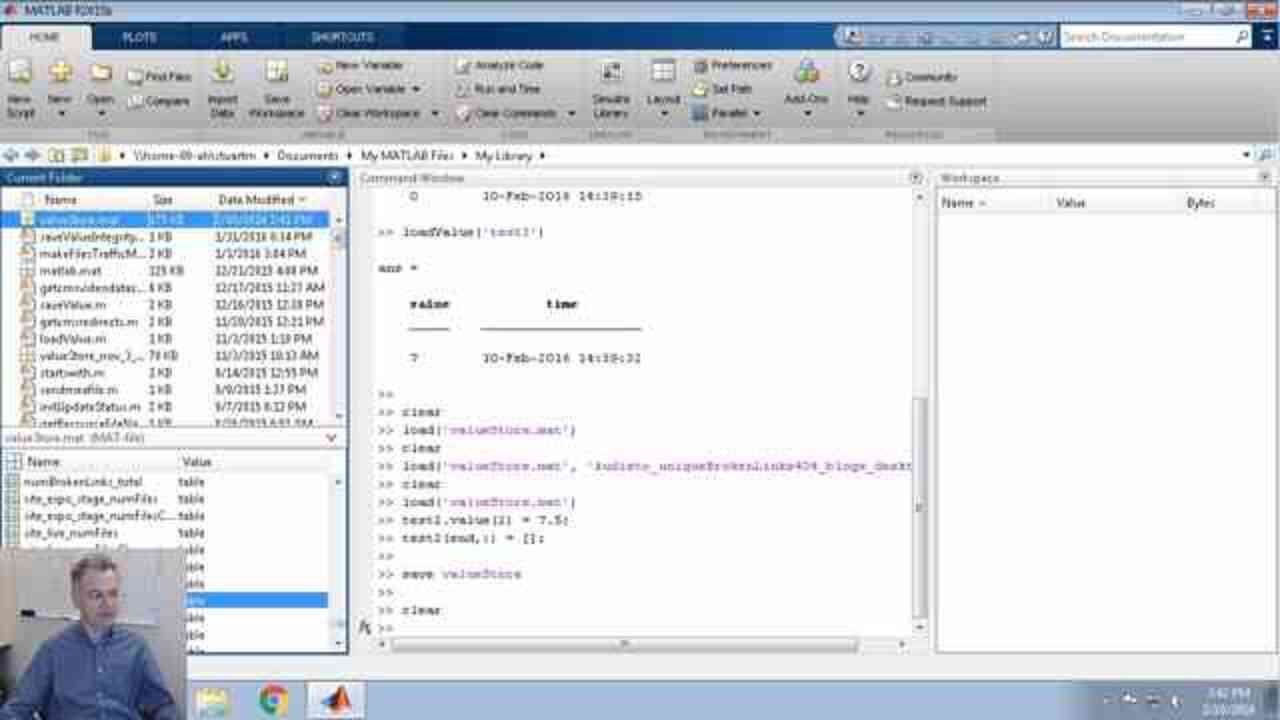
Sometimes when I record a variable with the saveValue function, it is a mistake, or it was a test, or it was some outlier that I do not want to keep forever. In this case, the simple method of… 더 읽어보기 >>

I want to count the number of different types of pages on our website (e.g. file exchange posts, videos, MATLAB Answers). Now, I can easily get these numbers from our internal systems but I want to… 더 읽어보기 >>
In the eight video in this series about developing functions to store values over time, I put the function to work by adding it to some of my scripts and reports to let me start tracking values. This… 더 읽어보기 >>

In the seventh video in this series about developing functions to store values over time, I struggle a lot with specifying the input date for a datetime object. This video uses the code-along… 더 읽어보기 >>

Happy New Year everyone.
In the sixth video in this series about developing functions to store values over time, I look into satisfying the use case of specifying a custom date when saving the value…. 더 읽어보기 >>
In the fifth video in this series about developing functions to store values over time, I use the datetime object to store the timestamp associated with the value. This video uses the code-along… 더 읽어보기 >>
