Simulink R2016a has just been released and it includes a ton of new features and improvements. There is so much it is impossible to cover everything in just one blog post. For this first blog post... 更多内容 >>

Simulink R2016a has just been released and it includes a ton of new features and improvements. There is so much it is impossible to cover everything in just one blog post. For this first blog post... 更多内容 >>

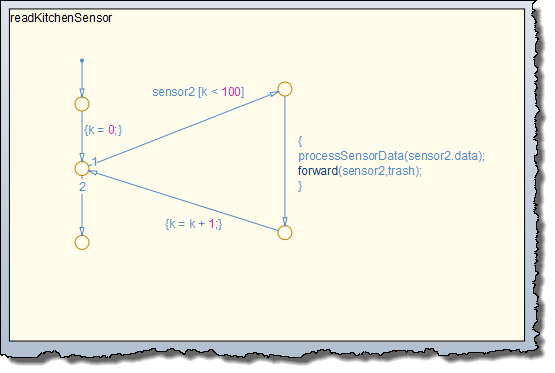
As our devices get smaller and systems get embedded into everything, there is a greater need to properly model inter-system communication. Let's take a simple example: imagine a smart thermostat that... 更多内容 >>
I am not done yet... there are still a few more new things in Simulink R2015b I need to highlight. Scope In R2015b, the Simulink Scope has been entirely redesigned with tons of new features. It... 更多内容 >>
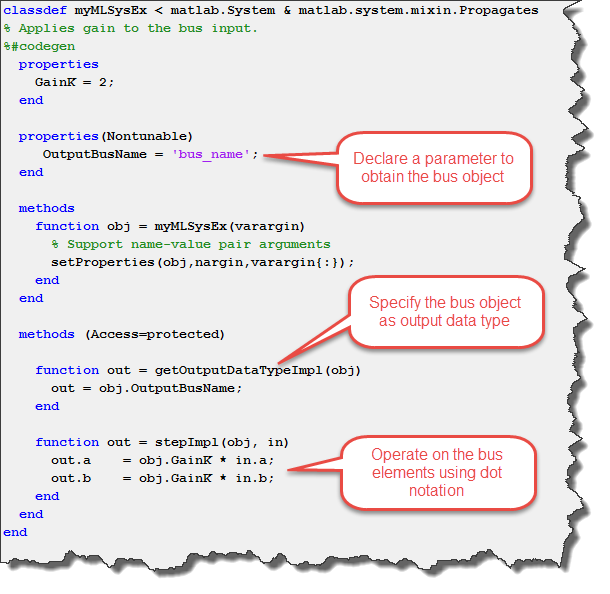
In R2015b, lots of enhancements related to buses have been implemented. Let's give a look. Port Value Labels for buses When debugging models, I sometimes like to use the Port Values Display. I... 更多内容 >>
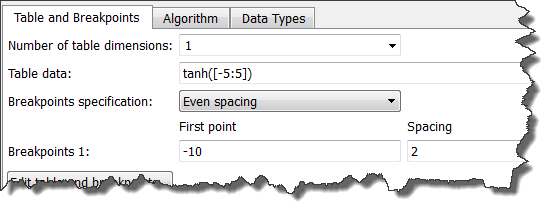
This week we continue looking at new features in R2015b. After going through editing features, let's now look at new features affecting how blocks work. Waveform Generator Block Using a... 更多内容 >>
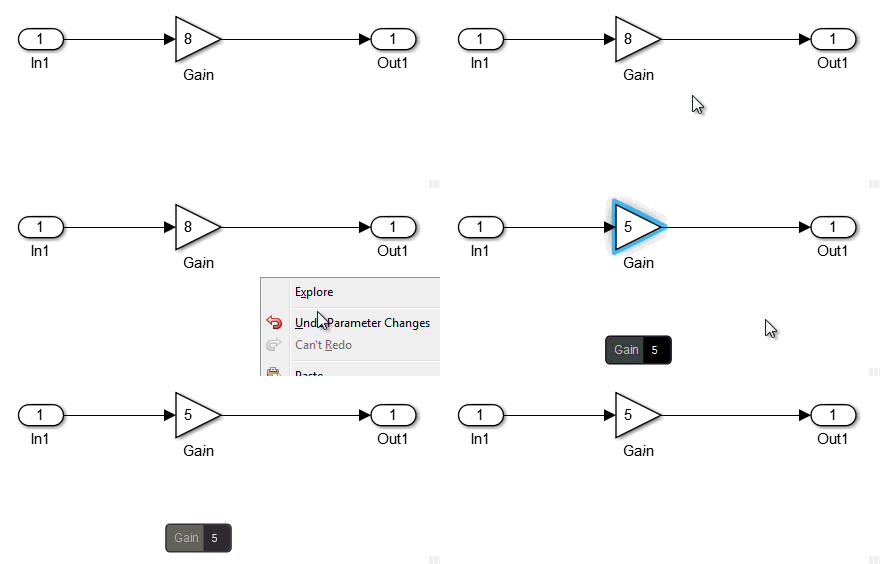
MATLAB R2015b has been recently released. It's time to see what's new! When going through the release notes, what hits me the most is that R2015b contains a ton of small improvements that will... 更多内容 >>
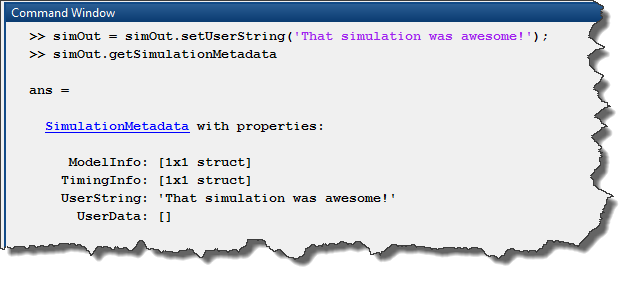
Did you notice that in R2015a, simulations now have metadata in their output? What is simulation metadata? The getSimulationMetadata method of the Simulink.SimulationOutput object returns a... 更多内容 >>

Today I am happy to welcome my colleague Ramamurthy Mani for another very interesting study using SimEvents.
Introduction
Recently, I read an article in Wired (TM) magazine that posed a question that… 更多内容 >>
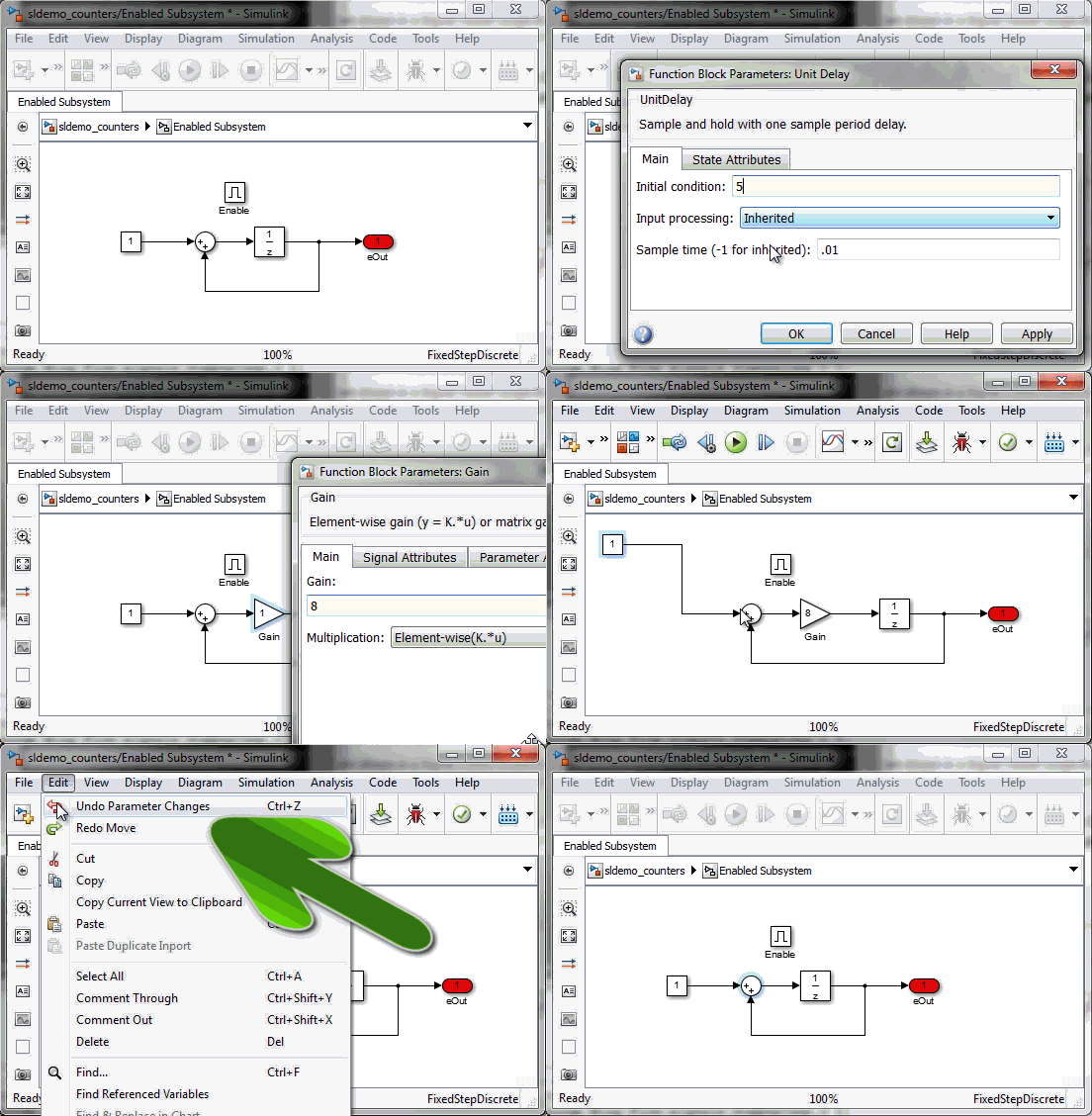
This week I want to highlight an improvement to the Undo feature in Simulink. Undo Parameter Changes For as long as I can remember, in Simulink it has always been possible to undo graphical... 更多内容 >>
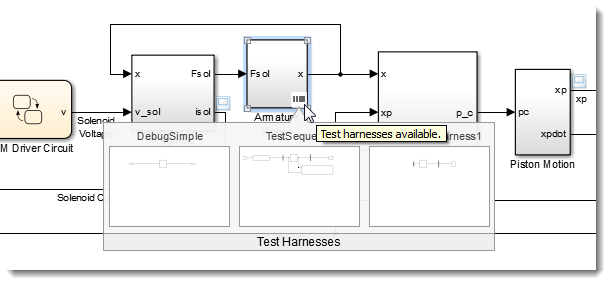
In R2015a, we introduced a new product called Simulink Test. This product offers many great features like a Test Sequence block, various ways to test results of a model against validated data, and a... 更多内容 >>