
This week, I am happy to welcome guest blogger Hao Chen who will describe how Simscape Electrical can be used to simulate the world's longest (3324 km) Ultra High Voltage DC (± 1100 kV) transmission... 더 읽어보기 >>

This week, I am happy to welcome guest blogger Hao Chen who will describe how Simscape Electrical can be used to simulate the world's longest (3324 km) Ultra High Voltage DC (± 1100 kV) transmission... 더 읽어보기 >>
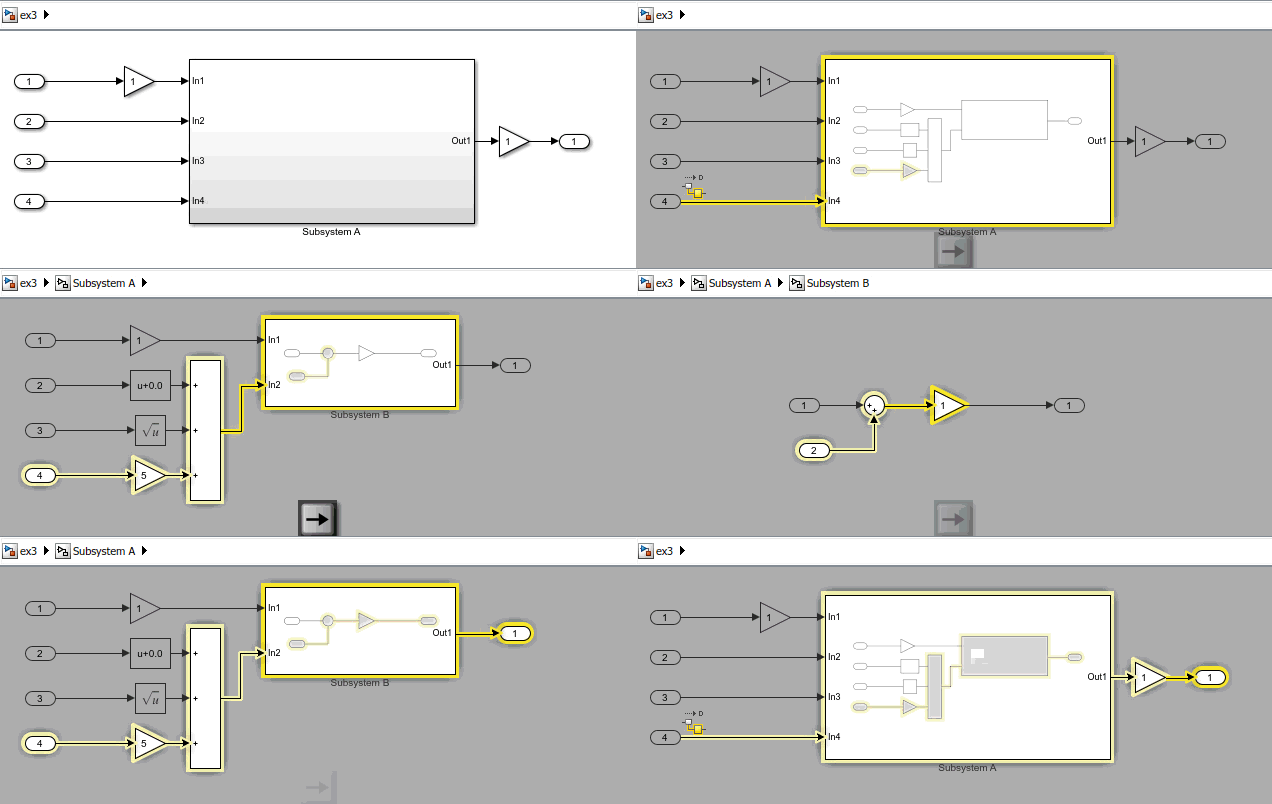
In the United States, Thanksgiving weekend is probably the weekend where the roads are the busiest. For those of you who got stuck in traffic to visit family and friends this past weekend, I thought... 더 읽어보기 >>


You know what I did this weekend? Yes, as the title of this post says, I deployed custom flight control software to my Parrot Rolling Spider Minidrone
Simulink Support Package for Parrot... 더 읽어보기 >>

A long time ago, Seth wrote a post showing how to count the number of blocks in a model, including referenced models. At that time, using the functions find_mdlrefs to find all the referenced models... 더 읽어보기 >>

Last week I described how to model a box on a moving table using Simulink subsystems as Stateflow state.
As it is the case for most systems, there are many ways to model this box-table system in... 더 읽어보기 >>

Today I want to highlight a new feature that makes continuous-time modeling in Stateflow clearer and more powerful: Simulink Subsystems as States.
Background
In case you did not know, for many... 더 읽어보기 >>

MATLAB R2017b has recently been released. For this first post about R2017b, I want to highlight a feature that I think most of you will find very useful: The Simulation Manager
The Simulation Manager... 더 읽어보기 >>
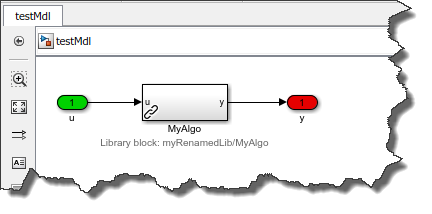
This week I discovered a super useful a feature of Simulink Projects.
Renaming a Library
If you are using Simulink Libraries to componentize your models, you very likely ran into the following... 더 읽어보기 >>

Some time ago, I wrote a blog post about how to implement a custom valve for the Simscape Hydraulic domain. Today I am happy to welcome guest bloggers Erin McGarrity and Ruth-Anne Marchant who will... 더 읽어보기 >>
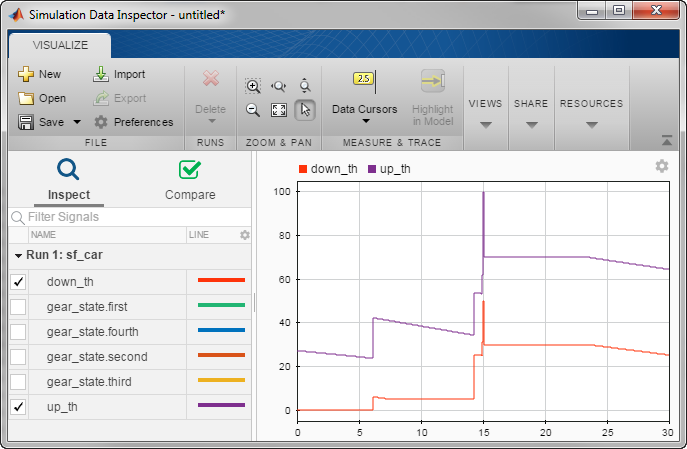
Today I want to describe a feature that is super useful, but not known enough: Logging states activity and data in Stateflow.
Logging Stateflow Data
If you want to quickly enable or disable logging... 더 읽어보기 >>
이 게시물은 작성자 개인의 의견이며, MathWorks 전체의 의견을 대변하는 것은 아닙니다.