Many of you have surely noticed that this blog took a sharp turn towards video content since I moved to the Advanced Support Group at the MathWorks in May. With all these videos, I have had to get… 더 읽어보기 >>

Many of you have surely noticed that this blog took a sharp turn towards video content since I moved to the Advanced Support Group at the MathWorks in May. With all these videos, I have had to get… 더 읽어보기 >>
This is one in a series of videos covering MATLAB basics. It is meant for the new MATLAB user. This video covers how a variety of visualizations that are available in MATLAB for surfaces. Video… 더 읽어보기 >>
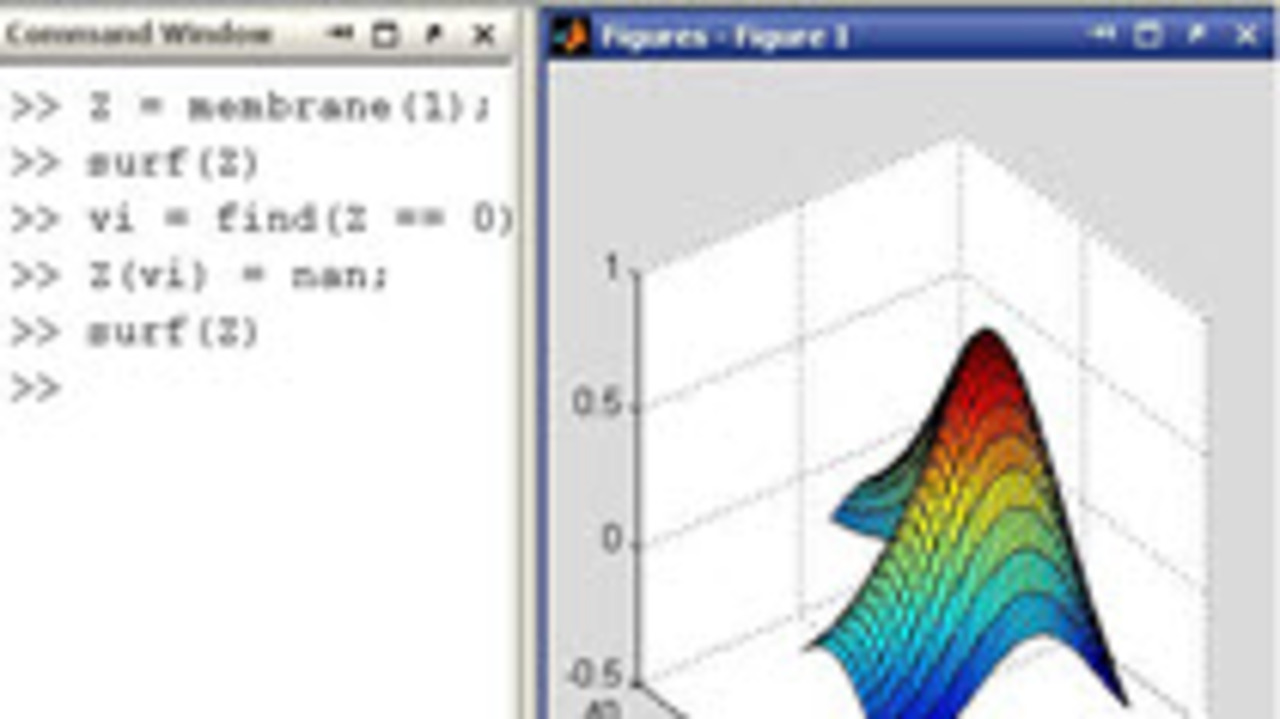
This is one in a series of videos covering MATLAB basics. It is meant for the new MATLAB user. This video covers how to uses NaN as placeholder data when plotting data so you can leave a gap where… 더 읽어보기 >>
Sometimes really good files fly under my radar here at the File Exchange. Thankfully, my buddy Brett noticed this little gem. Here is what he had to say about it: A customer recently mentioned that… 더 읽어보기 >>
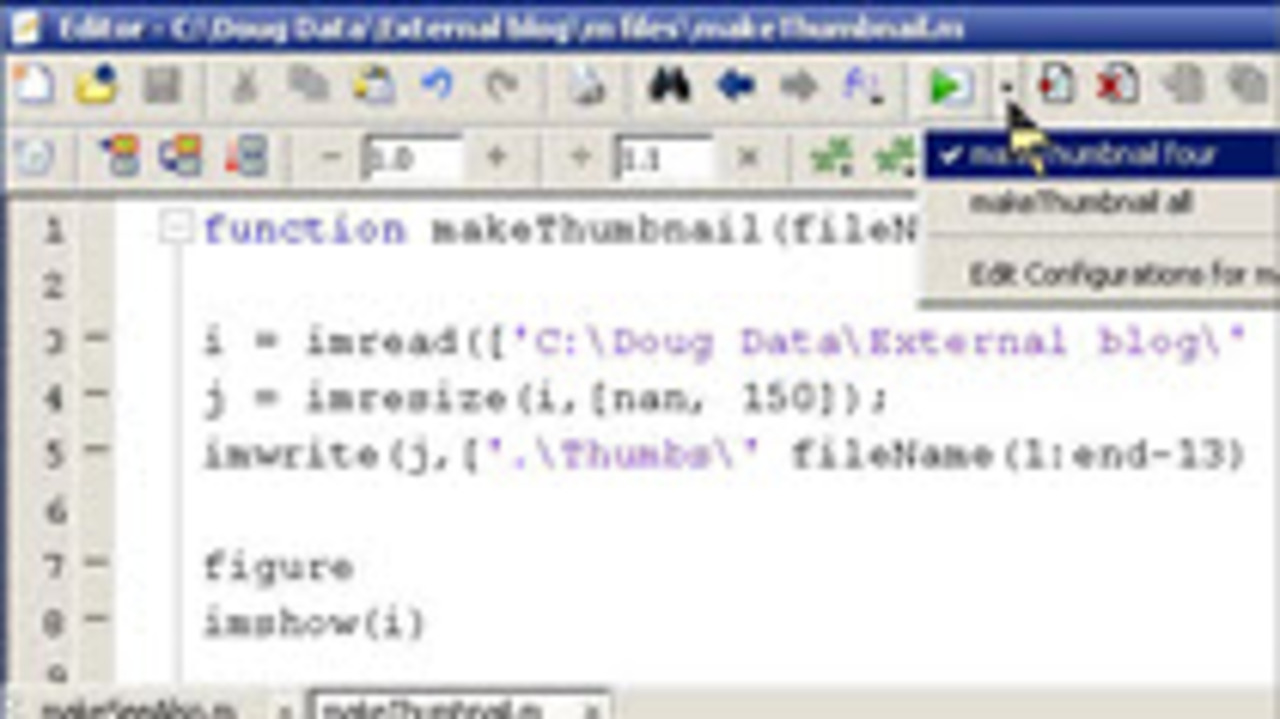
This cool feature will be useful to many MATLAB users that write functions and want an easy way to test them in multiple configurations. I like to hit F5 to save and run a script, but in the past… 더 읽어보기 >>
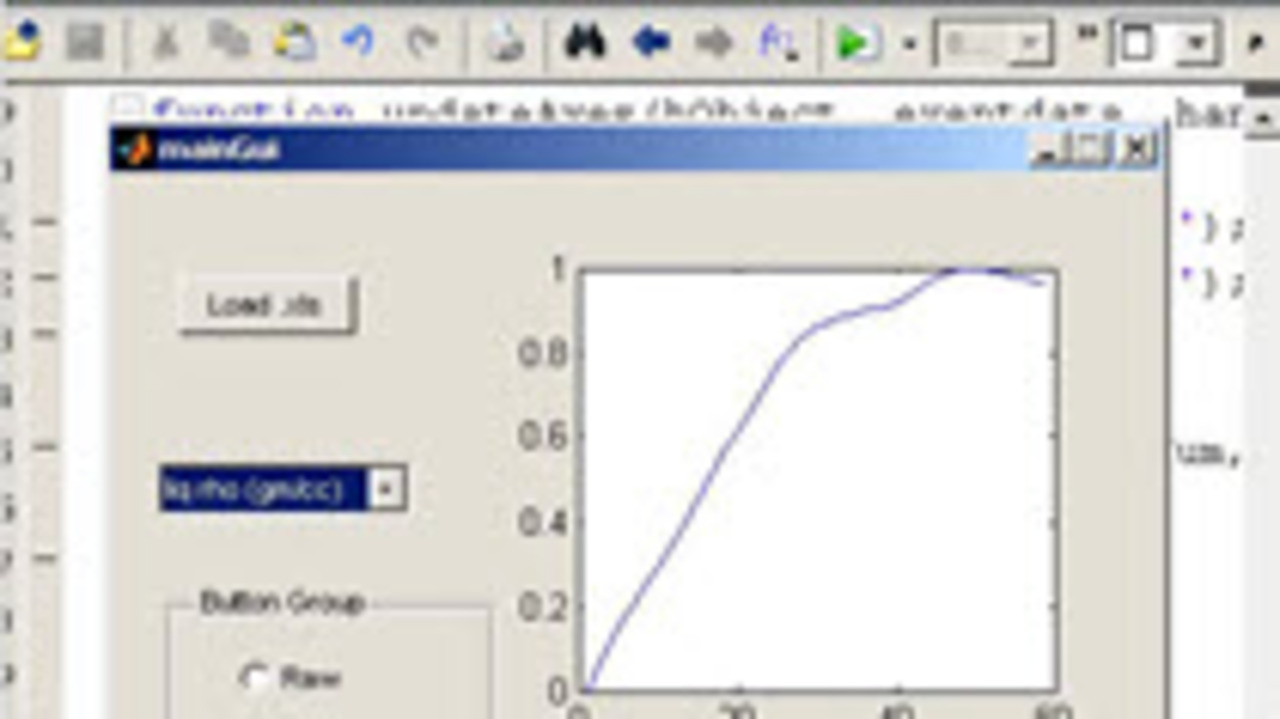
Last month we covered a lot of ground in making a GUI that would read and display Excel data. Since those videos were originally posted, I have gotten quite a few requests to expand the GUI to do… 더 읽어보기 >>
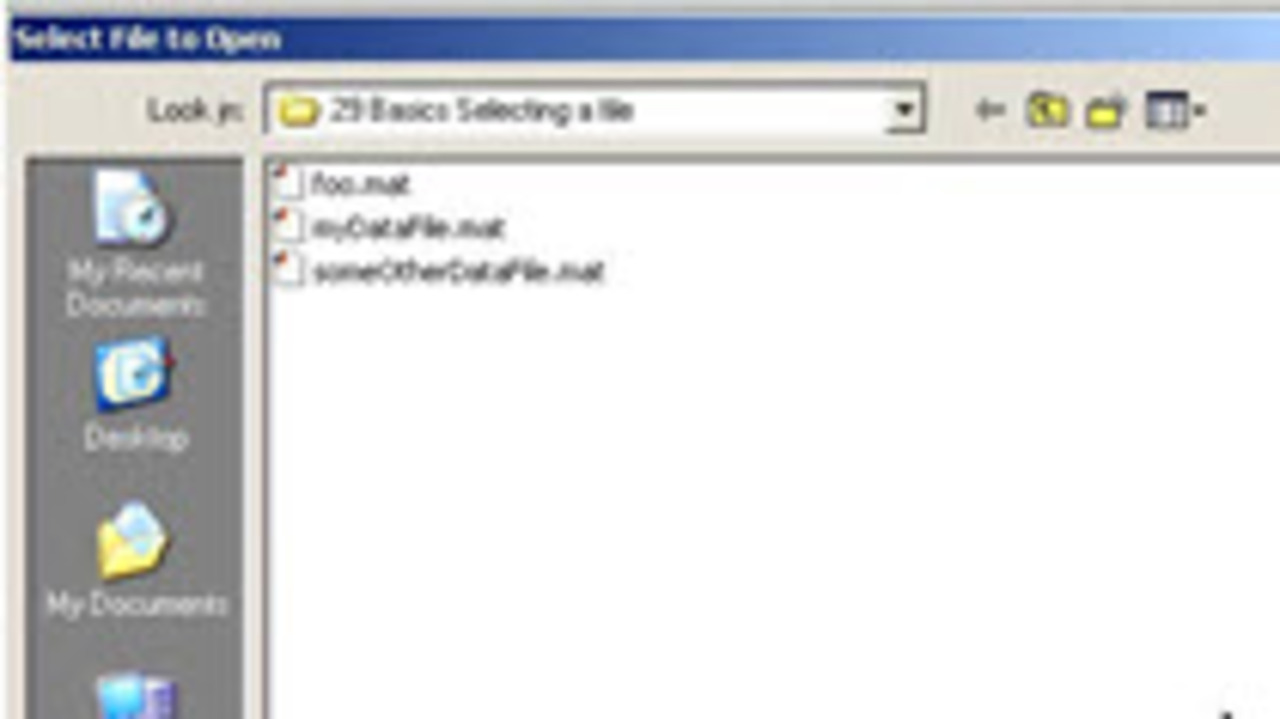
This is one in a series of videos covering MATLAB basics. It is meant for the new MATLAB user. This video covers how to use UIGETFILE to make it easier to select a file from a script, function or… 더 읽어보기 >>
This is one of a series of videos covering MATLAB basics. It is meant for the new MATLAB user. This video covers how to use built-in colormaps, edit them and apply them to your figures. if… 더 읽어보기 >>
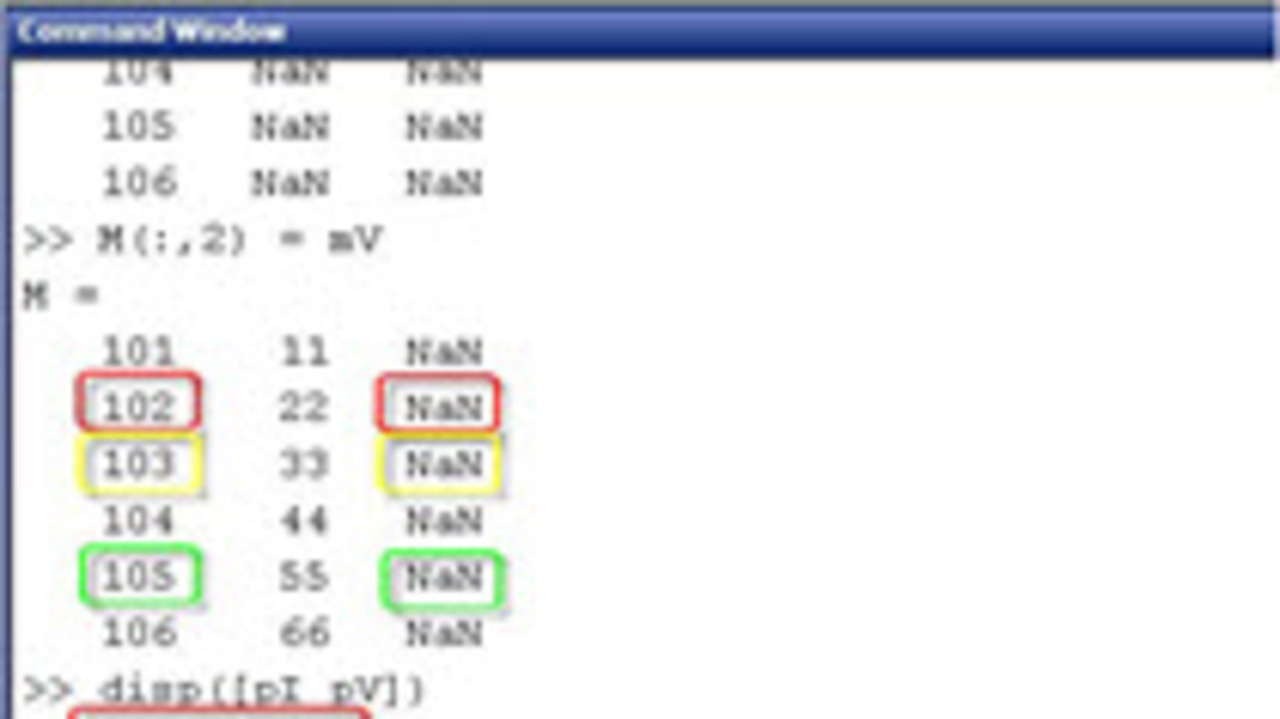
This is one in a series of videos covering MATLAB basics. It is meant for the new MATLAB user. This video covers how to take data from different matrices and merge it into one bigger matrix based… 더 읽어보기 >>
This is one in a series of videos covering MATLAB basics. It is meant for the new MATLAB user. This video covers how to concatenate vectors or matrices, even if they are different lengths. This… 더 읽어보기 >>
이 게시물은 작성자 개인의 의견이며, MathWorks 전체의 의견을 대변하는 것은 아닙니다.
