
Are you familiar with the meaning of auto for the Absolute tolerance of Simulink variable-step solvers?
In R2017a, we decided to change the meaning of auto for the Absolute Tolerance... If your model... 더 읽어보기 >>

Are you familiar with the meaning of auto for the Absolute tolerance of Simulink variable-step solvers?
In R2017a, we decided to change the meaning of auto for the Absolute Tolerance... If your model... 더 읽어보기 >>
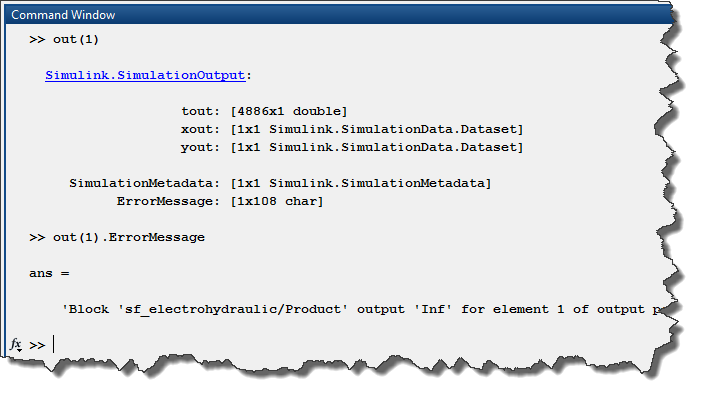
Some time ago, I wrote a series of posts to highlight the different factors to take into account when trying to run simulations in parallel. In R2017a, we are making it significantly easier with the... 더 읽어보기 >>
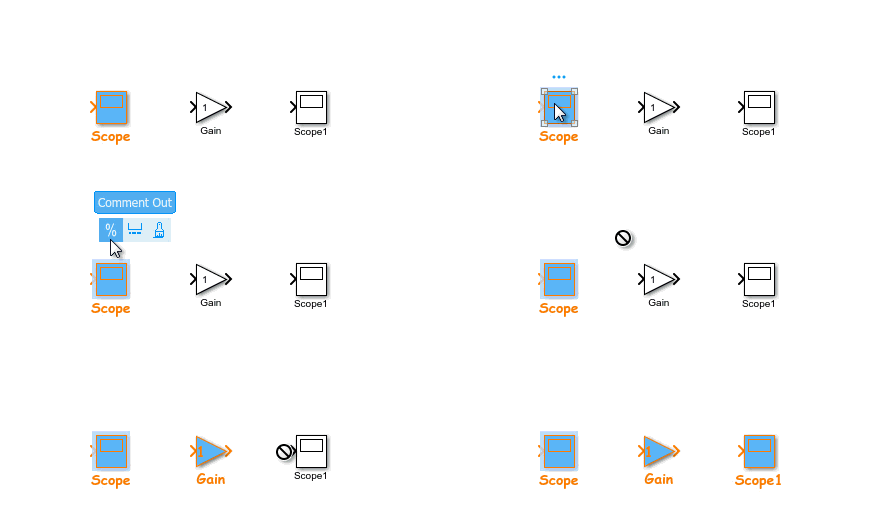
MATLAB R2017a is now available for download. For this first post about R2017a, I want to highlight features that will help you creating models more efficiently.
Simplified Subsystem Bus Interfaces
I... 더 읽어보기 >>


This week, we are finally diving into the Initialize Function, Reset Function and Terminate Function blocks.
As a starting point, I recommend looking at this video about Initialize and Terminate... 더 읽어보기 >>
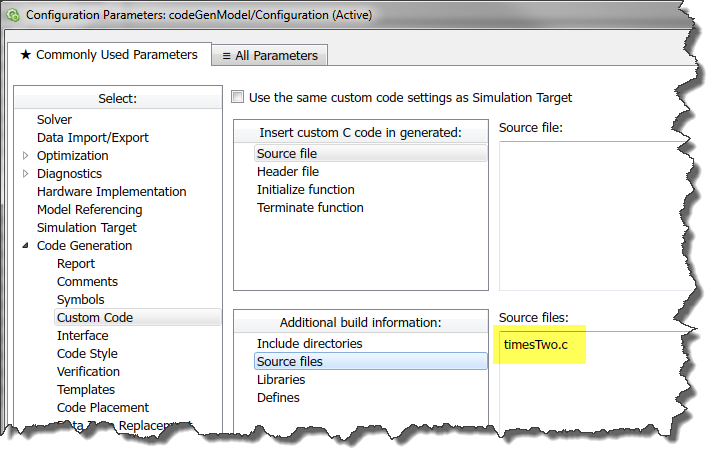
This week, I want to introduce another feature that becomes useful when combined with the Initialize Function, Reset Function and Terminate Function blocks.
In R2014b, Simulink Functions got... 더 읽어보기 >>
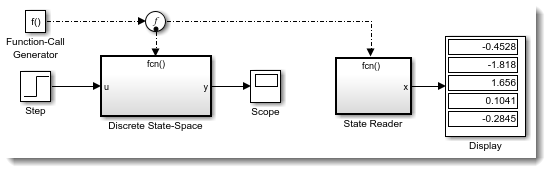
As mentioned in my previous post, I have been trying for some time to write about the new Initialize Function, Reset Function and Terminate Function introduced in R2016b. However, every time I end up... 더 읽어보기 >>
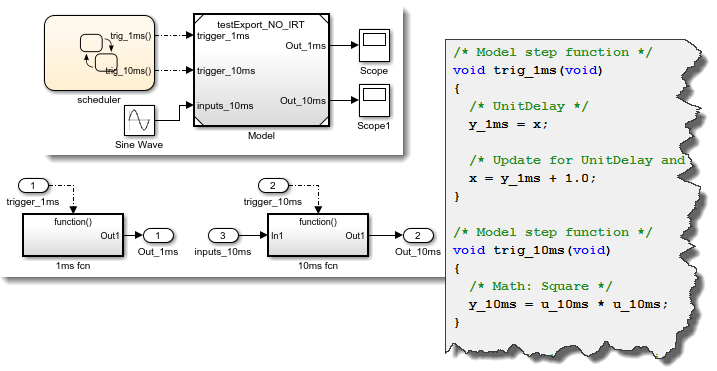
I started writing this post with the goal of talking about the new Initialize Function, Reset Function and Terminate Function blocks, along with the closely related State Reader and State Writer... 더 읽어보기 >>
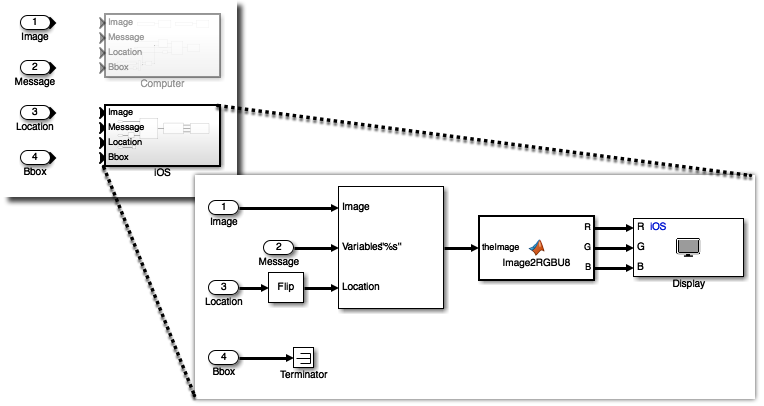
The other day, a user told me: That would be cool if we could program apps for smartphones using Simulink. Guess what my answer was: Of course you can! Simulink Support Packages for Apple iOS... 더 읽어보기 >>

The first time you will try searching for blocks or parameters in MATLAB R2016b, you will notice that the interface of the Find Tool has been completly re-designed.
Try hitting Ctrl+F in a model,... 더 읽어보기 >>

Today we are having a quick post to highlight the 2016 edition of the Simulink Student Challenge
You are a student and you are working on a project involving Simulink? Create a video describing your... 더 읽어보기 >>
이 게시물은 작성자 개인의 의견이며, MathWorks 전체의 의견을 대변하는 것은 아닙니다.