
Are you familiar with the meaning of auto for the Absolute tolerance of Simulink variable-step solvers?
In R2017a, we decided to change the meaning of auto for the Absolute Tolerance... If your model... read more >>

Are you familiar with the meaning of auto for the Absolute tolerance of Simulink variable-step solvers?
In R2017a, we decided to change the meaning of auto for the Absolute Tolerance... If your model... read more >>

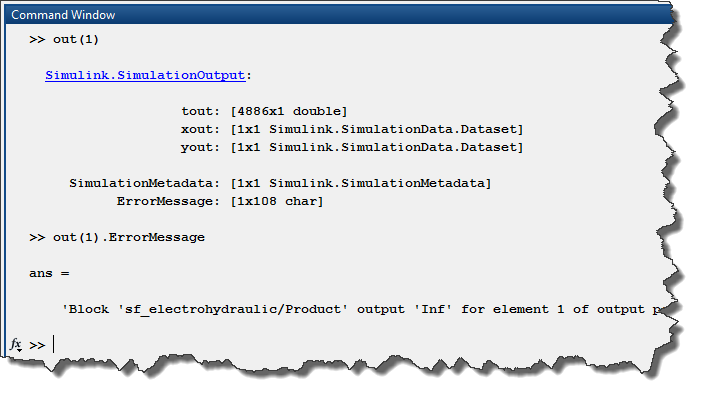
Some time ago, I wrote a series of posts to highlight the different factors to take into account when trying to run simulations in parallel. In R2017a, we are making it significantly easier with the... read more >>
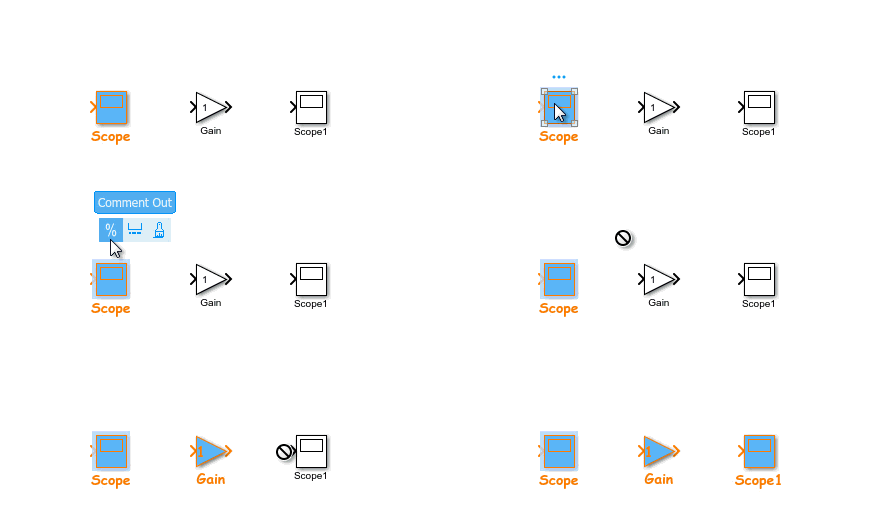
MATLAB R2017a is now available for download. For this first post about R2017a, I want to highlight features that will help you creating models more efficiently.
Simplified Subsystem Bus Interfaces
I... read more >>

This week, we are finally diving into the Initialize Function, Reset Function and Terminate Function blocks.
As a starting point, I recommend looking at this video about Initialize and Terminate... read more >>
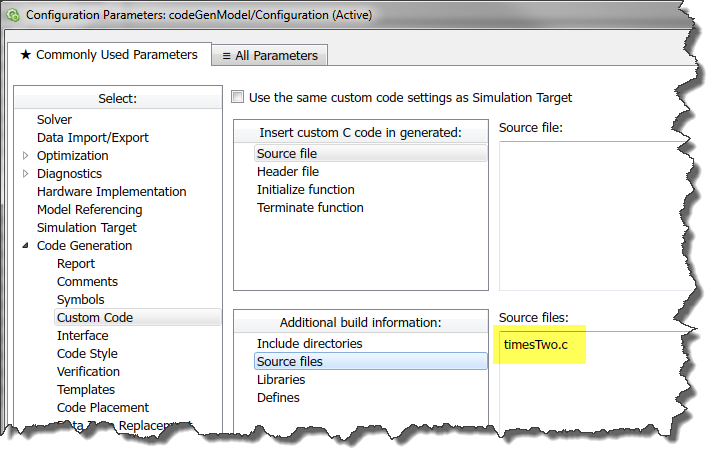
This week, I want to introduce another feature that becomes useful when combined with the Initialize Function, Reset Function and Terminate Function blocks.
In R2014b, Simulink Functions got... read more >>
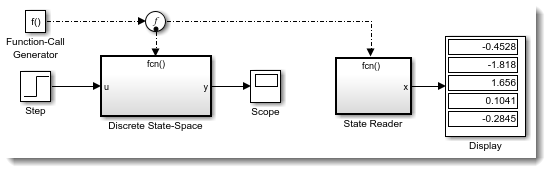
As mentioned in my previous post, I have been trying for some time to write about the new Initialize Function, Reset Function and Terminate Function introduced in R2016b. However, every time I end up... read more >>
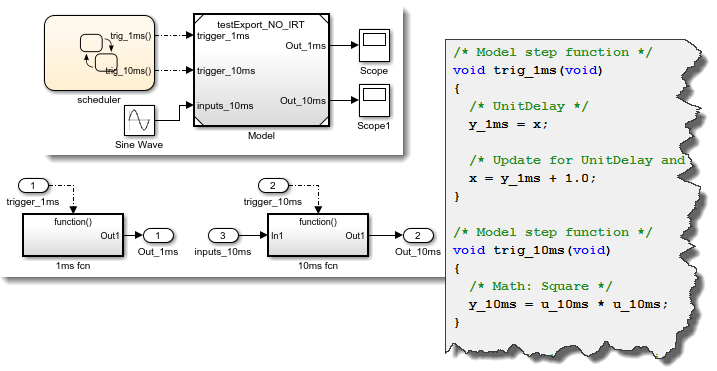
I started writing this post with the goal of talking about the new Initialize Function, Reset Function and Terminate Function blocks, along with the closely related State Reader and State Writer... read more >>
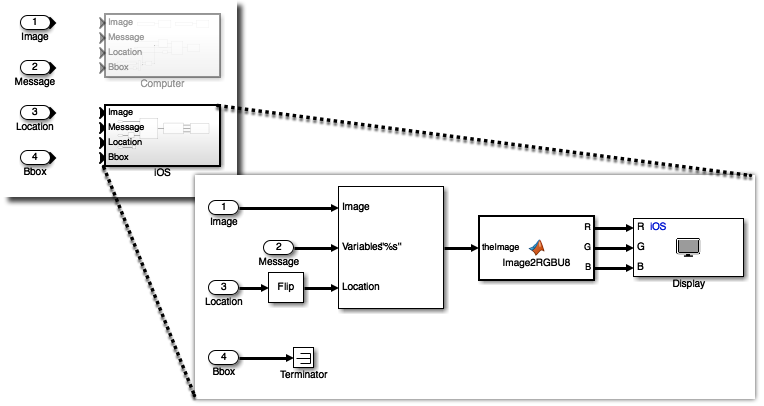
The other day, a user told me: That would be cool if we could program apps for smartphones using Simulink. Guess what my answer was: Of course you can! Simulink Support Packages for Apple iOS... read more >>

The first time you will try searching for blocks or parameters in MATLAB R2016b, you will notice that the interface of the Find Tool has been completly re-designed.
Try hitting Ctrl+F in a model,... read more >>

Today we are having a quick post to highlight the 2016 edition of the Simulink Student Challenge
You are a student and you are working on a project involving Simulink? Create a video describing your... read more >>
These postings are the author's and don't necessarily represent the opinions of MathWorks.