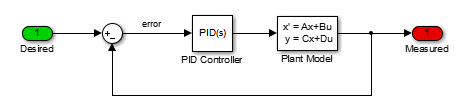
Working in technical support, I see a lot of Simulink models from users. I have realized that many users do not know how to, or do not take the time to configure the ports of the Sum block. For... 더 읽어보기 >>

Working in technical support, I see a lot of Simulink models from users. I have realized that many users do not know how to, or do not take the time to configure the ports of the Sum block. For... 더 읽어보기 >>
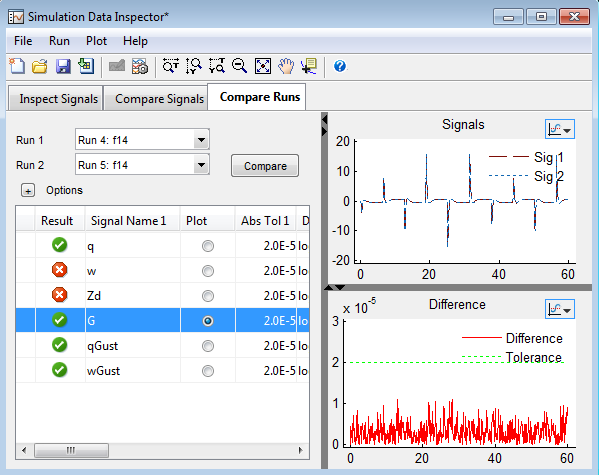
Do you use the Simulation Data Inspector? Here is an example where it saved me a lot of debugging time. Simulation Accuracy I recently had to validate system behavior and analyze numerical... 더 읽어보기 >>
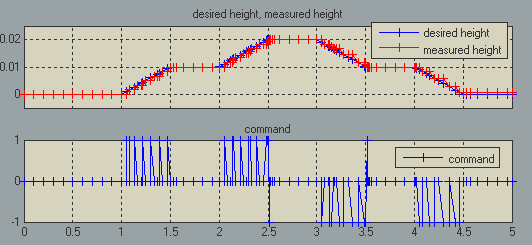
When using Simulink variable-step solvers, zero-crossing detection is very useful to capture events accurately. However for some equations, configuring zero-crossing detection can be... 더 읽어보기 >>
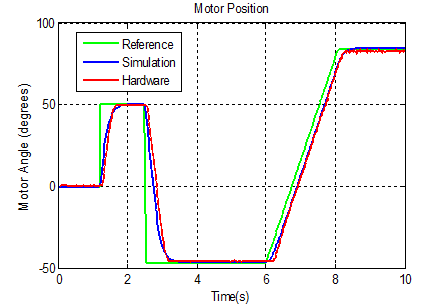
This week my colleague Pravallika is back to continue her motor control story!
In my previous post, we saw how to estimate continuous transfer functions with System Identification Toolbox. We… 더 읽어보기 >>

As you may know, it is easy to run Simulink models on a set of supported target hardware. This has been possible since R2012a. Even if we add more targets and support more features for each target... 더 읽어보기 >>
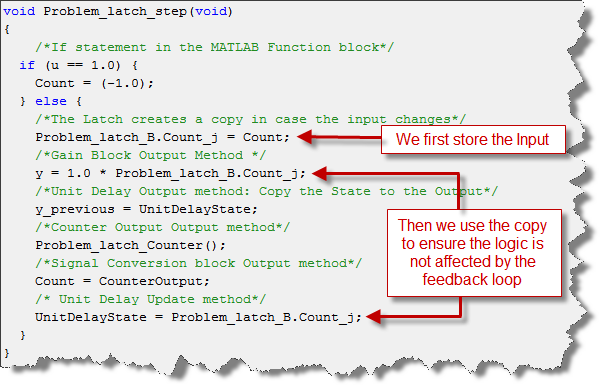
Yesterday I explained to a colleague the effect of the Inport block option Latch input for feedback signals of function-call subsystem outputs . I thought it would be interesting to share... 더 읽어보기 >>
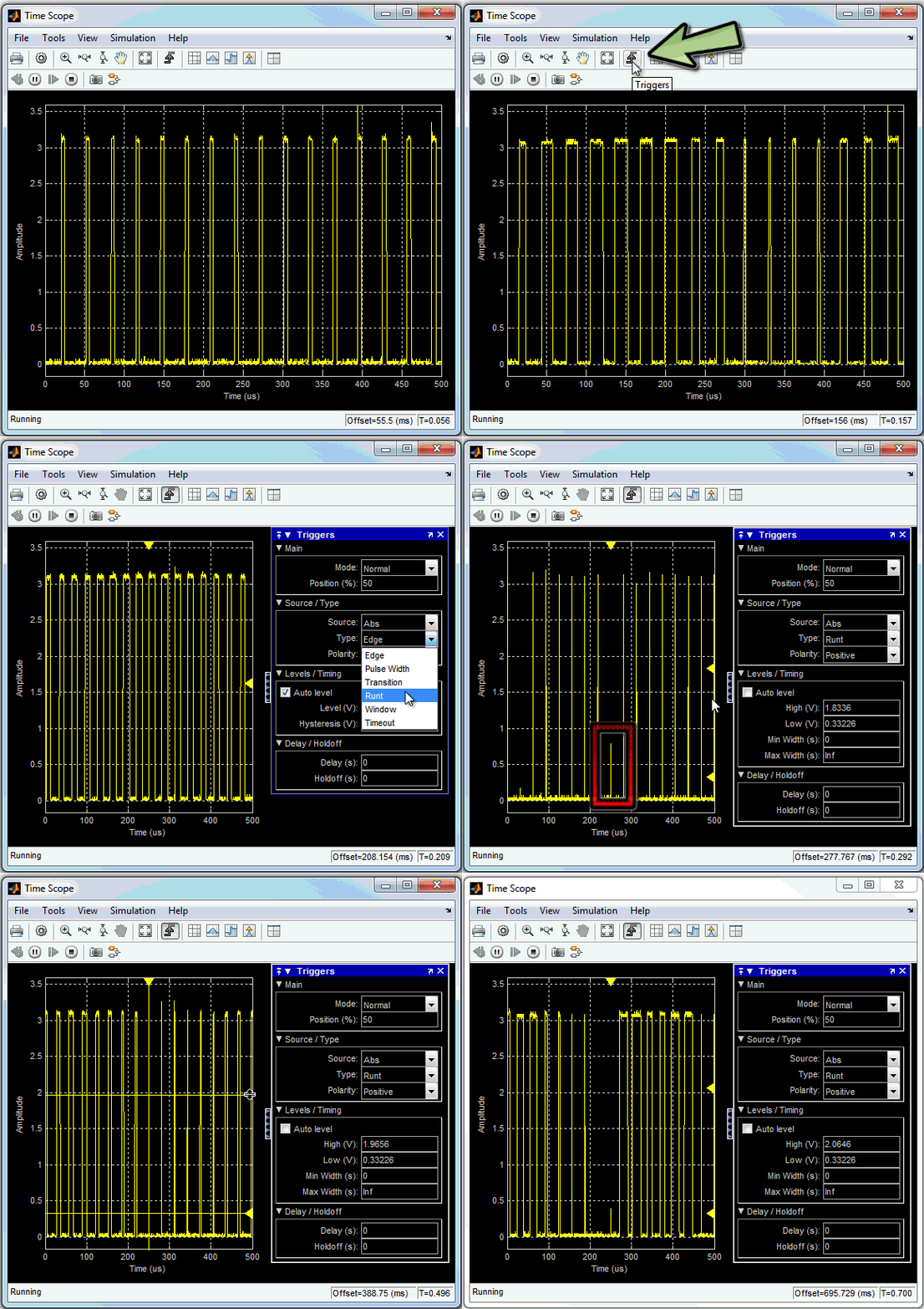
Today we are happy to welcome guest blogger Kirthi Devleker to talk about a new trigger functionality added to the Time Scope in R2013a. Did you know that a Trigger functionality is now available... 더 읽어보기 >>

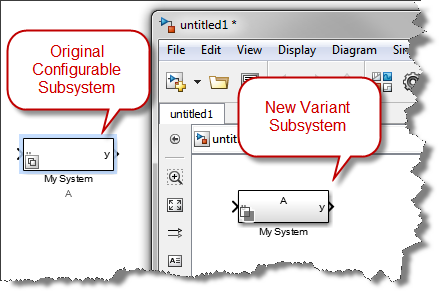
If you are a user of Configurable Subsystems, it is time to start thinking about making the switch to Variant Systems. Simulink Variants provide increased functionality over Configurable... 더 읽어보기 >>
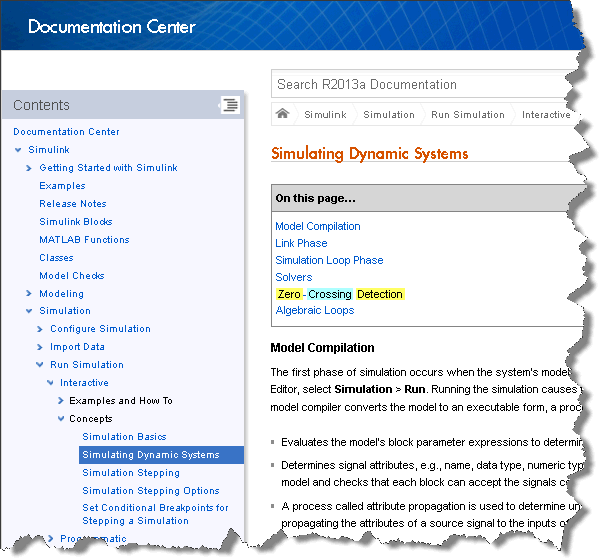
MATLAB R2013a is now available for download! At the end of this post, I reveal my favorite feature in R2013a… what will it be?
For an overview of the new features, you can watch this release… 더 읽어보기 >>
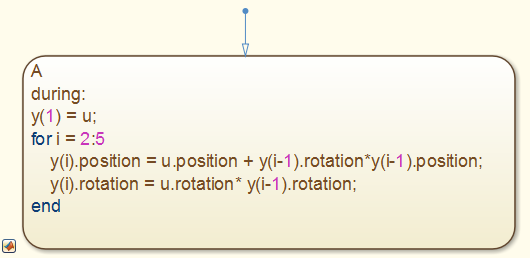
Have you noticed a new block in the Stateflow Library since R2012b? The MATLAB Chart block uses MATLAB as the action language for states and transitions in Stateflow. This means that you... 더 읽어보기 >>
이 게시물은 작성자 개인의 의견이며, MathWorks 전체의 의견을 대변하는 것은 아닙니다.