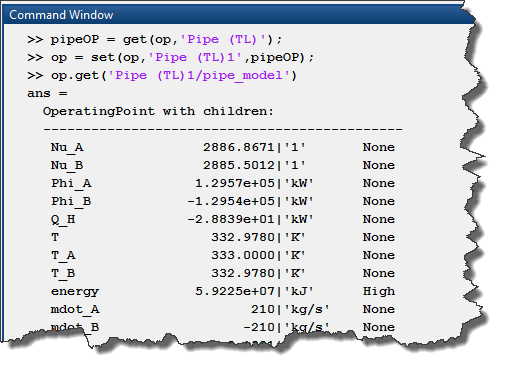
In MATLAB R2017b, we added capabilities to manage operating points for Simscape models.
In this post, I will show an example of how to use this feature, and describe the possibilities it... read more >>

In MATLAB R2017b, we added capabilities to manage operating points for Simscape models.
In this post, I will show an example of how to use this feature, and describe the possibilities it... read more >>

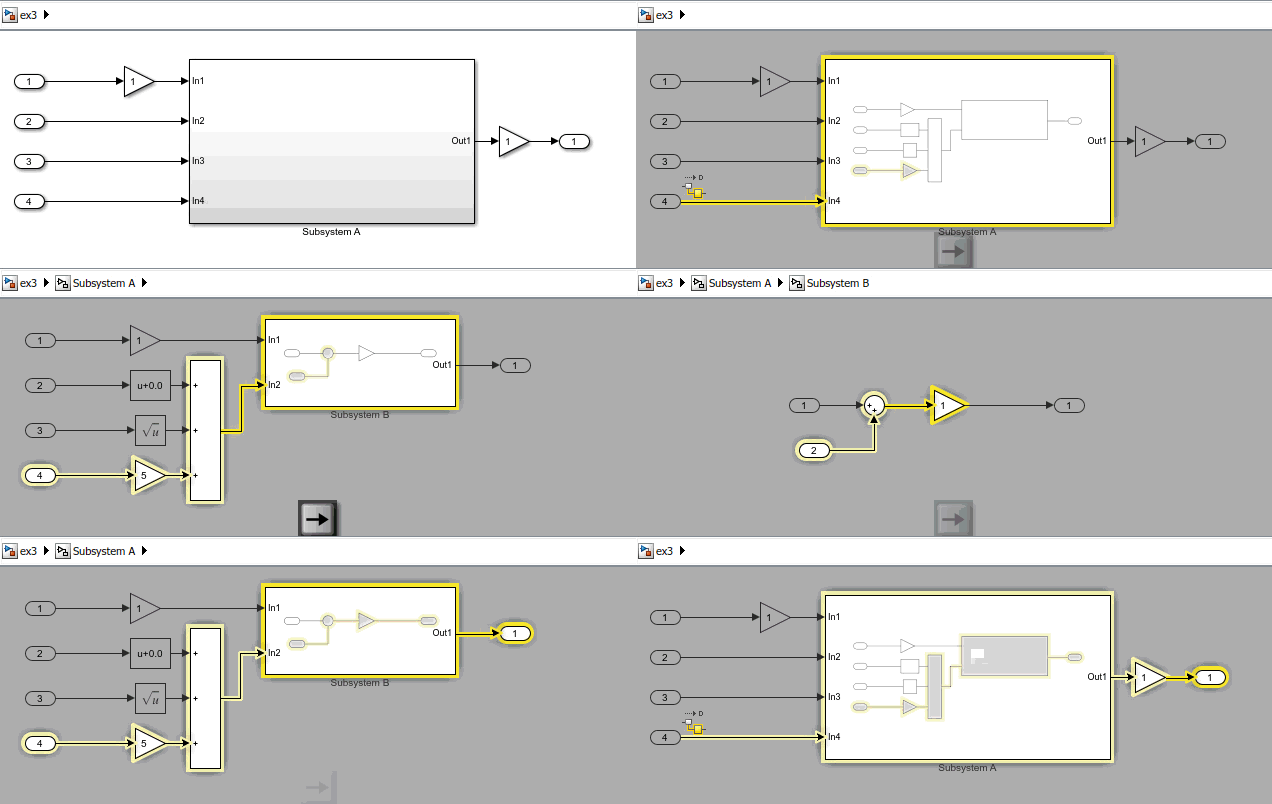
In the United States, Thanksgiving weekend is probably the weekend where the roads are the busiest. For those of you who got stuck in traffic to visit family and friends this past weekend, I thought... read more >>

You know what I did this weekend? Yes, as the title of this post says, I deployed custom flight control software to my Parrot Rolling Spider Minidrone
Simulink Support Package for Parrot... read more >>

A long time ago, Seth wrote a post showing how to count the number of blocks in a model, including referenced models. At that time, using the functions find_mdlrefs to find all the referenced models... read more >>

Last week I described how to model a box on a moving table using Simulink subsystems as Stateflow state.
As it is the case for most systems, there are many ways to model this box-table system in... read more >>

Today I want to highlight a new feature that makes continuous-time modeling in Stateflow clearer and more powerful: Simulink Subsystems as States.
Background
In case you did not know, for many... read more >>

MATLAB R2017b has recently been released. For this first post about R2017b, I want to highlight a feature that I think most of you will find very useful: The Simulation Manager
The Simulation Manager... read more >>
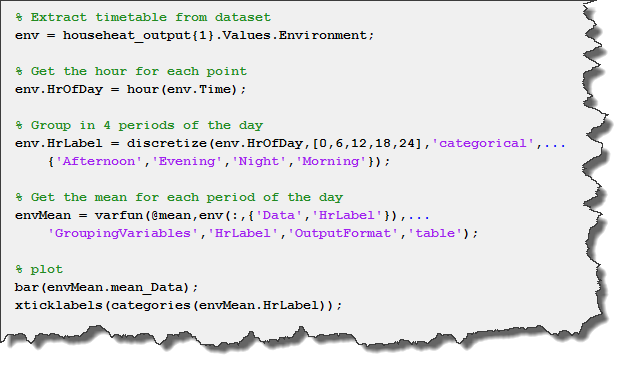
In case you did not notice, MATLAB R2016b introduced a new type of table: timetables. Because Simulink logs data over time, we decided in R2017a to give the possibility to use this format for signal... read more >>
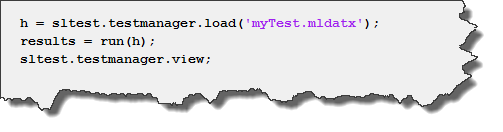
Today, Ajay Puvvala is back to talk about testing.
Recapitulation
In last week's post, we looked at how we could apply MATLAB Unit Testing Framework to Simulink context. We authored a scripted test... read more >>
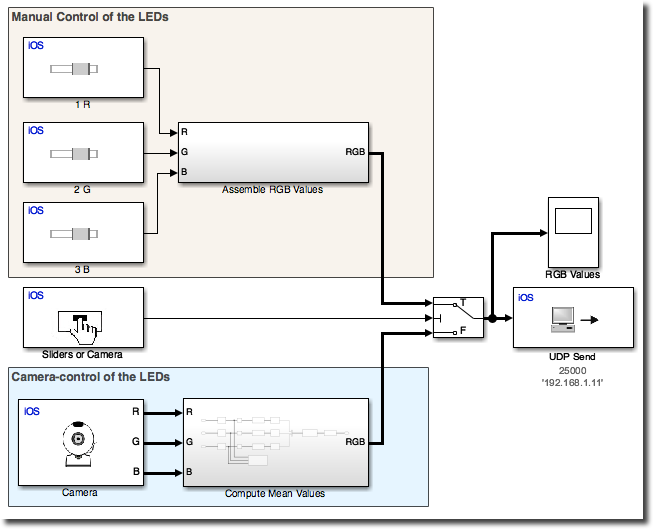
This week Mariano Lizarraga Fernandez is back to describe some cool stuff he came up with, using the iPhone and iPad Support from Simulink in combination with the Raspberry Pi Support from... read more >>