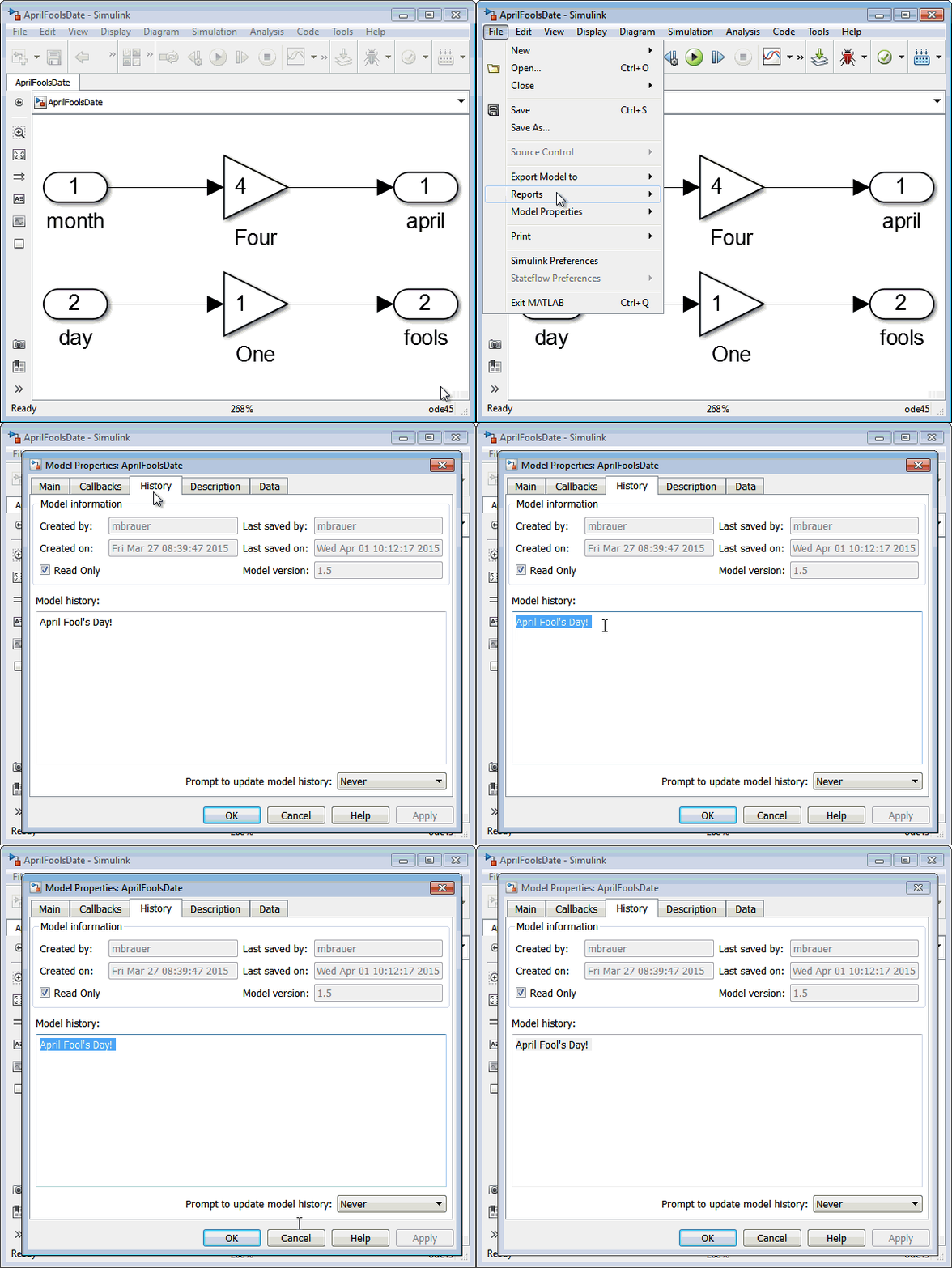
With Easter just a few days away, we thought it was a good time to share some little known Easter eggs that exist in Simulink. Philosophical Annotations Many MATLAB users are aware of the... 더 읽어보기 >>

With Easter just a few days away, we thought it was a good time to share some little known Easter eggs that exist in Simulink. Philosophical Annotations Many MATLAB users are aware of the... 더 읽어보기 >>

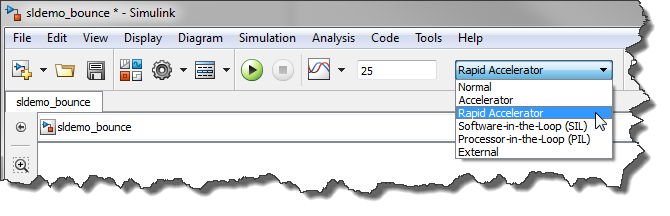
Update: If you are using a newer version of MATLAB, I recommend visiting Getting the most out of Rapid Accelerator mode – Version R2023b. The syntax to tune variables has been significantly improved... 더 읽어보기 >>
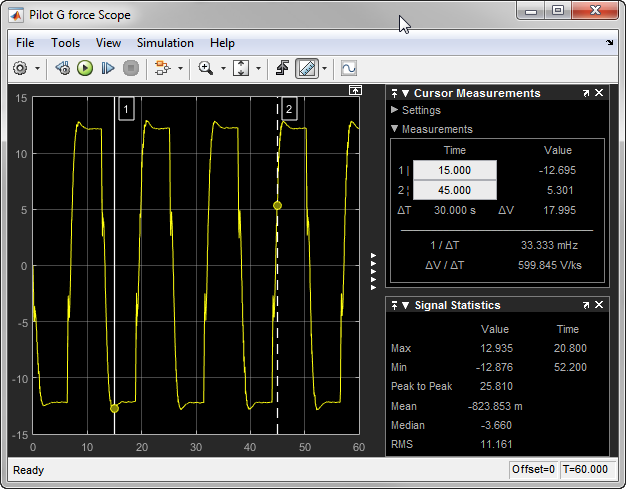
MATLAB R2015a just went live, let's explore some of the new features. Dashboard Library In R2015a, you will find a new Dashboard section in the Simulink Library Browser with many controls and... 더 읽어보기 >>

This week we are welcoming guest blogger Tim Hosey from the Simulink Project development team. Introduction In this blog post I will highlight how Simulink Project can be used to manage... 더 읽어보기 >>
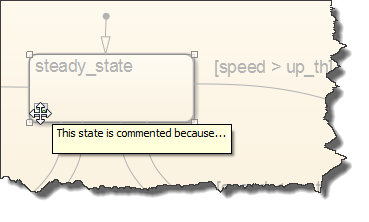
I am so happy right now! Since R2012b, it has been possible to comment out blocks in Simulink. As soon as this feature was released, it immediately became popular among all the users I... 더 읽어보기 >>
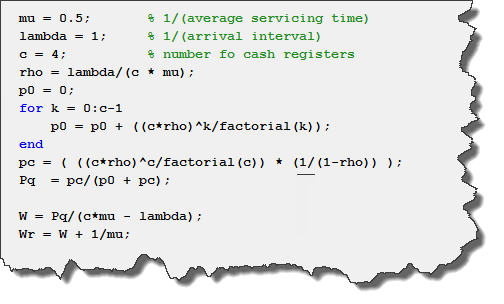
Today I am very happy to welcome guest blogger Ramamurthy Mani who works in our development organization.
Introduction
Have you ever been in a supermarket checkout and wondered why you are in the… 더 읽어보기 >>

Today I want to share a discussion I had with a few fellow guest bloggers: Corey Lagunowich, Zack Peters, Matt Brauer and Seth Popinchalk. Deflate-gate Corey: Hey guys, did you hear about the... 더 읽어보기 >>
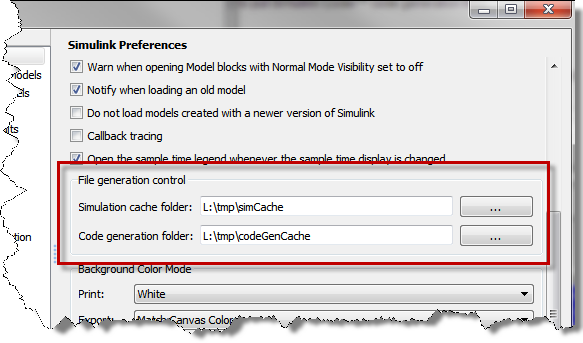
Simulink often needs to generate files to simulate a model. An example of this is the model reference simulation target. Today I will describe a few option to control where those files are... 더 읽어보기 >>
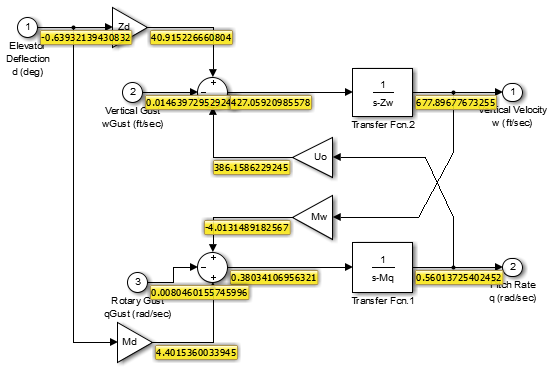
This week, I am working on a project with MathWorks consulting where I have been asked to implement in Simulink a simulator already existing in a different language. As you can imagine, to debug... 더 읽어보기 >>
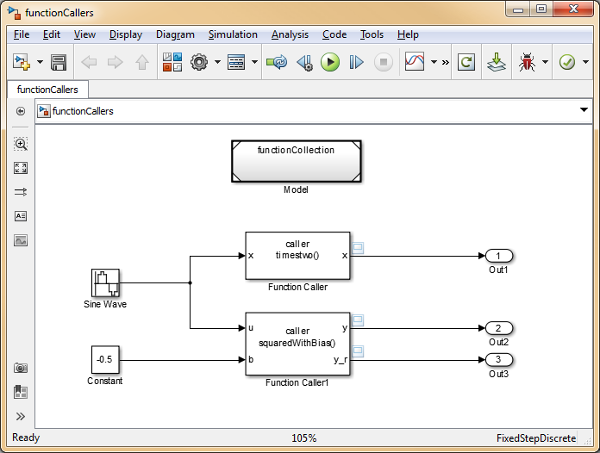
The release of R2014b brought a time-honored Stateflow feature up to the model level: Simulink Functions. These blocks, analogous to stand-alone MATLAB functions, promote modularity and reuse by... 더 읽어보기 >>
이 게시물은 작성자 개인의 의견이며, MathWorks 전체의 의견을 대변하는 것은 아닙니다.